These are a set of bash scripts for building and running PHP 7 (CLI and FPM) on Debian based Linux distributions:
-
build.shinstalls the necessary build dependencies and the latest stable version of PHP with CLI and FPM server APIs (SAPI) from the latest PHP 7 branch of https://github.com/php/php-src. -
install.shsets up PHP-FPM by moving configuration files into their correct locations in/usr/local/php7and enables thephp7-fpmservice and adds it to the startup sequence.
Please note that these are very simple scripts that don't implement error checking or process validation.
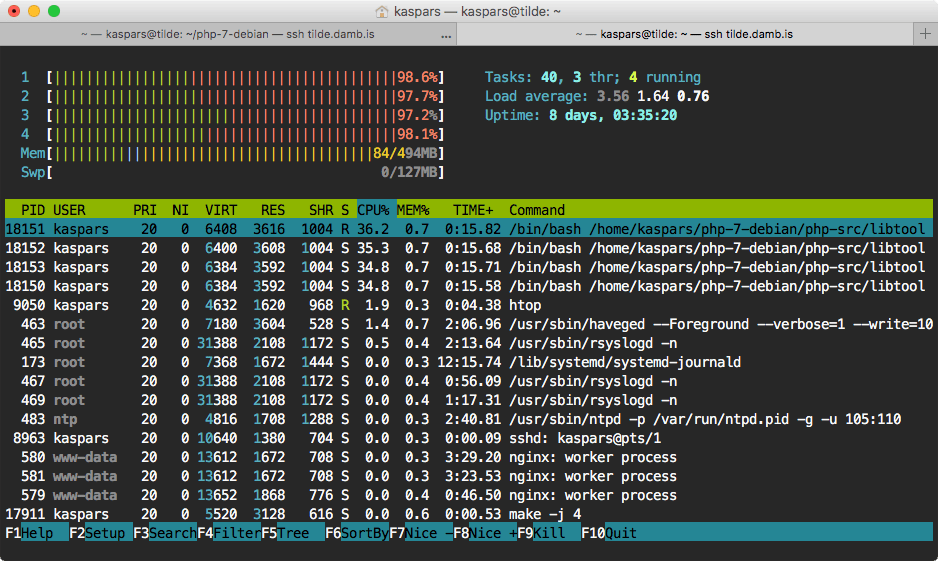
$ git clone https://github.com/kasparsd/php-7-debian.git $ cd php-7-debian $ ./build.sh $ sudo ./install.sh On systems with little amount of RAM such as Raspberry Pi you might want to decrease the number of parallel make jobs by passing the JOB_COUNT variable:
$ JOB_COUNT=1 ./build.sh The default job count is equal to the number of CPU cores.
The PHP-FPM can be operated using the php7-fpm init script:
Usage: /etc/init.d/php7-fpm {start|stop|status|restart|reload|force-reload} while the FPM socket is available at
127.0.0.1:9007 and PHP CLI at /usr/local/php7/bin/php.
Pull down the latest changes from this repository git pull and run ./build.sh.
All PHP configuration files are stored under /usr/local/php7:
/usr/local/php7/lib/php.ini /usr/local/php7/etc/php-fpm.conf /usr/local/php7/etc/php-fpm.d/www.conf /usr/local/php7/etc/conf.d/modules.ini while the Debian init script is added to:
/etc/init.d/php7-fpm Here is a list of PHP modules that are enabled by default in this build:
$ /usr/local/php7/bin/php -m [PHP Modules] bcmath bz2 calendar Core ctype curl date dba dom exif fileinfo filter ftp gd gettext hash iconv intl json libxml mbstring mysqli mysqlnd openssl pcntl pcre PDO pdo_mysql pdo_sqlite Phar posix pspell readline Reflection session shmop SimpleXML soap sockets SPL sqlite3 standard sysvmsg sysvsem sysvshm tokenizer wddx xml xmlreader xmlwriter Zend OPcache zip zlib [Zend Modules] Zend OPcache Please note that you need to restart php7-fpm to activate the extension.
$ cd php-7-debian/extensions $ ./memcached-build.sh $ ./memcached-install.sh $ cd php-7-debian/extensions $ ./imagick-build.sh $ ./imagick-install.sh - Created by Kaspars Dambis
- Contributors: Piotr Plenik
- Based on
php7.shby Tom Van Looy