
Takes in a GIF, short video, or a query to the Tenor GIF API and converts it to animated ASCII art. Animation and color support are performed using ANSI escape sequences.
Example use cases:
- run
gif-for-cliin your.bashrcor.profileto get an animated ASCII art image as your MOTD! - git hooks ;)
This script will automatically detect how many colors the current terminal uses and display the correct version:
| Original GIF | No Colors Supported | 256 Colors Supported | 256 Colors Supported (with foreground and background colors) | Truecolor Supported |
|---|---|---|---|---|
 | 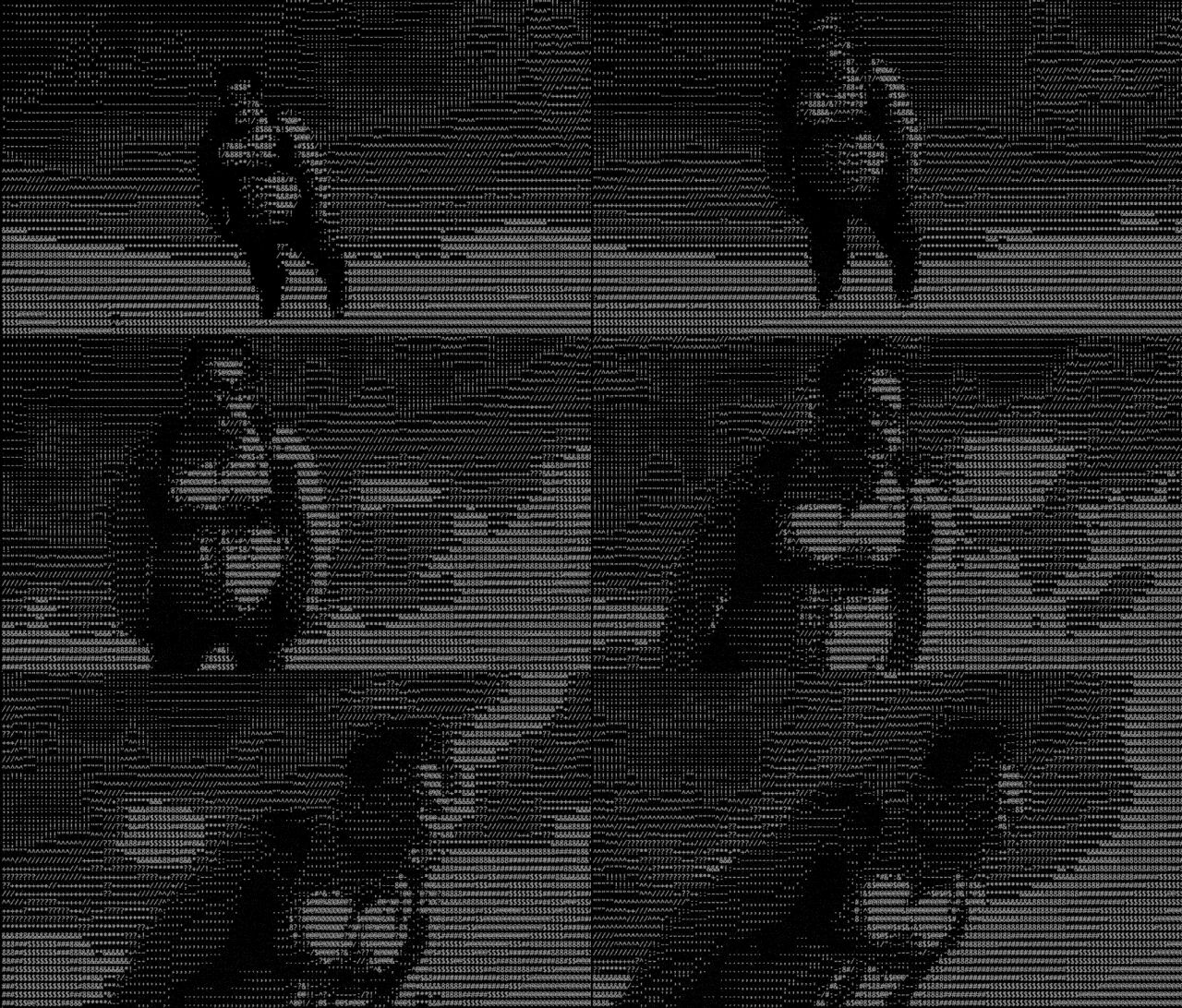 | 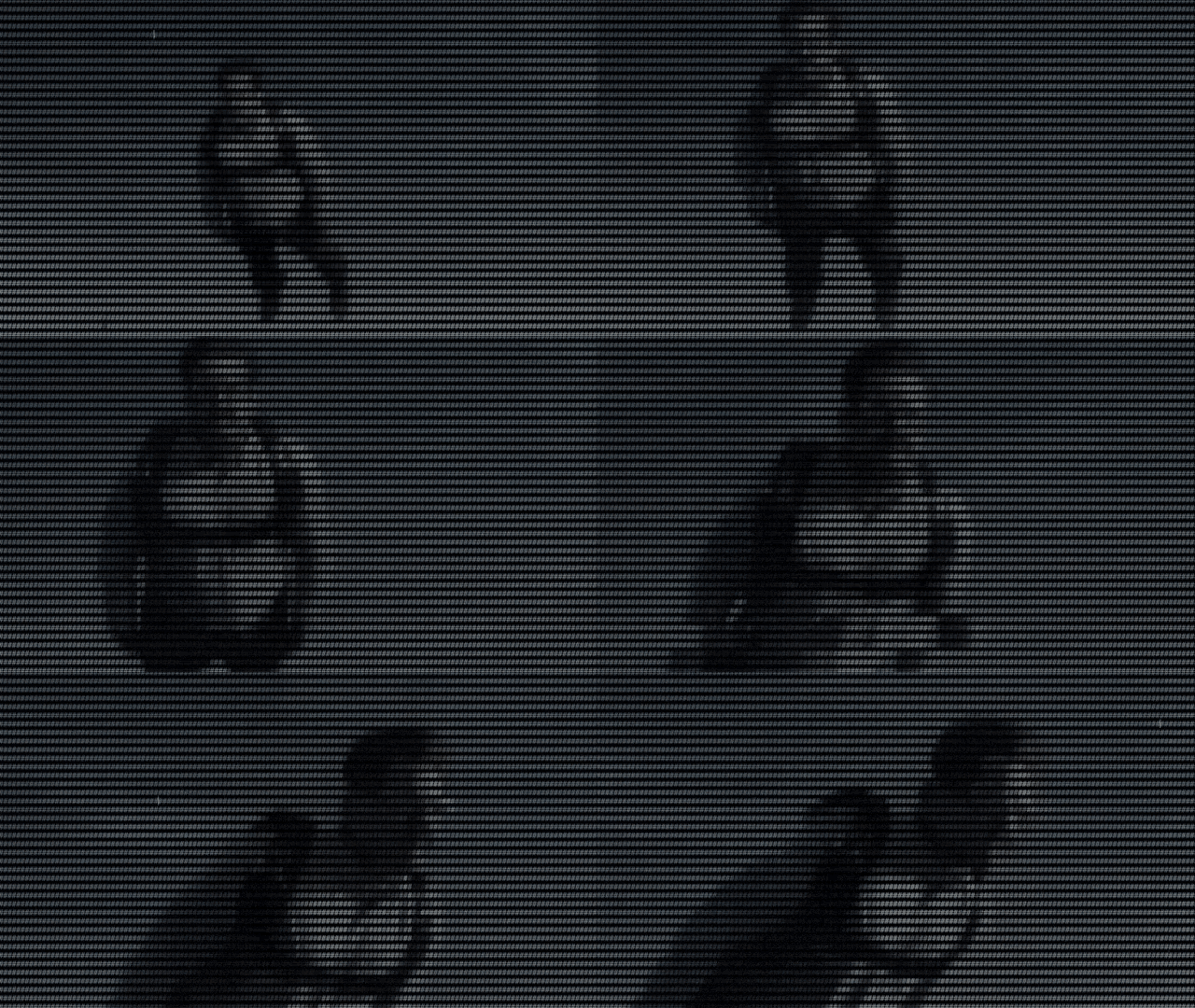 | 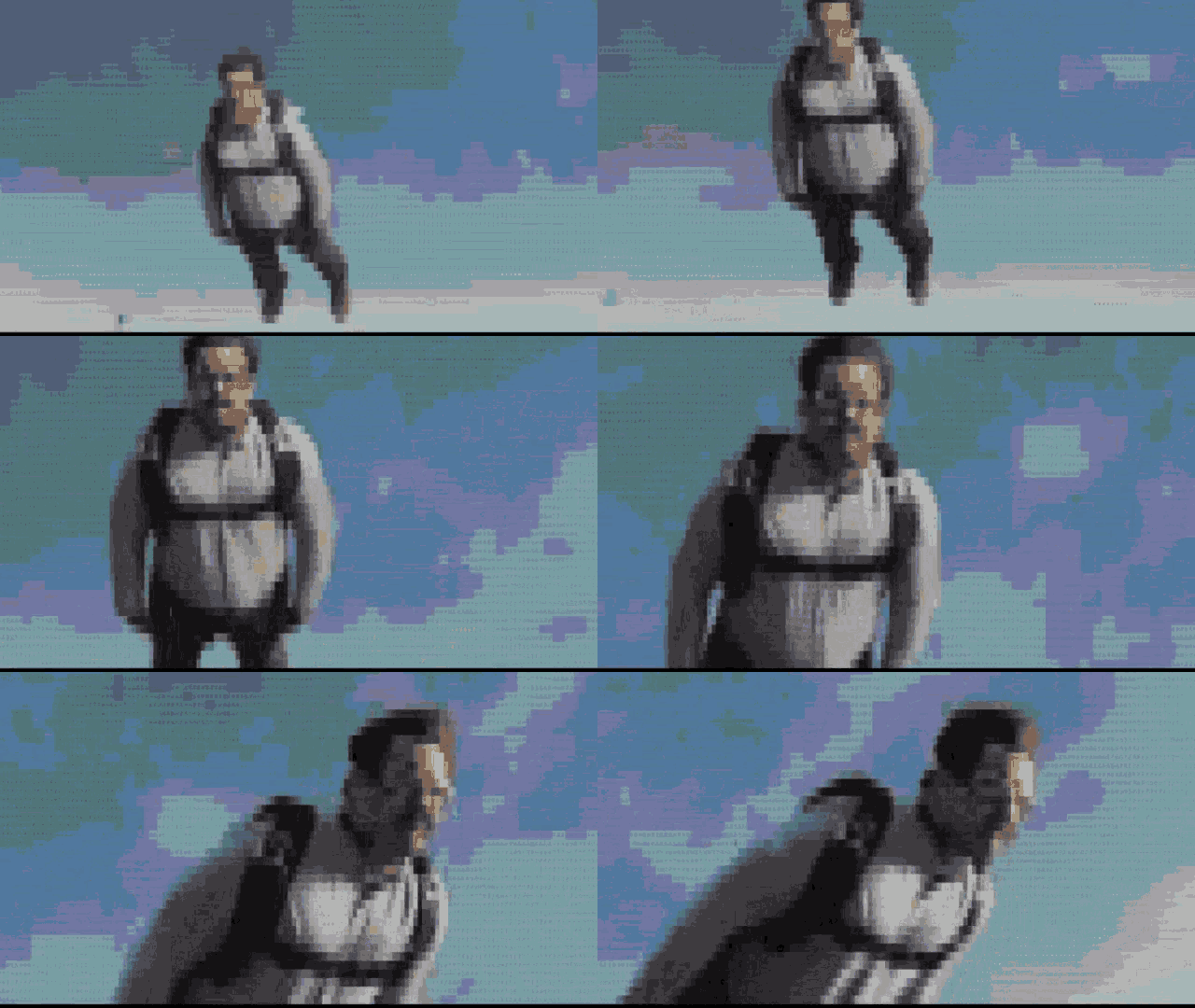 | 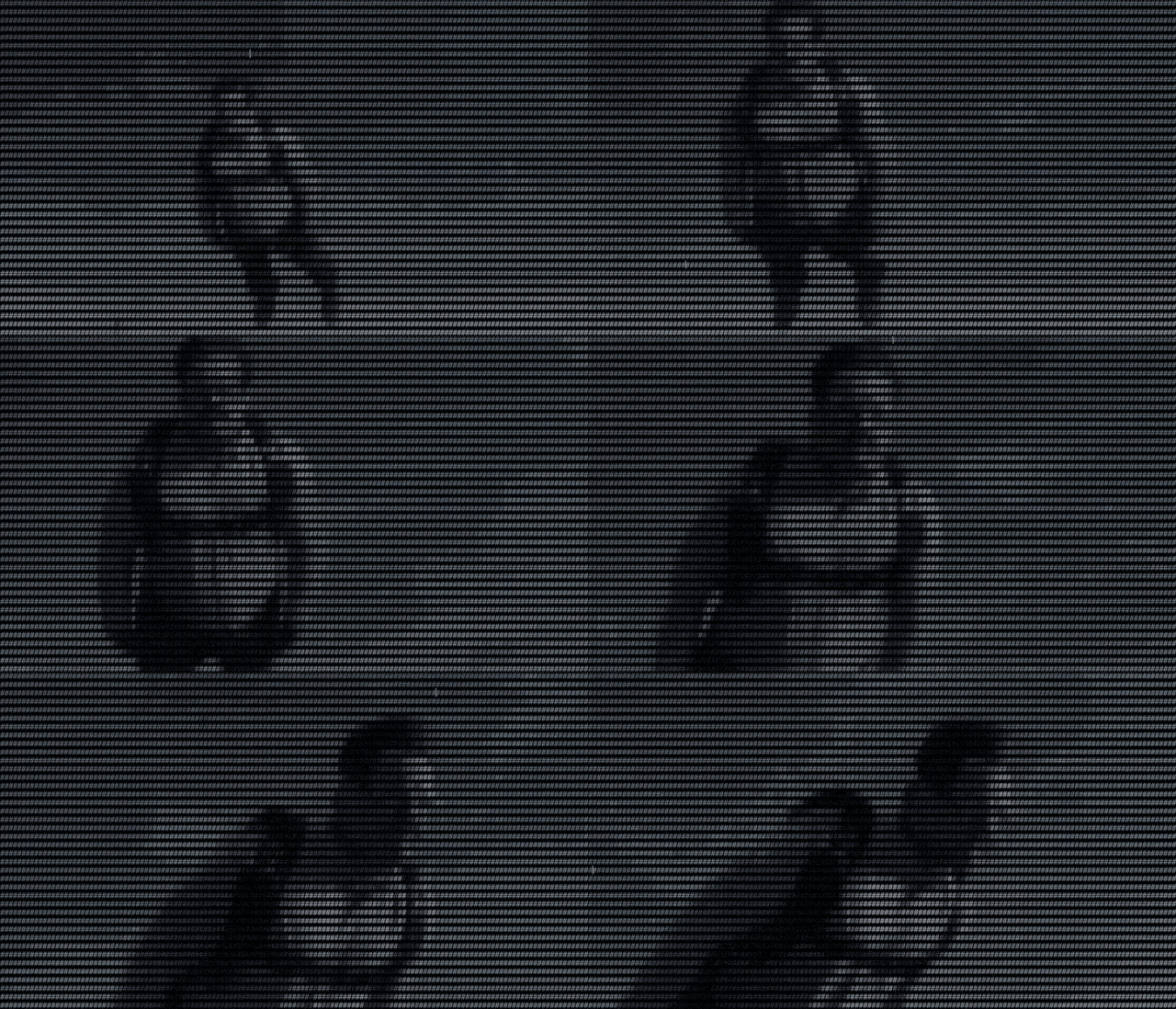 |
Requires Python 3 (with setuptools and pip), zlib, libjpeg, and ffmpeg, other dependencies are installed by setup.py.
# Debian based distros sudo apt-get install ffmpeg zlib* libjpeg* python3-setuptools # Mac brew install ffmpeg zlib libjpeg python Your Python environment may need these installation tools:
sudo easy_install3 pip # This should enable a pre-built Pillow wheel to be installed, otherwise # you may need to install Python, zlib, and libjpeg development libraries # so Pillow can compile from source. pip3 install --user wheel Install from PyPI:
pip3 install --user gif-for-cli Or download this repo and run:
python3 setup.py install --user The gif-for-cli command will likely be installed into ~/.local/bin or similar, you may need to put that directory in your $PATH by adding this to your .profile:
# Linux if [ -d "$HOME/.local/bin" ] ; then PATH="$HOME/.local/bin:$PATH" fi # Mac, adjust for Python version if [ -d "$HOME/Library/Python/3.6/bin/" ] ; then PATH="$HOME/Library/Python/3.6/bin/:$PATH" fi gif-for-cli path/to/some.gif gif-for-cli http://example.com/foo.gif gif-for-cli http://example.com/foo.mp4 Executing as a Python module is also supported:
python3 -m gif_for_cli path/to/some.gif Query Tenor's GIF API
Queries to Tenor's GIF API can also be performed:
# get current top trending GIF gif-for-cli # get top GIF for "Happy Birthday" gif-for-cli "Happy Birthday" # get GIF with ID #11699608 # browse https://tenor.com/ for more! gif-for-cli 11699608 gif-for-cli https://tenor.com/view/rob-delaney-peter-deadpool-deadpool2-untitled-deadpool-sequel-gif-11699608 gif-for-cli --display-mode=nocolor 11699608 gif-for-cli --display-mode=256 11699608 gif-for-cli --display-mode=256fgbg 11699608 gif-for-cli --display-mode=truecolor 11699608 The default number of rows and columns may be too large and result in line wrapping. If you know your terminal size, you can control the output size with the following options:
gif-for-cli --rows 10 --cols 100 11699608 Set to current terminal size:
gif-for-cli --rows `tput lines` --cols `tput cols` 11699608 Note: Generated ASCII art is cached based on the number of rows and columns, so running that command after resizing your terminal window will likely result in the ASCII Art being regenerated.
gif-for-cli -l 0 11699608 Use CTRL + c to exit.
Want to share your generated ASCII Art outside a CLI env (e.g. social media)?
gif-for-cli 11699608 --export=foo.gif See more generation/display options:
gif-for-cli --help Tenor is the API that delivers the most relevant GIFs for any application, anywhere in the world. We are the preferred choice for communication products of all types and the fastest growing GIF service on the market.
Check out our API Docs: https://tenor.com/gifapi
python3 -m unittest discover With coverage:
coverage run --source gif_for_cli -m unittest discover coverage report -m To reuse the shared Git hooks in this repo, run:
git config core.hooksPath git-hooks If you get an error like the following:
-bash: gif-for-cli: command not found Chances are gif-for-cli was installed in a location not on your PATH. This can happen if running gif-for-cli in your .bashrc, but it was installed into ~/.local/bin, and that directory hasn't been added to your PATH. You can either specify the full path to gif-for-cli to run it, or add its location to your $PATH.
gif-for-cli 10988977 gif-for-cli 5863633 gif-for-cli 5437241 To add gifs to your cli tool include gif-for-cli import and call execute.
import os import sys from gif_for_cli.execute import execute execute(os.environ, ["https://tenor.com/view/yay-pokemon-pikachu-gif-8081211"], sys.stdout)This is not an officially supported Google product.

