
 Catppuccin for VitePress


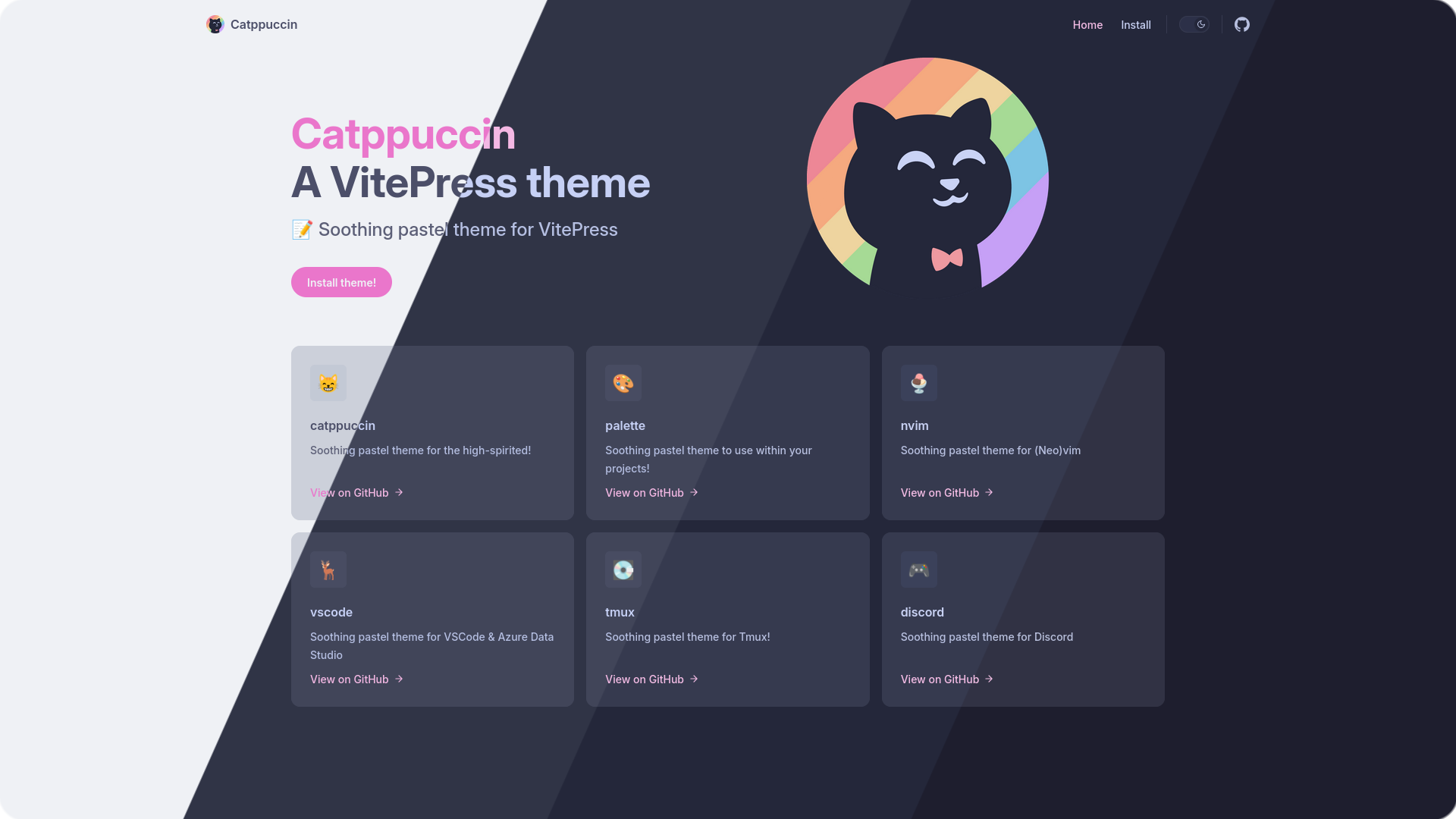
🌻 Latte
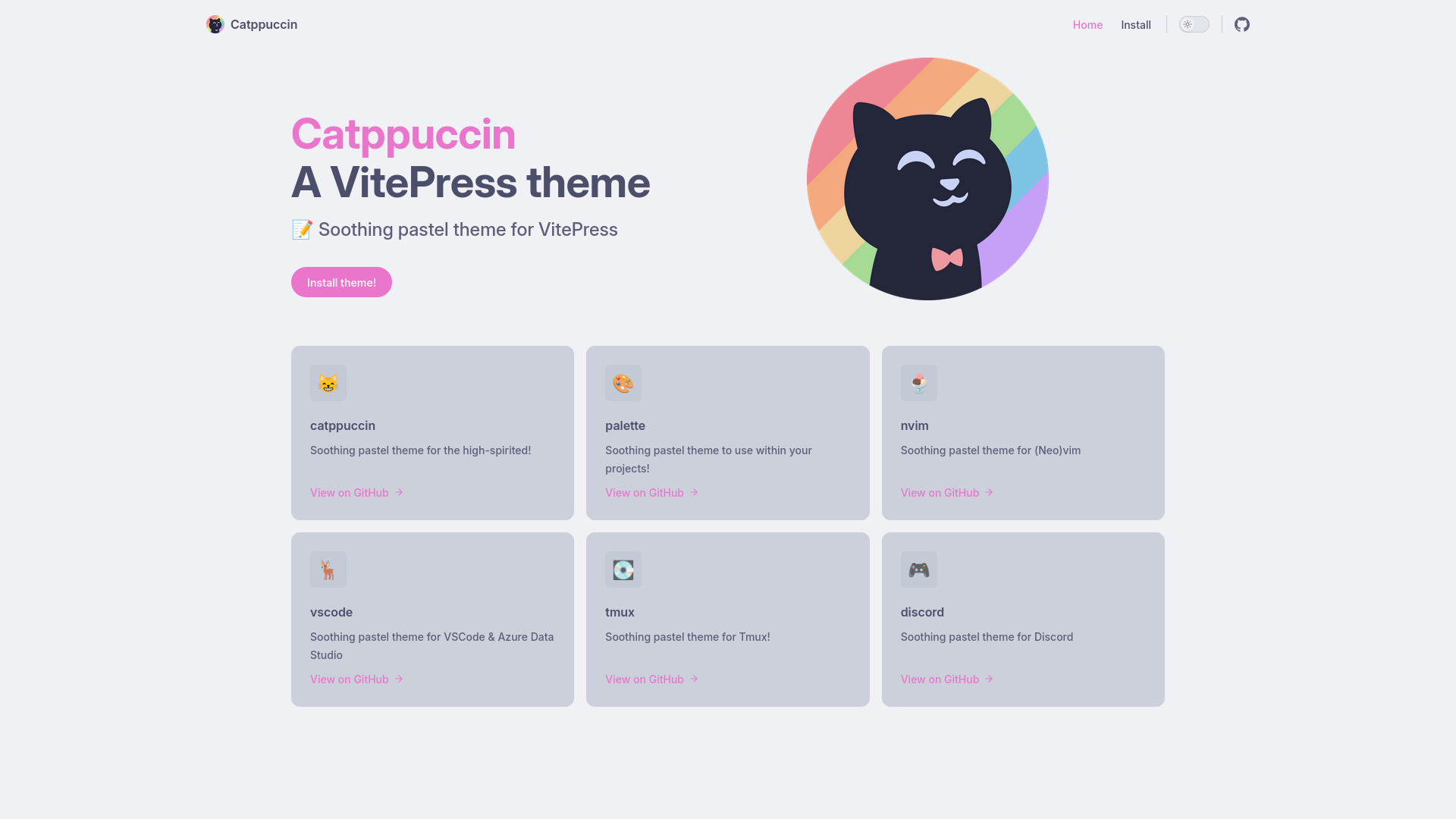
🪴 Frappé
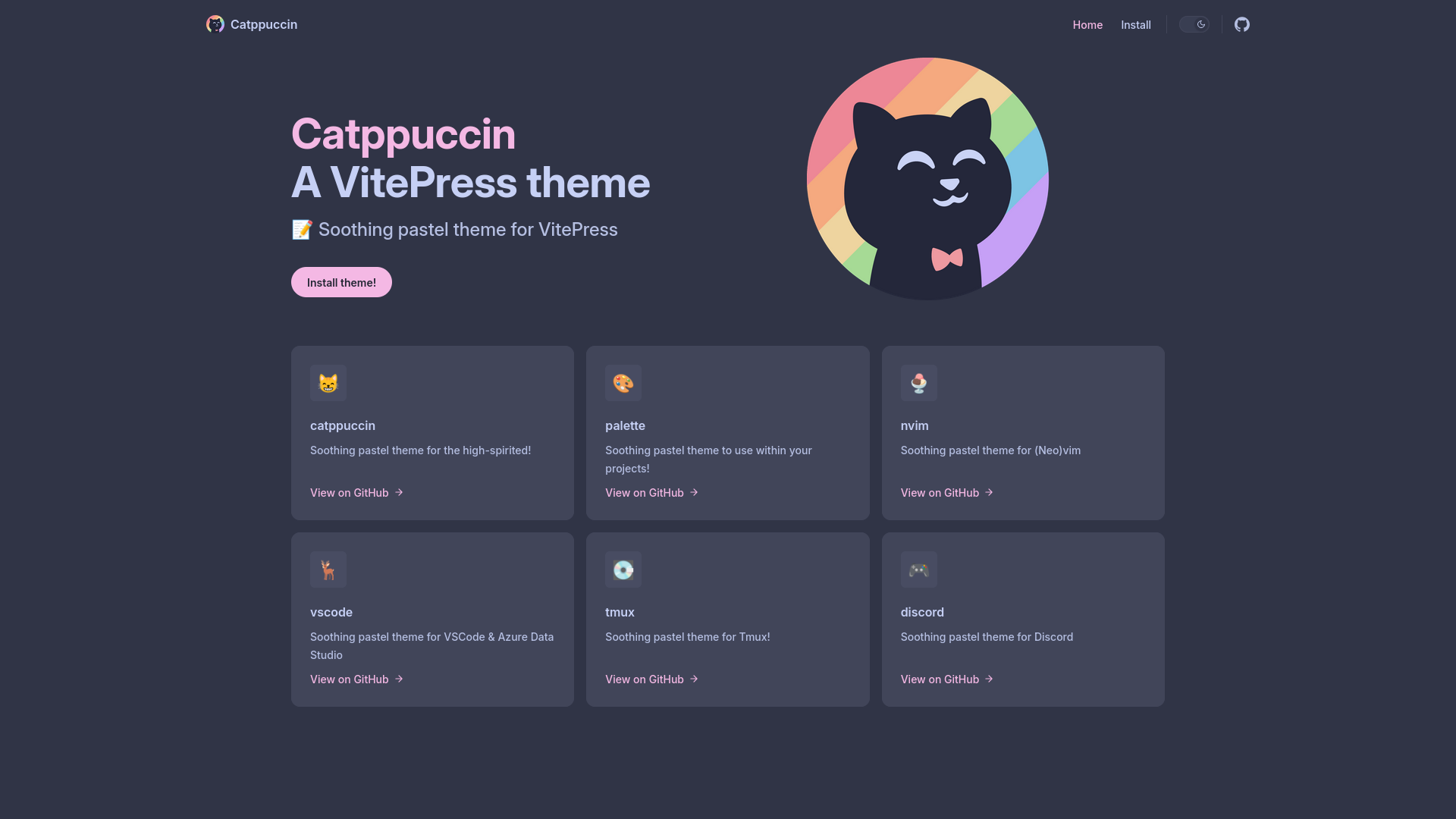
🌺 Macchiato
🌿 Mocha
-
Install the theme package to your project with
npm install @catppuccin/vitepress. -
Add the theme to your VitePress theme configuration file:
.vitepress/theme/index.tsimport DefaultTheme from "vitepress/theme"; import "@catppuccin/vitepress/theme/<flavor>/<accent>.css"; export default DefaultTheme;
See "Extending the Default Theme | VitePress" for more information.
Note
Latte is included in all flavors as the light mode variant.
-
Configure syntax highlighting in your VitePress configuration file:
.vitepress/config.mtsexport default defineConfig({ // ... markdown: { theme: { light: "catppuccin-latte", dark: "catppuccin-<flavor>", }, }, // ... });

Copyright © 2021-present Catppuccin Org

