Turn any file into an image, and back again.
A simple cross-platform tool to hide files inside PNG images.
Have you ever wanted to:
- 📧 Send a file by email that the provider does not allow?
- ☁️ Store restricted file types on cloud services that only accept images?
- 🕵️ Add an extra layer of privacy when sharing files publicly?
- ✒ Are you a journalist in a totalitarian state and need to release a file?
- 🔒 Exfiltrate data into systems that monitor suspicious files?
With ShadeOfColor, you can convert any file into an image (-crypt) and later recover the original file (-decrypt).
The output looks like a normal PNG, but it actually carries your data inside its pixels.
Process
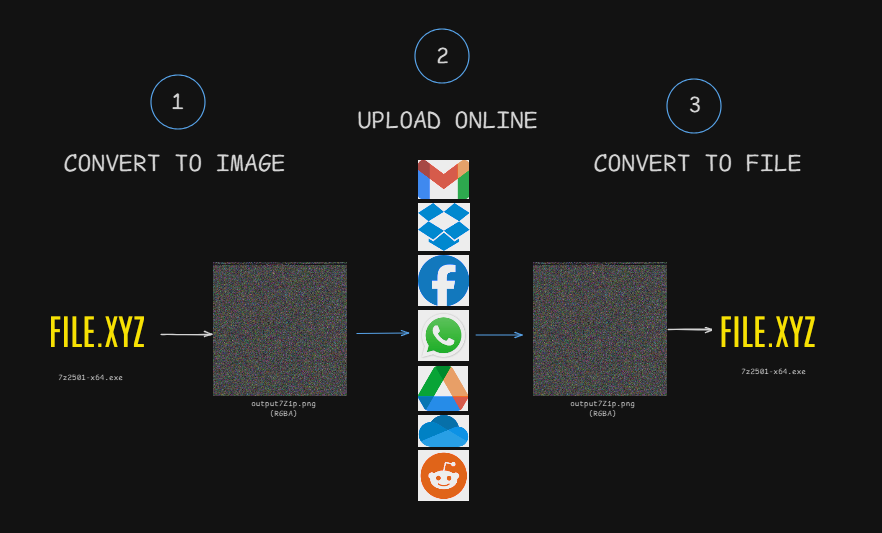
FileToImage
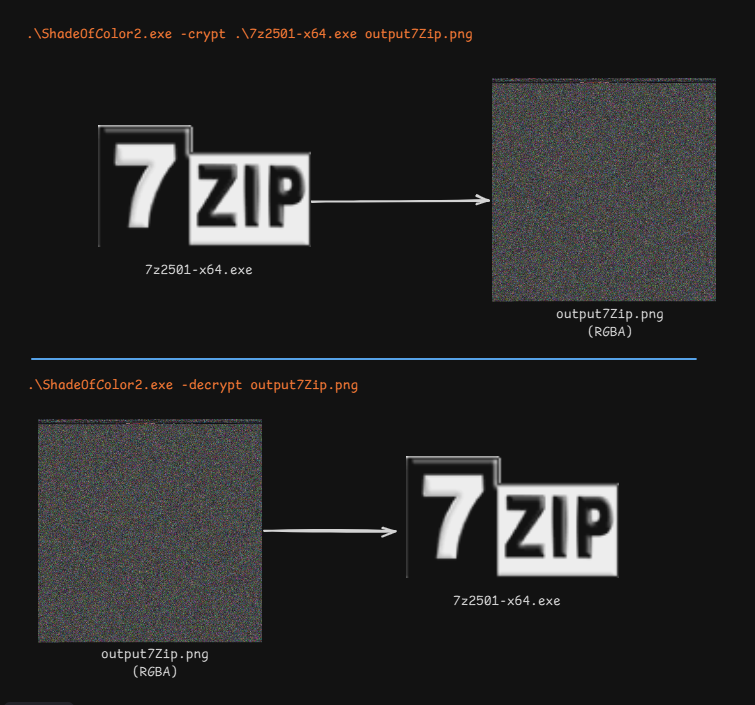
ImageToImage
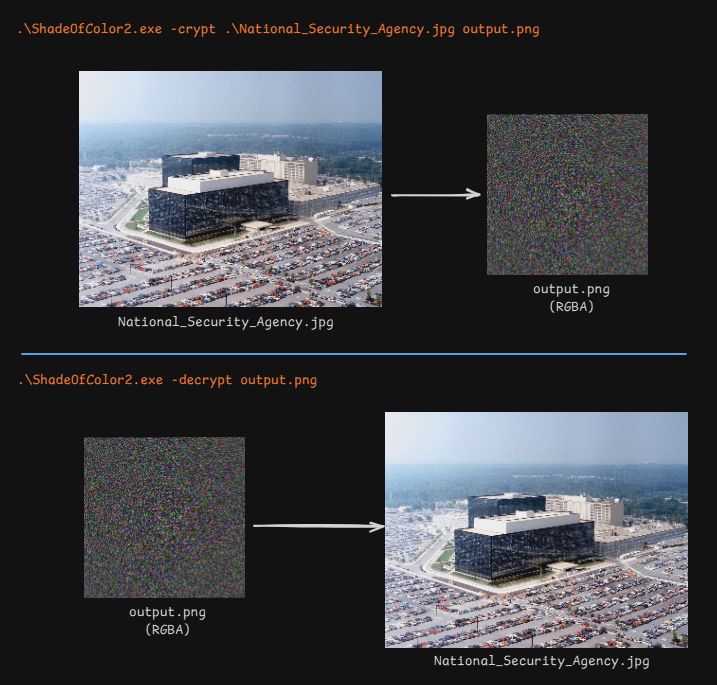
-
🔄 Two-way conversion:
-crypt: transform a file into a PNG image.-decrypt: restore the original file from the PNG.
-
📝 Embedded metadata:
- Signature
"ER" - Original file size
- Original filename
- SHA1 hash for integrity check
- Signature
-
🖼️ Cross-platform: uses SixLabors.ImageSharp. Works on Windows, Linux, macOS.
-
✅ Integrity check: ensures the file is not corrupted or tampered with.
Install-package SixLabors.ImageSharpWith executable (download release)
./ShadeOfColor2.exe -crypt myfile.exe output.pngAlternative
dotnet run -crypt FileToImage.cs out.pngWith executable (download release)
./ShadeOfColor2.exe -decrypt output.pngAlternative
dotnet run -decrypt out.pngAES encryption of the input file before embedding.
Support for multiple encryption algorithms and user-defined keys.
Command -info to quickly display metadata without extracting the file.
Steganographic modes (make the output image look more “natural”).
ShadeOfColor is a tool for privacy and experimentation. It is not intended to be used for illegal purposes. Please respect the terms of service of the platforms where you use it.
Ideas, issues, and pull requests are welcome! Help us make ShadeOfColor even more powerful and versatile.
MIT License – feel free to use, modify, and share.