Scan WordPress, Drupal, Joomla, vBulletin websites for Security issues.




Made with  in India
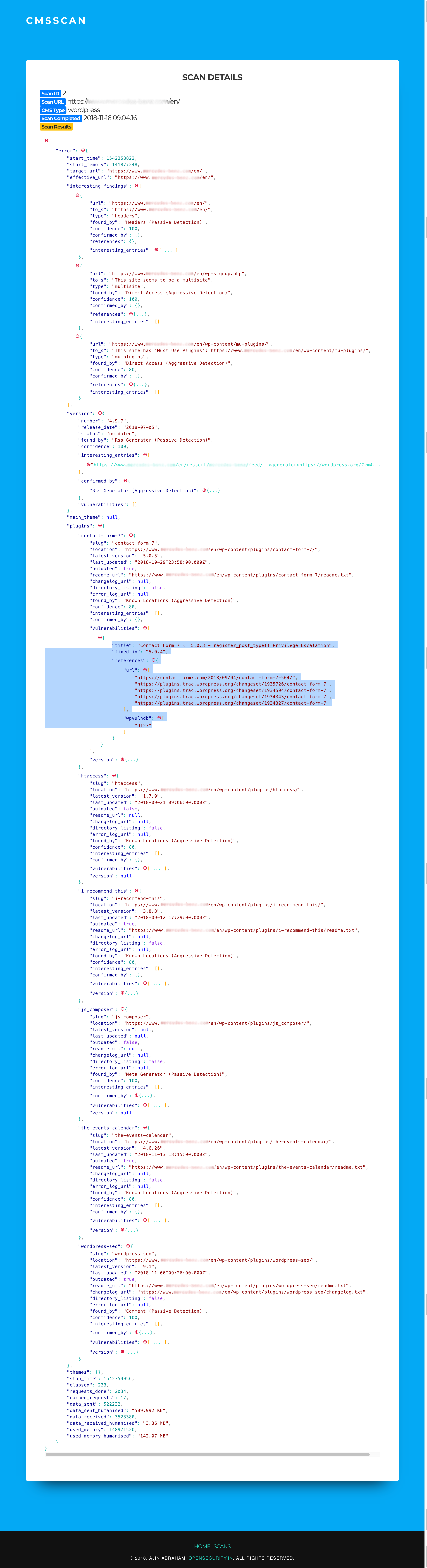
CMSScan provides a centralized Security Dashboard for CMS Security scans. It is powered by wpscan, droopescan, vbscan and joomscan. It supports both on demand and scheduled scans and has the ability to sent email reports.
# Requires ruby, ruby-dev, gem, libwww-perl, python3.6+ and git git clone https://github.com/ajinabraham/CMSScan.git cd CMSScan ./setup.sh ./run.sh
You can perform periodic CMS scans with CMSScan. You must run CMSScan server separately and configure the following before running the scheduler.py script.
# SMTP SETTINGS SMTP_SERVER = '' FROM_EMAIL = '' TO_EMAIL = '' # SERVER SETTINGS SERVER = '' # SCAN SITES WORDPRESS_SITES = [] DRUPAL_SITES = [] JOOMLA_SITES = [] VBULLETIN_SITES = [] Add a cronjob
crontab -e @weekly /usr/bin/python3 scheduler.py By default there is no authentication. To enable basic auth, configure the following in app.py
app.config['BASIC_AUTH_USERNAME'] = 'admin' app.config['BASIC_AUTH_PASSWORD'] = 'password' app.config['BASIC_AUTH_FORCE'] = True docker build -t cmsscan . docker run -it -p 7070:7070 cmsscan docker pull opensecurity/cmsscan docker run -it -p 7070:7070 opensecurity/cmsscan