




Flutter does not support retrieving date and time format patterns based on the user's system settings out of the box. However, you can use the system_date_time_format plugin to get date and time format patterns for consistent formatting in your Flutter app with ease:
final datePattern = await SystemDateTimeFormat().getDatePattern(); print(datePattern); // e.g. "M/d/yy"Do you use flutter_hooks in the project?
Consider using: system_date_time_format_hook instead.
| iOS (Region: United States 🇺🇸) | Result |
|---|---|
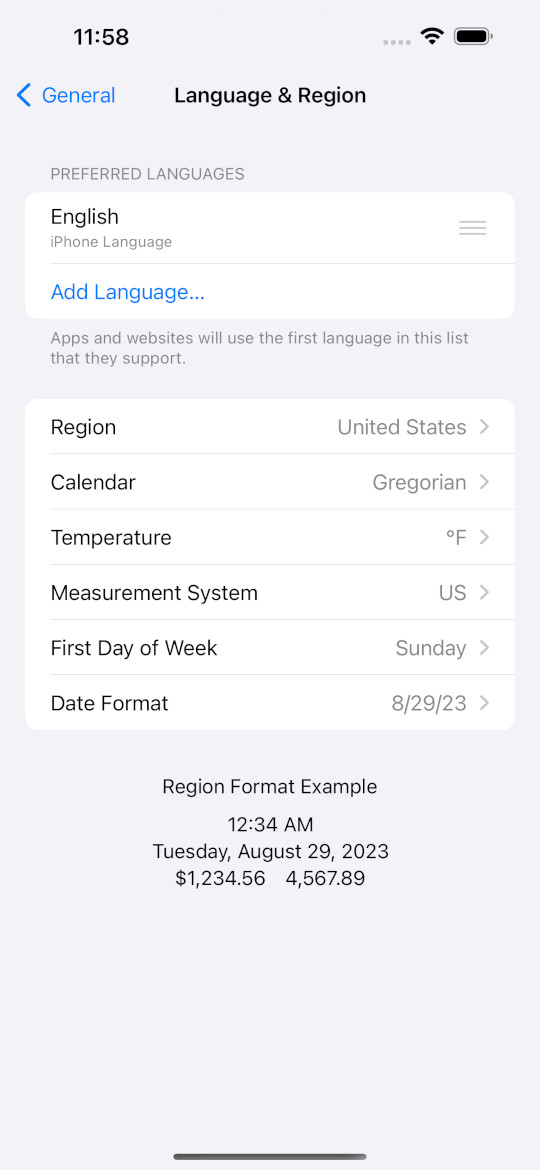 | 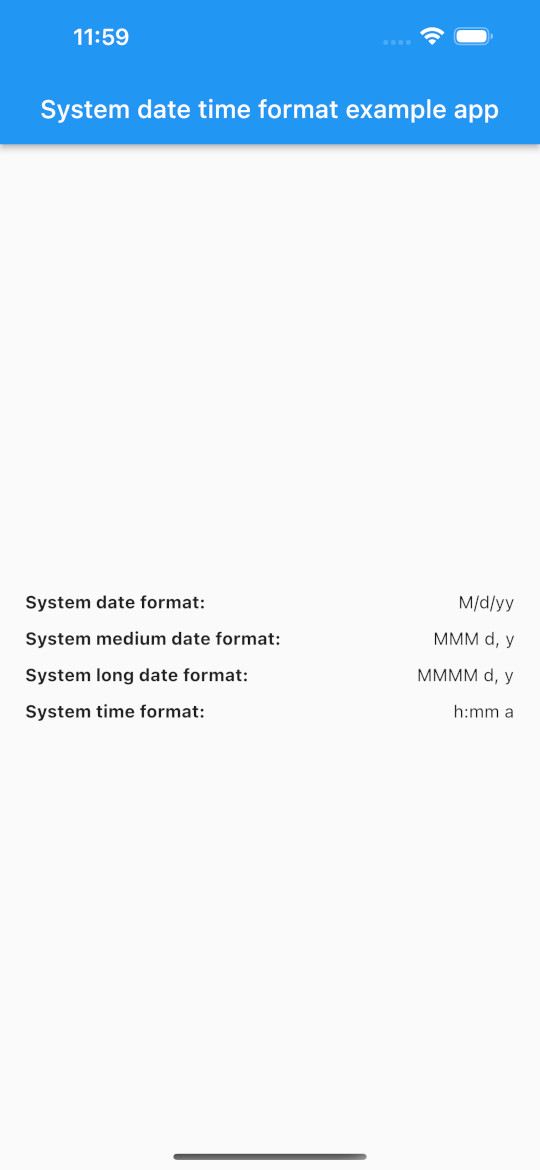 |
| Android (Region: United Kingdom 🇬🇧) | Result |
|---|---|
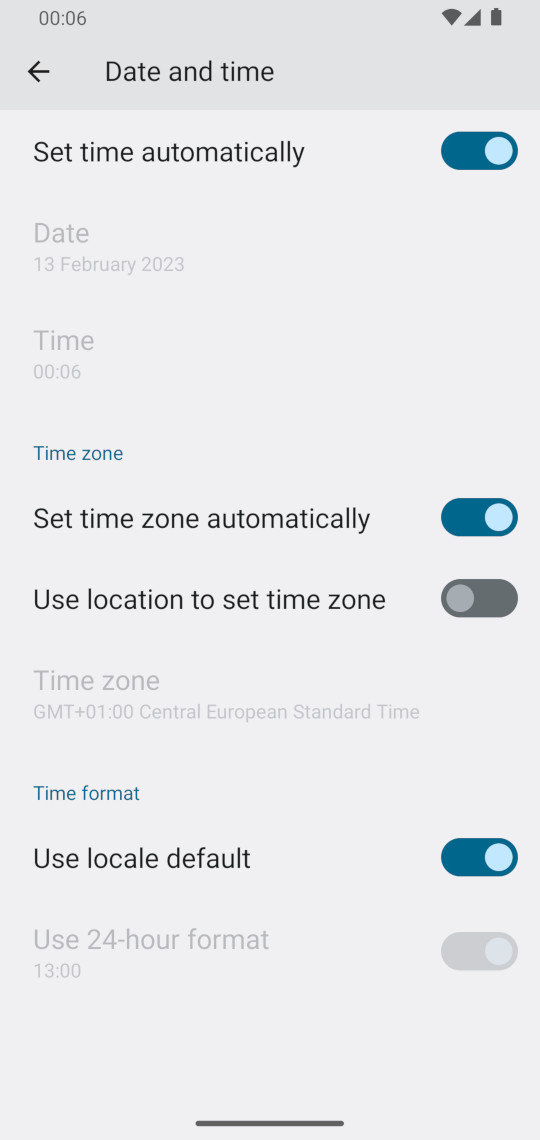 | 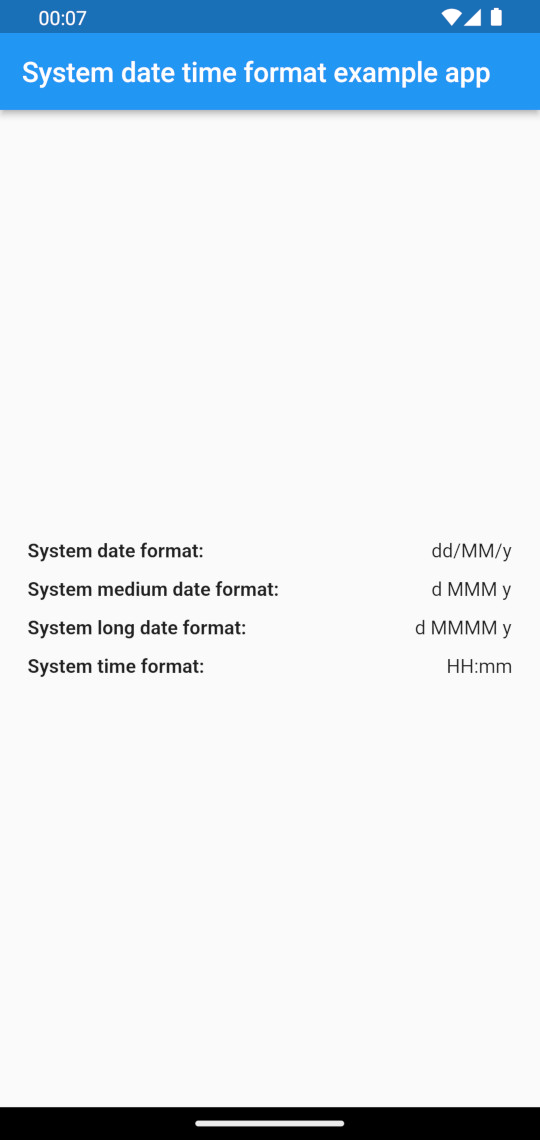 |
| macOS (Region: Poland 🇵🇱) | Result |
|---|---|
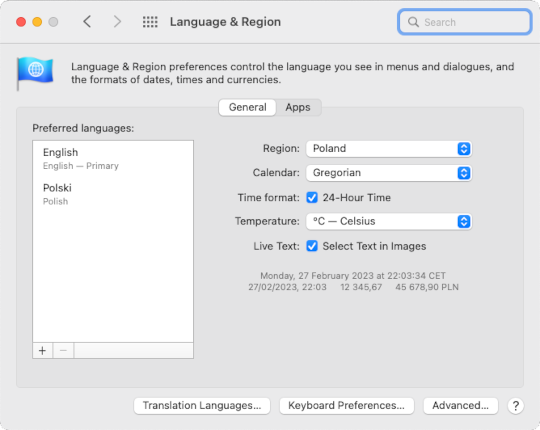 | 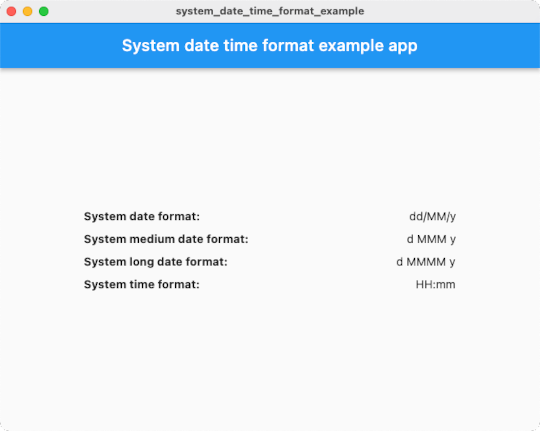 |
| windows (Region: United States 🇺🇸) | Result |
|---|---|
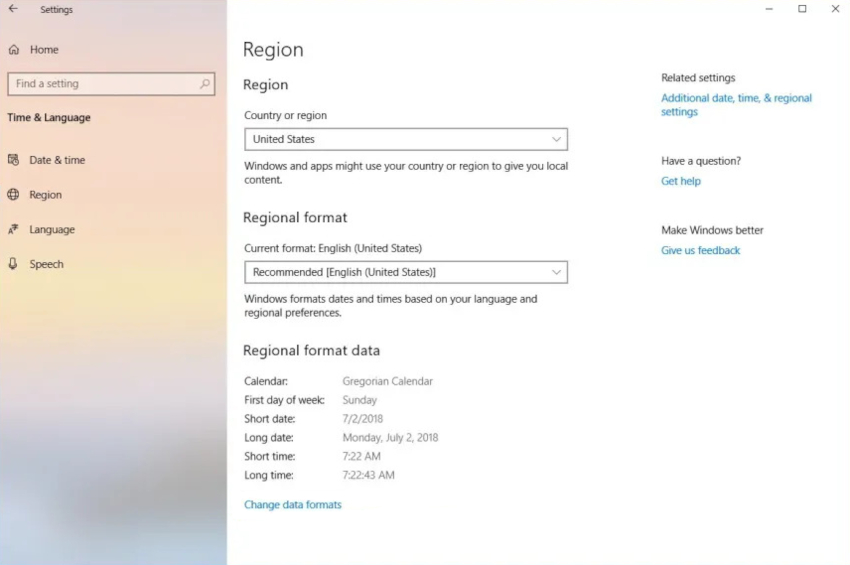 | 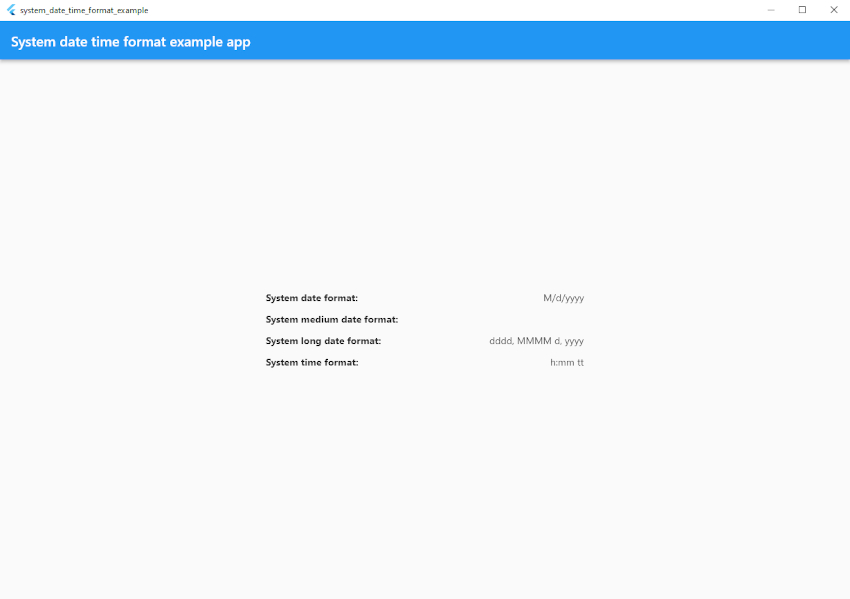 |
| linux (Region: United States 🇺🇸) | Result |
|---|---|
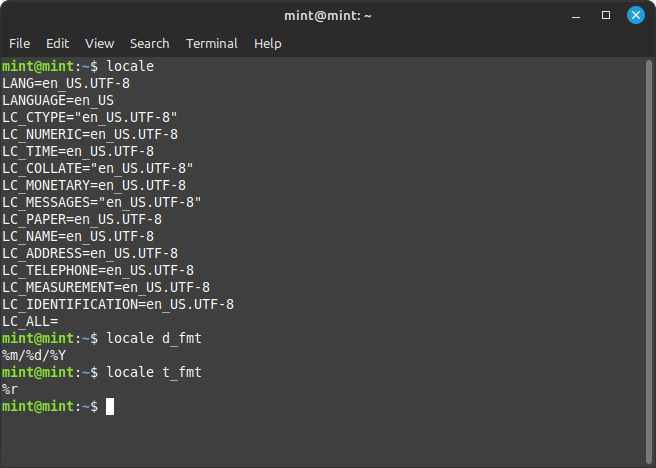 | 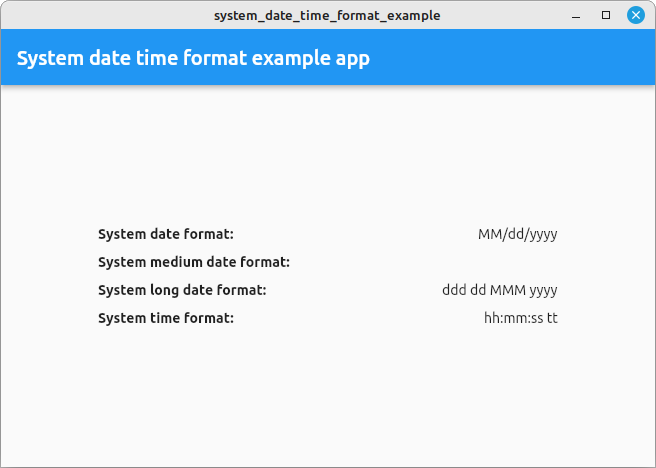 |
| web (Region: Poland 🇵🇱) |
|---|
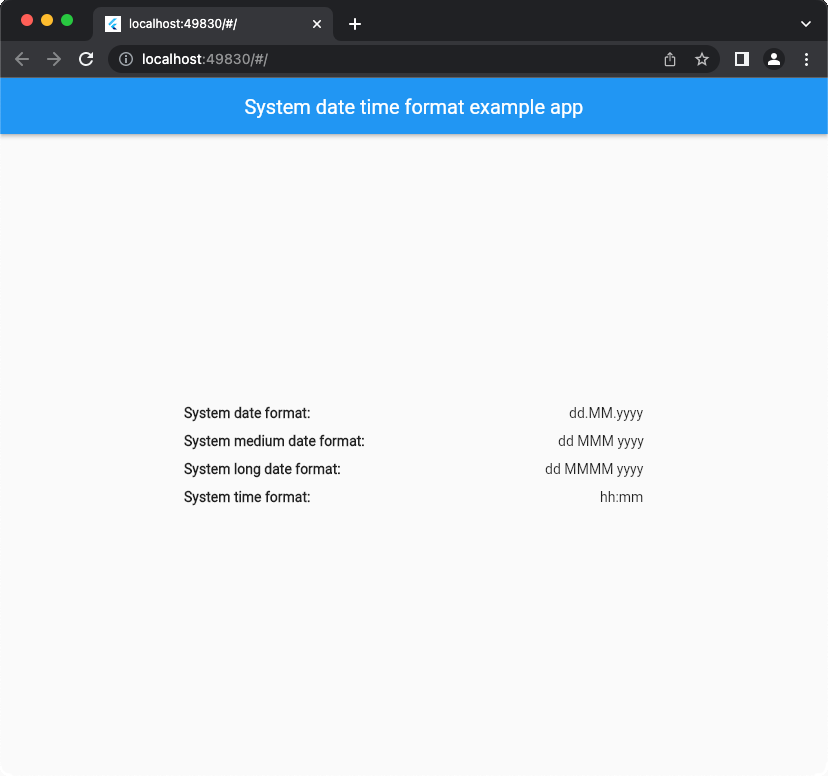 |
Import import 'package:system_date_time_format/system_date_time_format.dart';,
and use getters to get date & time format patterns from device system.
Example:
import 'package:system_date_time_format/system_date_time_format.dart'; Future<void> main() async { WidgetsFlutterBinding.ensureInitialized(); final format = SystemDateTimeFormat(); final datePattern = await format.getDatePattern(); final mediumDatePattern = await format.getMediumDatePattern(); // Not on Windows & Linux final longDatePattern = await format.getLongDatePattern(); final fullDatePattern = await format.getFullDatePattern(); // Not on Windows & Linux final timePattern = await format.getTimePattern(); print(datePattern); // e.g. "M/d/yy" print(mediumDatePattern); // e.g. "MMM d,y" print(longDatePattern); // e.g. "MMMM d,y" print(fullDatePattern); // e.g. "EEEE, MMMM d, y" print(timePattern); // e.g. "HH:mm" }You can use raw async getters like in the example above (and handle asynchronus operations by yourself) or you can use convenient SDTFScope widget for handling these for you.
Simply wrap your root widget in SDTFScope:
void main() { runApp(const SDTFScope(child: App())); }then you can get the date & time patterns down in the widget tree using BuildContext:
final patterns = SystemDateTimeFormat.of(context);Example:
class App extends StatelessWidget { const App({super.key}); @override Widget build(BuildContext context) { final patterns = SystemDateTimeFormat.of(context); final datePattern = patterns.datePattern; final timePattern = patterns.timePattern; print(datePattern); // e.g. "M/d/yy" print(timePattern); // e.g. "HH:mm" return const MaterialApp( home: Scaffold(), ); } }Note
SDTFScopewill automatically sync date & time format patterns even if user changes them in the device system settings while your app is running.
You can use SDTFScope as shown in the example above. However, if you already know and use flutter_hooks in your project you can use system_date_time_format_hook instead, to achieve a similar effect:
Example:
import 'package:flutter_hooks/flutter_hooks.dart'; import 'package:system_date_time_format_hook/system_date_time_format_hook.dart'; class App extends HookWidget { const App({super.key}); @override Widget build(BuildContext context) { final patterns = useSystemDateTimeFormat(); final datePattern = patterns.datePattern; final timePattern = patterns.timePattern; print(datePattern); // e.g. "M/d/yy" print(timePattern); // e.g. "HH:mm" return const MaterialApp( home: Scaffold(), ); } }Note
system_date_time_format_hookwill automatically sync date & time format patterns even if user changes them in the device system settings while your app is running.
In order to use this plugin on web app you need to add system_date_time_format.js script to your index.html:
<src="https://cdn.jsdelivr.net/gh/Nikoro/system_date_time_format@main/web/system_date_time_format.min.js"></script>index.html
<!DOCTYPE html> <html> <head> <!--...--> <src="https://cdn.jsdelivr.net/gh/Nikoro/system_date_time_format@main/web/system_date_time_format.min.js"></script> </head> <body> <!--...--> </body> </html>As the plugin class is not static, it is possible to mock and verify its behaviour when writing tests as part of your application.
Check the source code of example_with_tests which is a modification of basic example
with mocks thanks to mocktail.