A deployed version can be viewed on Github Pages here: https://git.io/vFr80
The deployed version replaces the routing due to the Github Pages server configuration. A Heroku deployment is planned once Angular cli 5 support is added.
Tech stack includes Angular 5, Angular cli, Webpack, Typescript, Angular Material, NgRx, RxJs.

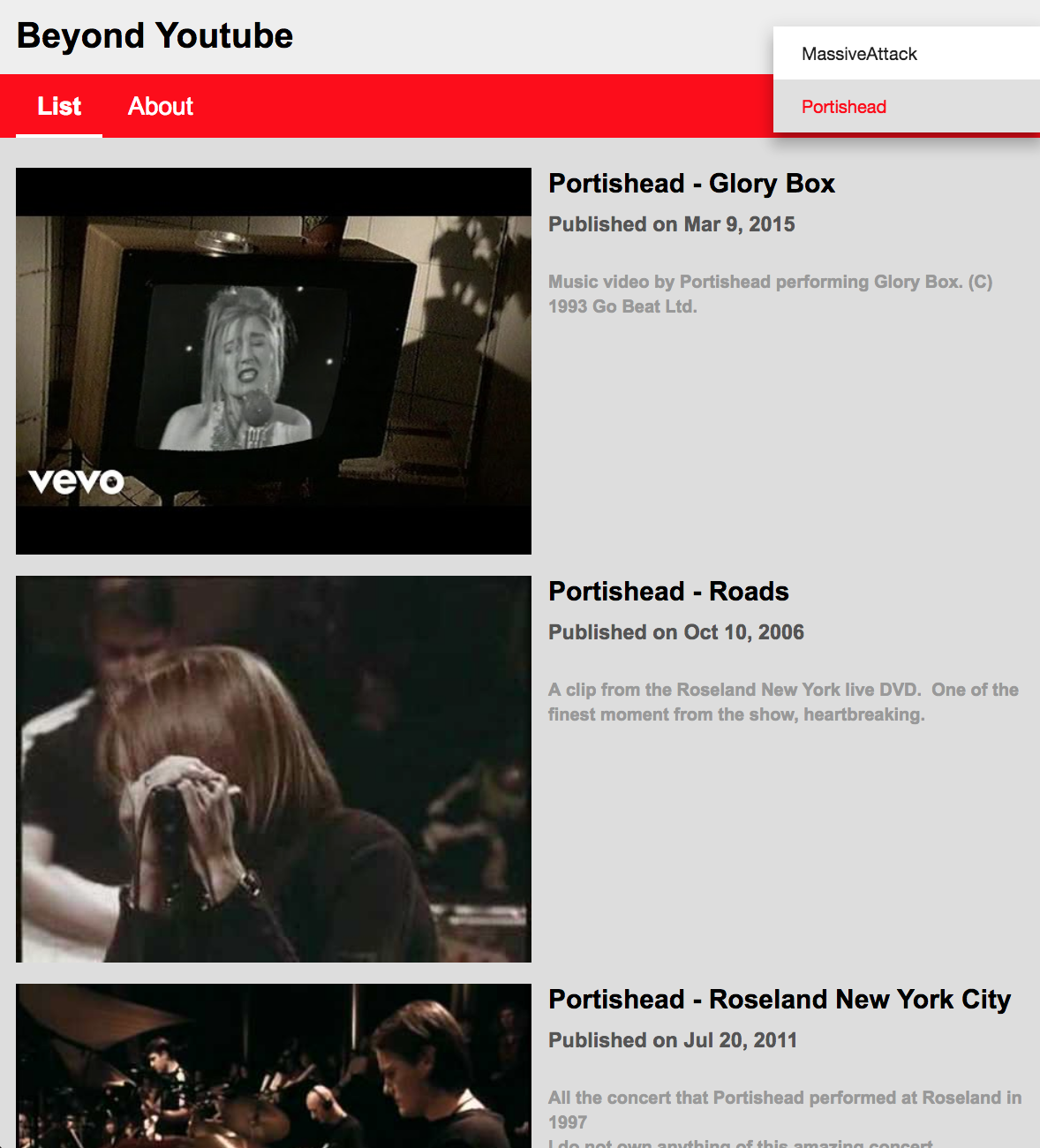




Built on the bootstrap code from: https://github.com/angular/universal-starter
This repo demonstrates the use of 2 different forms of Server Side Rendering.
Prerender(prerender)
- Happens at build time
- Renders your application and replaces the dist index.html with a version rendered at the route
/.
Server-Side Rendering(ssr)
- Happens at runtime
- Uses
ngExpressEngineto render you application on the fly at the requested url.
npm installoryarn
- run
npm run startwhich will startng serve
npm run build:ssr && npm run serve:ssr - Compiles your application and spins up a Node Express to serve your Universal application on http://localhost:4000.
npm run build:prerender && npm run serve:prerender - Compiles your application and prerenders your applications files, spinning up a demo http-server so you can view it on http://localhost:8080 Note: To deploy your static site to a static hosting platform you will have to deploy the dist/browser folder, rather than the usual dist
When building Universal components in Angular there are a few things to keep in mind.
-
For the server bundle you may need to include your 3rd party module into
nodeExternalswhitelist -
window,document,navigator, and other browser types - do not exist on the server - so using them, or any library that uses them (jQuery for example) will not work. You do have some options, if you truly need some of this functionality: -
If you need to use them, consider limiting them to only your client and wrapping them situationally. You can use the Object injected using the PLATFORM_ID token to check whether the current platform is browser or server.
import { PLATFORM_ID } from '@angular/core'; import { isPlatformBrowser, isPlatformServer } from '@angular/common'; constructor(@Inject(PLATFORM_ID) private platformId: Object) { ... } ngOnInit() { if (isPlatformBrowser(this.platformId)) { // Client only code. ... } if (isPlatformServer(this.platformId)) { // Server only code. ... } }