
glTF loader for SceneKit
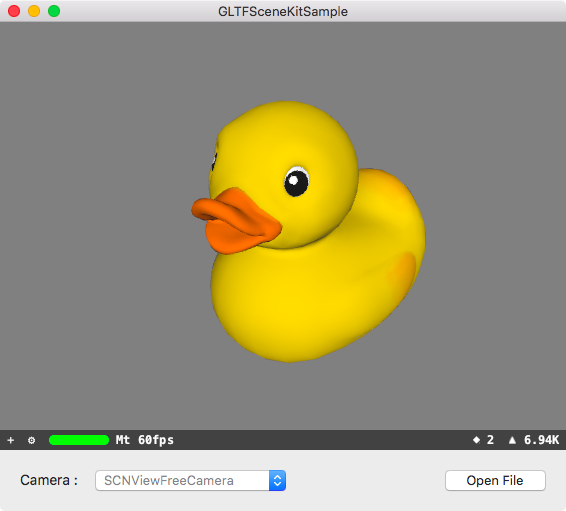
Using CocoaPods
Add the following to your Podfile:
pod 'GLTFSceneKit'Using Carthage
Add the following to your Cartfile:
github "magicien/GLTFSceneKit" ~> 0.4.0 Using Swift Package Manager
- Open your project with Xcode
- Select
File>Swift Packages>Add Package Dependency... - Put
https://github.com/magicien/GLTFSceneKitin the search box and clickNext
import GLTFSceneKit var scene: SCNScene do { let sceneSource = try GLTFSceneSource(named: "art.scnassets/Box/glTF/Box.gltf") scene = try sceneSource.scene() } catch { print("\(error.localizedDescription)") return } @import GLTFSceneKit; GLTFSceneSource *source = [[GLTFSceneSource alloc] initWithURL:url options:nil]; NSError *error; SCNScene *scene = [source sceneWithOptions:nil error:&error]; if (error != nil) { NSLog(@"%@", error); return; } GLTFQuickLook - QuickLook plugin for glTF files