Android widget with pull to refresh for all the views,and support loadMore for ListView,RecyclerView,GridView and SwipeRefreshLayout.
在android-Ultra-Pull-To-Refresh的基础上增加了加载更多的支持,感谢作者
- 下拉刷新支持大部分
view:ListView、ScrollView、WebView等,甚至一个单独的TextView - 加载更多目前支持
ListView、RecyclerView、GridView、SwipeRefreshLayout - 支持自定义header以及footer
- 增加SwipeRefreshLayout刷新方式,同样支持加载更多


Gradle / Android Studio
compile 'com.chanven.lib:cptr:1.1.0' 有6个参数可配置:
-
阻尼系数
默认:
1.7f,越大,感觉下拉时越吃力。mPtrFrame.setResistance(1.7f) -
触发刷新时移动的位置比例
默认,
1.2f,移动达到头部高度1.2倍时可触发刷新操作。mPtrFrame.setRatioOfHeaderHeightToRefresh(1.2f) -
回弹延时
默认
200ms,回弹到刷新高度所用时间。mPtrFrame.setDurationToClose(200) -
头部回弹时间
默认
1000ms。mPtrFrame.setDurationToCloseHeader(1000) -
刷新是保持头部
默认值
true。mPtrFrame.setKeepHeaderWhenRefresh(true) -
下拉刷新 / 释放刷新
默认为释放刷新,即
false。mPtrFrame.setPullToRefresh(false)
<?xml version="1.0" encoding="utf-8"?> <LinearLayout xmlns:android="http://schemas.android.com/apk/res/android" android:layout_width="match_parent" android:layout_height="match_parent" android:orientation="vertical"> <com.chanven.lib.cptr.PtrClassicFrameLayout android:id="@+id/test_list_view_frame" xmlns:cube_ptr="http://schemas.android.com/apk/res-auto" android:layout_width="match_parent" android:layout_height="match_parent" android:background="#f0f0f0" cube_ptr:ptr_resistance="1.7" cube_ptr:ptr_ratio_of_header_height_to_refresh="1.2" cube_ptr:ptr_duration_to_close="200" cube_ptr:ptr_duration_to_close_header="1000" cube_ptr:ptr_keep_header_when_refresh="true" cube_ptr:ptr_pull_to_fresh="false"> <ListView android:id="@+id/test_list_view" android:layout_width="match_parent" android:layout_height="match_parent" android:background="@android:color/white" android:choiceMode="singleChoice" android:divider="#b0b0b0" android:dividerHeight="0.1dp" android:fadingEdge="none" android:scrollbarStyle="outsideOverlay"/> </com.chanven.lib.cptr.PtrClassicFrameLayout> </LinearLayout>通过PtrHandler,可以检查确定是否可以下来刷新以及在合适的时间刷新数据。
检查是否可以下拉刷新在PtrDefaultHandler.checkContentCanBePulledDown中有默认简单的实现,你可以根据实际情况完成这个逻辑。
public interface PtrHandler { /** * 检查是否可以执行下来刷新,比如列表为空或者列表第一项在最上面时。 * <p/> * {@link com.chanven.lib.cptr.PtrDefaultHandler#checkContentCanBePulledDown} */ public boolean checkCanDoRefresh(final PtrFrameLayout frame, final View content, final View header); /** * 需要加载数据时触发 * * @param frame */ public void onRefreshBegin(final PtrFrameLayout frame); }- 是否需要加载更多 默认
falsemPtrFrame.setLoadMoreEnable(true) - 是否自动加载 默认
truemPtrFrame.setAutoLoadMoreEnable(true)
- Header 实现接口
PtrUIHandler,已有默认实现PtrClassicDefaultHeader,并通过PtrFrameLayout.setHeaderView(View header)设置 - Footer 实现接口
ILoadMoreViewFactory,已有默认实现DefaultLoadMoreViewFooter,并通过PtrFrameLayout.setFooterView(ILoadMoreViewFactory factory)设置
- ViewPager滑动冲突:
disableWhenHorizontalMove() - 长按LongPressed,
setInterceptEventWhileWorking() - 如果要禁用下拉刷新,则更改
PtrHandler.checkCanDoRefresh的返回实现即可
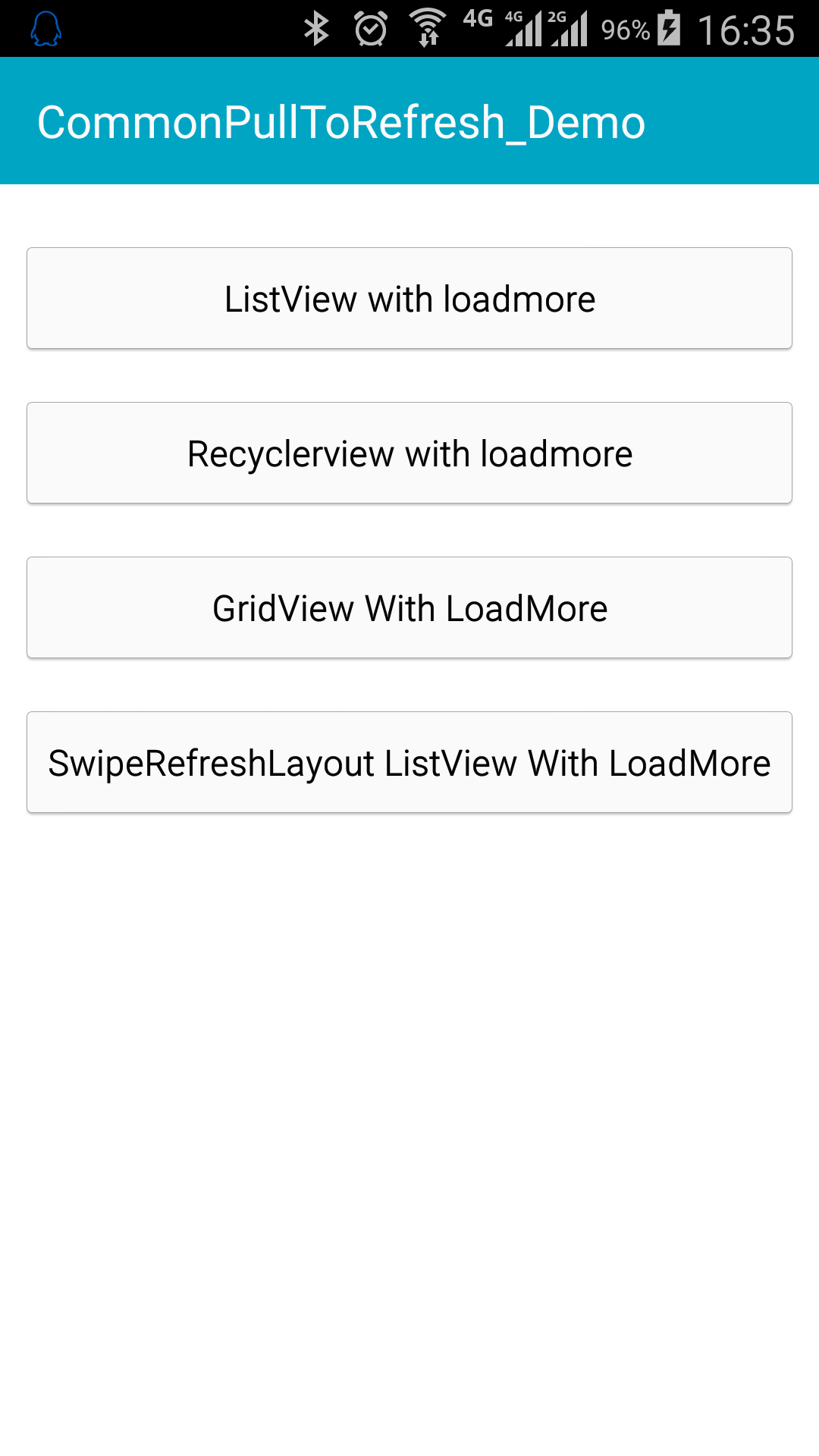
具体栗子可参考Demo