APB CSS - Atomic Parts Base CSS -
Atomic Design + OOCSS + SMACSS =
Atomic Parts Base CSS (APB CSS)
- Simple
- Predictable
- General versatility
- Reusable
- Maintainable
- Scalable
- Interactive
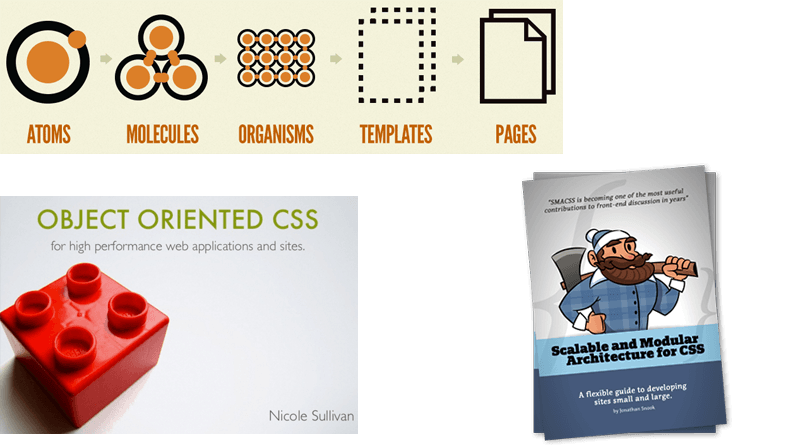
Atomic Design
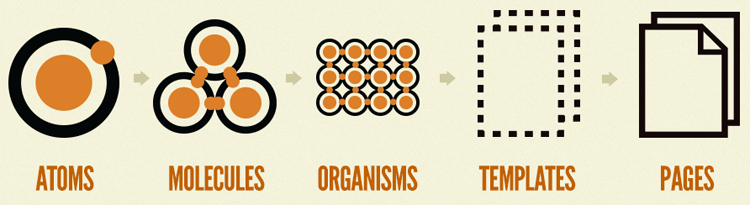
Button


HTML
<p class="btn primary"><a href="#">Button</a></p> CSS
.btn { position: relative; width: 200px; height: 40px; border-radius: 6px; a { display: block; line-height: 40px; text-align: center; text-decoration: none; color: #fff; font-size: 18px; } &.primary { background: #404040; @include background(linear-gradient(top, #404040, #282828)); &:hover { background: #303030; } } } Icon

HTML
<p class="icon social github"></p> CSS
.icon { display: inline-block; &.social { width: 34px; height: 34px; background: url(SpriteImagePath) no-repeat; @include background-size(205px auto); &.github { background-position: -171px top; } } } 

Button + Icon

HTML
<p class="btn primary"><a href="#"><span class="icon social github"></span>Button</a></p> CSS
.btn { .icon { &.social { margin: 0px 6px -11px -34px; } } }
Text + Icon

HTML
<p class="text"><span class="icon ban"></span>text</p> CSS
.text { .icon.ban { margin: 0 4px -10px 0; } } 
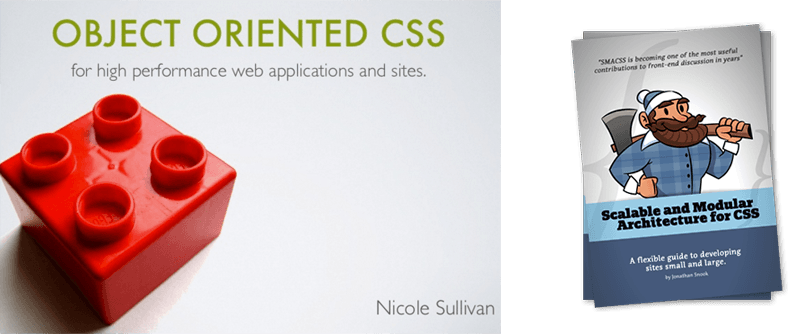
Excerpts from the 「OOCSS」,「SMACSS 」

- Atomic:Class name of atom
- Module:UI package name
- Skin:Class name of decoration
- Number:Numbering of the class name
- State:Class name that represents the state
- Other:Other class name
Based on the atom name or module name, and grant the six types of class name.
 example Class Name
- text
- icon
- btn
- thumbnail
- label
- input
- code
- separate
 example Class Name
- header
- footer
- contents
- mainLogo
- title
- column
- thumbnailList
- textList
- detailBox
- modalWindow
 example Class Name Skin
- red
- blue
- wide
- high
- low
- stripe
- subdued
- small
- middle
 example Class Name Number
- one
- two
- no[nth]
- type[nth]
- first
- last
- odd
- even
 example Class Name State
- active
- disable
- tapped
- success
- error
- highlight
- checked
- note
- center
- right
 example Class Name Other
- Semantic name
- wrap
- Service name
- Page name
- Controller name
- Namespace
etc..
SCSS
scss |- base |- pages |- parts _common_inc.scss _parts.scss style.scss - _common_inc.scss: import base and pages
- _parts.scss: import parts files
base
scss |- base |- _base.scss |- _mixin.scss |- _reset.scss |- _setting.scss - _base.scss: Define -based style of application
- _mixin.scss: Define mixin style
- _reset.scss: Initialize the style
- _setting.scss: Define such as variables and prefix
parts
scss |- parts |- _button.scss |- _icon.scss |- _list.scss |- _paragraph.scss .... File group that defines the atom and modules.
pages
scss |- pages |- _top.scss |- _info.scss |- _profile.scss |- _main_contents.scss .... Defines page-specific layout style.
HTML
<section id="top" class="top"> ID is the controller name(pages Directory name) The class name is the action name, provide a name space.
It is this page.
Name : Daisuke Takayama
Country : Japan
Job : FrontEnd Engineer