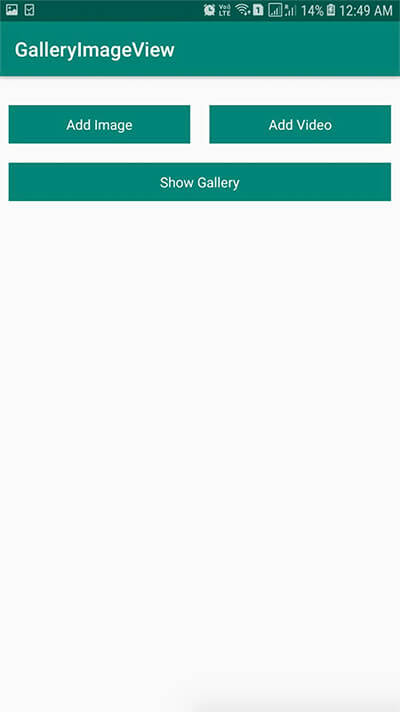
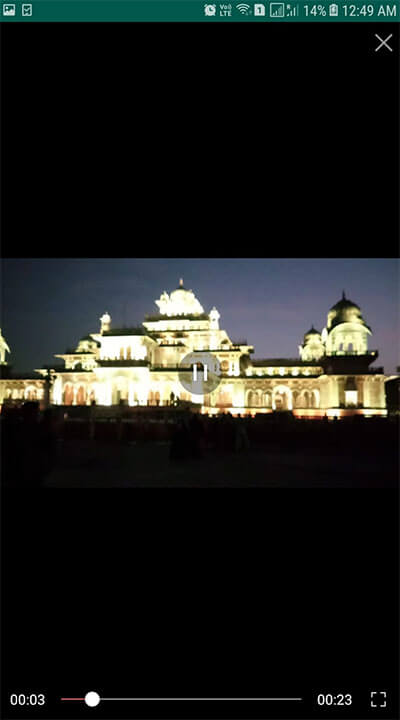
Gallery view for Image and Video in Android.
Image View
Video View
Image Zoom
Video Preview
Video Play/Pause Control with Full Screen
To get a Git project into your build:
Add it in your root build.gradle at the end of repositories:
allprojects { repositories { ... maven { url 'https://jitpack.io' } } } dependencies { implementation 'com.github.sheetalkumar105:androidimagevideogallery:1.05' } ArrayList<String> paths = new ArrayList<>(); paths.add("Path1"); paths.add("Path2"); paths.add("Path3"); GalleryView.show(this,paths);