Module for react-native to show android like toast messages on both Android and iOS with customisations. 



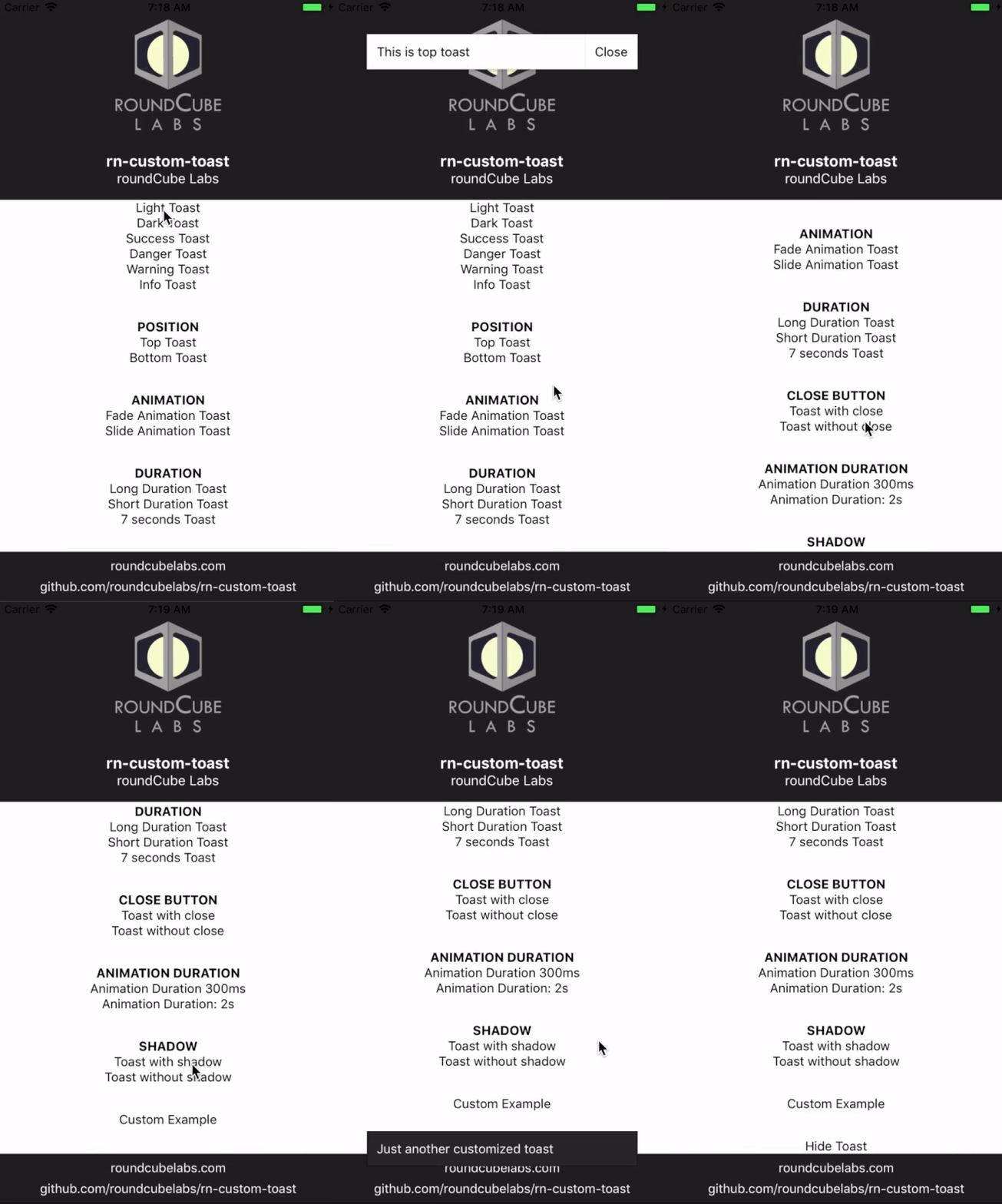
This package is available on npm, install it with: npm install --save rn-custom-toast
-
Import rn-custom-toast to your project:
import { Toast } from 'rn-custom-toast' -
Create a toast and add reference to it:
<Toast ref="toast" /> -
Whenever you want to open toast call the function like this:
this.refs.toast.show(Message to display, Options Object)
Example Code: this.refs.toast.show("This is a toast", {theme: "dark"});
- Close the toast (Optional ,since by default it closes automatically):
this.refs.toast.hide()
import React, { Component } from "react"; import { View, Text, TouchableOpacity } from "react-native"; import { Toast } from "rn-custom-toast"; export default class App extends Component { render() { return ( <View> <TouchableOpacity onPress={() => { this.refs.toast.show("I am a toast", { shadow: false, theme: "dark", position: "bottom", animation: "slide", showCloseButton: false, duration: "short", animationDuration: 500 }); }} > <Text>Display Toast</Text> </TouchableOpacity> <TouchableOpacity onPress={() => { this.refs.toast.hide(); }} > <Text>Hide Toast</Text> </TouchableOpacity> <Toast ref="toast" /> </View> ); } } For a much detailed example take a look at the /examples directory.
| Name | Type | Default | Possible Values |
|---|---|---|---|
| theme | String | light | ["light","dark","success","danger","warning","info"] |
| position | String | bottom | ["top","bottom"] |
| animation | String | fade | ["fade","slide"] |
| duration | String or Integer | short | ["short","long"] or Milliseconds |
| showCloseButton | bool | true | [true,false] |
| animationDuration | Integer | 300 | Milliseconds |
| shadow | bool | true | [true,false] |
| customTheme | object | null | |
| customTheme.container | styles object | null | {backgroundColor: 'red'} |
| customTheme.closeContainer | styles object | null | {backgroundColor: 'red'} |
| customTheme.text | styles object | null | {color: 'blue'} |
| customTheme.closeText | styles object | null | {color: 'blue'} |
Pull requests, suggestions and feedbacks are welcome!