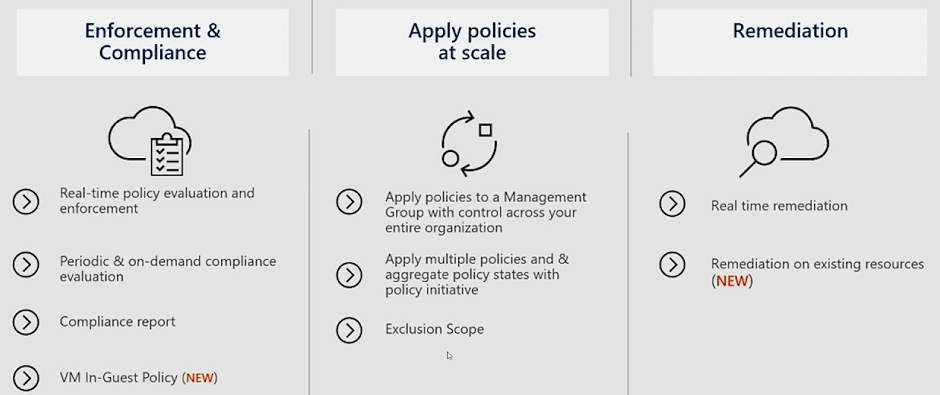
Azure Policy Pillars
Reference: Tutorial
Create service principal with a secret, follow the steps to configure Azure Service Principal with a secret.
- Define a new secret under your repository settings, Add secret menu
- Store the output of the below az cli command as the value of secret variable, for example 'AZURE_CREDENTIALS'
az ad sp create-for-rbac --name "AzureArc" --role contributor \ --scopes /subscriptions/{subscription-id}/resourceGroups/{resource-group} \ --sdk-auth # Replace {subscription-id}, {resource-group} with the subscription, resource group details # The command should output a JSON object similar to this: { "clientId": "<GUID>", "clientSecret": "<STRING>", "subscriptionId": "<GUID>", "tenantId": "<GUID>", "resourceManagerEndpointUrl": "<URL>" (...) }Resources: