 English | 简体中文




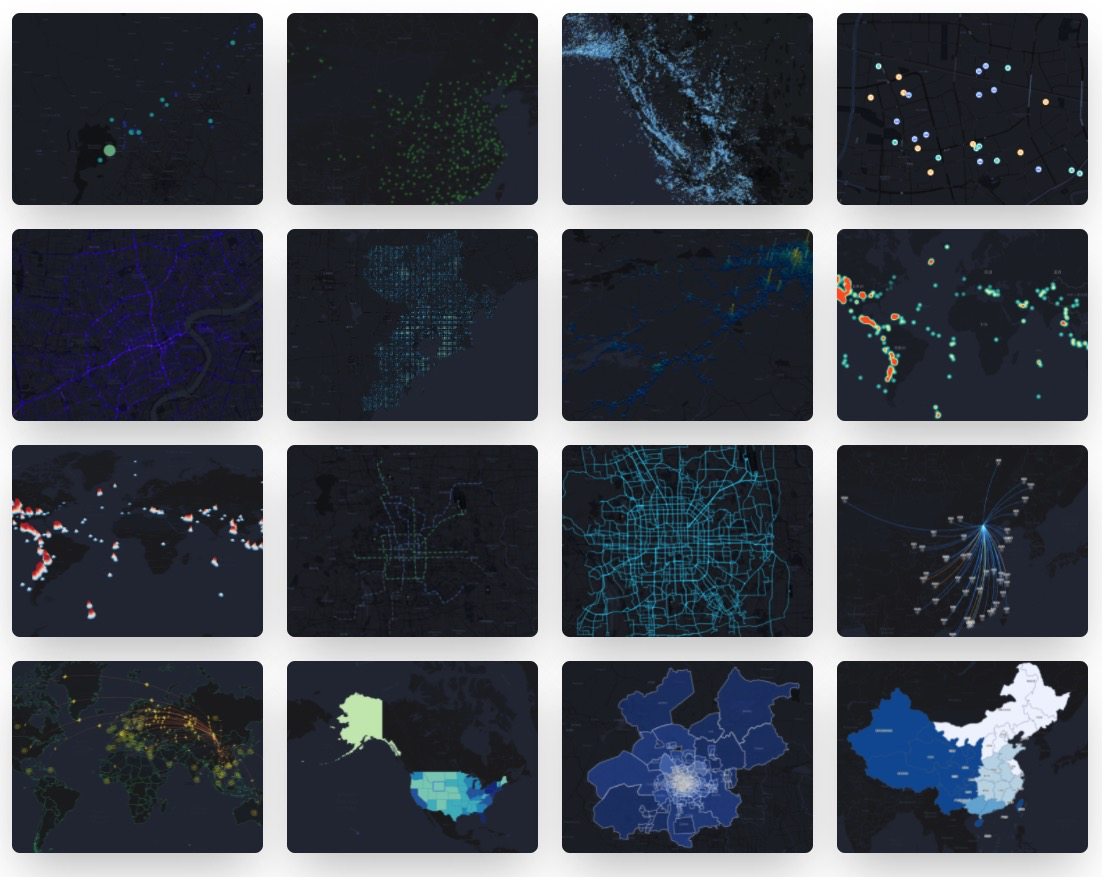
- 📦 开箱即用:配置式的地理图表,内置多粒度行政数据
- 🚀 元素丰富:图表类型及地图组件丰富,多地图底图支持
- 💯 容易定制: 数据驱动,从数到形,支持多图层及多图表层叠
- 🌱 动态交互:图表交互能力强、支持 2/3D 视角、提供命令式动态交互 API
$ npm install @antv/l7 @antv/l7plot
<div id="container"></div>import { Dot } from '@antv/l7plot'; const data = [ { lng: 103.715, lat: 31.211, depth: 10, mag: 5.8, title: 'M 5.8 - eastern Sichuan, China' }, { lng: 104.682, lat: 31.342, depth: 10, mag: 5.7, title: 'M 5.7 - eastern Sichuan, China' }, // ... ]; const dot = new Dot('container', { map: { type: 'mapbox', style: 'light', center: [103.447303, 31.753574], zoom: 7, }, autoFit: true, source: { data: data, parser: { type: 'json', x: 'lng', y: 'lat' }, }, color: { field: 'mag', value: ['#82cf9c', '#10b3b0', '#2033ab'], scale: { type: 'quantize' }, }, size: { field: 'mag', value: ({ mag }) => (mag - 4.3) * 10, }, state: { active: true }, scale: { position: 'bottomright' }, legend: { position: 'bottomleft' }, tooltip: { items: ['title', 'mag', 'depth'], }, });# 全局安装 yarn $ npm install yarn -g # 安装项目依赖 $ yarn bootstrap # 实时编译各 package 并启动 storybook $ yarn dev # 运行网站 $ yarn dev-website # 运行单元测试 $ yarn test # 打开 electron 运行单元测试,并监听测试文件 $ yarn test-live如果您在使用的过程中碰到问题,可以先通过 issues 看看有没有类似的 bug 或者建议。
如需提交代码,请遵从我们的贡献指南。
MIT