



JJMasterData is an open-source .NET library to help you create dynamic CRUDs quickly from data dictionaries (database metadata), along with other boilerplate-intensive things like exporting and importing data.
Learn more in this blog article about the concept on which JJMasterData works.
- Components generated at runtime 🔥
- Data exportation & importation
↔️ - Database script generation ✍️
- Plugins support by interfaces 🪄
- Multiple forms using relationships⛓️
Setup-JJMasterData.mp4
- Create an ASP.NET Core project (it can be Blazor, MVC, Razor Pages, whetever you like...)
- Install
JJMasterData.Web
dotnet add package JJMasterData.Web- Configure your
IConfigurationsource with a connection string atJJMasterData:ConnectionStringand a secret key atJJMasterData:SecretKey
{ "JJMasterData": { "DataDictionaryTableName": "MasterData", "ConnectionString": "Server=localhost;Database=JJMasterData;Integrated Security=True;Trust Server Certificate=true", "ReadProcedurePattern": "{tablename}Get", "WriteProcedurePattern": "{tablename}Set", "SecretKey": "ExampleSecretKey" } }- At
Program.csadd the following lines:
using JJMasterData.Web.Configuration; var builder = WebApplication.CreateBuilder(args); builder.Services.AddJJMasterDataWeb(); ///... var app = builder.Build(); ///... //Required middlewares app.UseStaticFiles(); app.UseSession(); //Session is very important app.MapDataDictionary(); app.MapMasterData(); await app.UseMasterDataSeedingAsync(); app.Run(); - Create a
wwwrootfolder if your project is empty - Run the project and visit
/DataDictionary/Element/Index

You can get the appsettings.json schema URL from here
See all steps in documentation.
-
Install .NET 8
-
Install NodeJS
-
Clone this git repository
-
Open
JJMasterData.slnfile at your IDE -
Set the
WebEntryPointas startup project -
At
src/Webrun at your terminal
npm i- Run the project
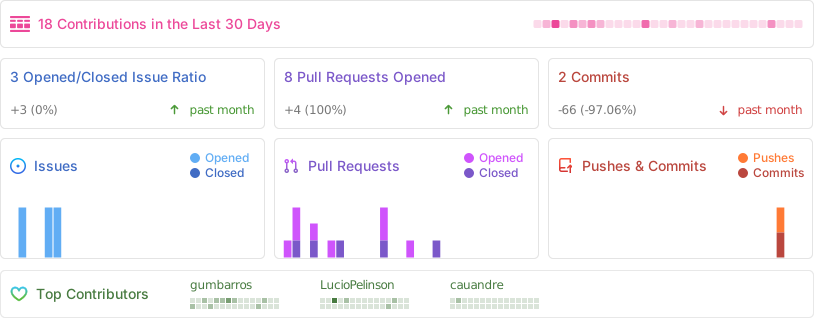
Have a bug or a feature request? Please first search for existing and closed issues.
If your problem or idea is not addressed yet, please open a new issue.