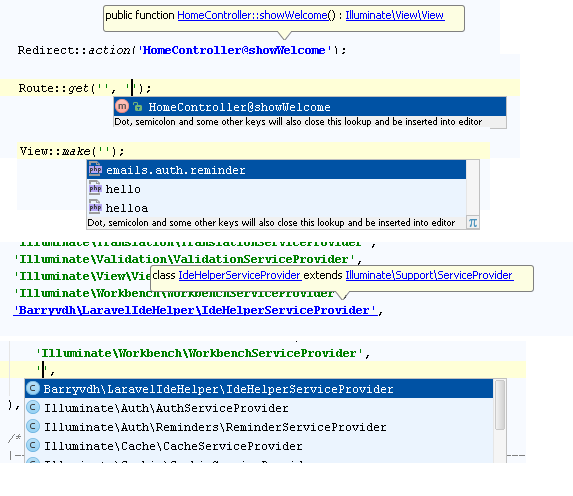
Based on Symfony Plugin
| Key | Value |
|---|---|
| Plugin url | https://plugins.jetbrains.com/plugin/7532 |
| Id | de.espend.idea.laravel |
| Changelog | CHANGELOG |
To install, go to Settings > Plugins and search for "Laravel Plugin".
Once installed, you must activate per-project by going to File > Settings > PHP > Laravel and clicking "Enable plugin for this project".
Note You must install and use the Laravel IDE Helper in order for PhpStorm to know how to find the Laravel classes.
- JetBrains: Laravel Development using PhpStorm
To register custom Blade template paths use ide-blade.json files in directories which template related. Path need to be relative to its file position
{ "namespaces": [ { "namespace": "foo", "path": "res" }, { "namespace": "foo" } ] }Make sure that the namespace does not have dot . delimiter, because the plugin will not work in that situation. For example, if the above example had namespace called foo.bar then it will not work correctly.