Develop your UI without any concern about the backend. MockiMouse is a mock server that helps you make dynamic fake API to test or demo your frontend project or to write unit tests for functions calling external APIs.
MockiMouse is easy to use, and easy to run. In a few lines of YAML config file you can start serving requests from frontend. Let's start :
The below config is the simplest possible mock server to run. Two endpoints with single senarios without any conditional response.
To learn more details read this article : Mockimouse Mock server
MockServer : port : 800 endpoints : - name : My first endpoint path : /helloWorld method : GET scenarios : - description : no condition, always show same response response: - Welcome to Hello wrold - name : My second endpoint path : /goodbye method : GET scenarios : - description : no condition, always show same goodbye response: - goodbyeAdd unlimited scenarios for each endpoint and set multiple conditions for a scenario to trigger. For example for a login endpoint you can set two scenarios first for valid username and password and another scenario for invalid username and password :
MockServer : contextPath : /api port : 800 endpoints : - name : Login API path : /login accepts : application/json method : POST delay : 1000 scenarios : - description : When credintial is valid condition : param : - name : username type : body operand : equal value : admin - name : password type : body operand : equal value : 1234 response: - file://helloWorld.json - description : When credintial is invalid condition : param : - name : username type : body operand : equal value : admin - name : password type : body operand : notEqual value : 1234 response : - file://invalidCredintial.json status : 200 Put your message file in responses folder beside the MockiMouse binary file and call them in response parameters in config file. The file can be json, xml or html.
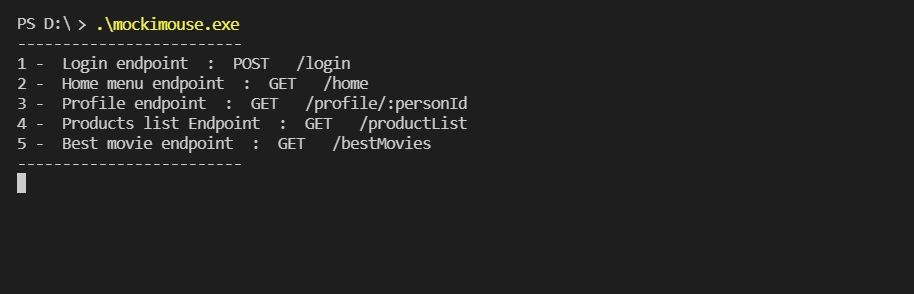
Run the server binary in any operating system and enjoy it :
Win OS:
c:\myFakeServer\mockimouse.exe