

react-native-really-awesome-button is a performant, extendable, production ready React Native component that renders an animated set of 3D UI buttons.
 |  |  |
|---|
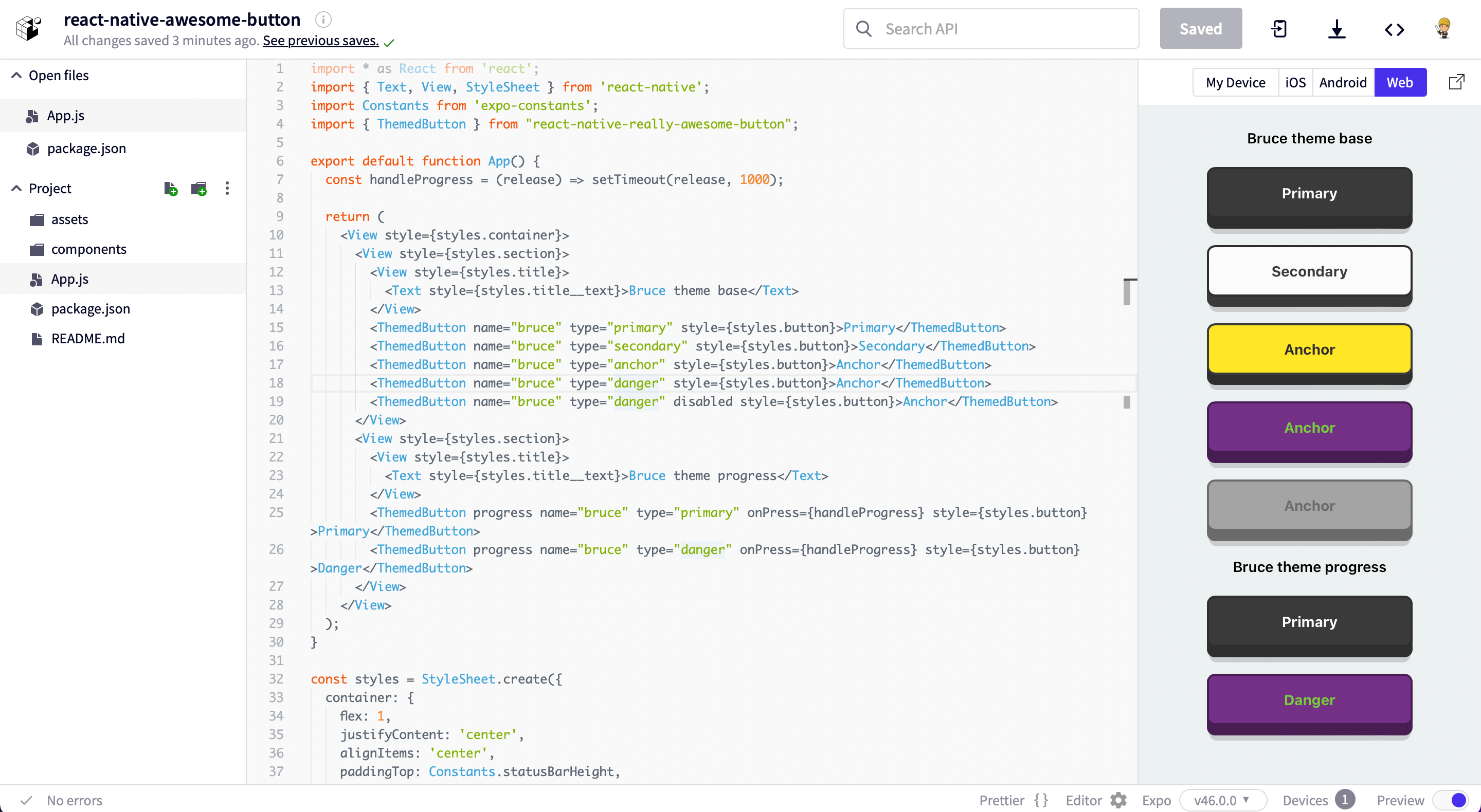
Access the snack at expo.dev.
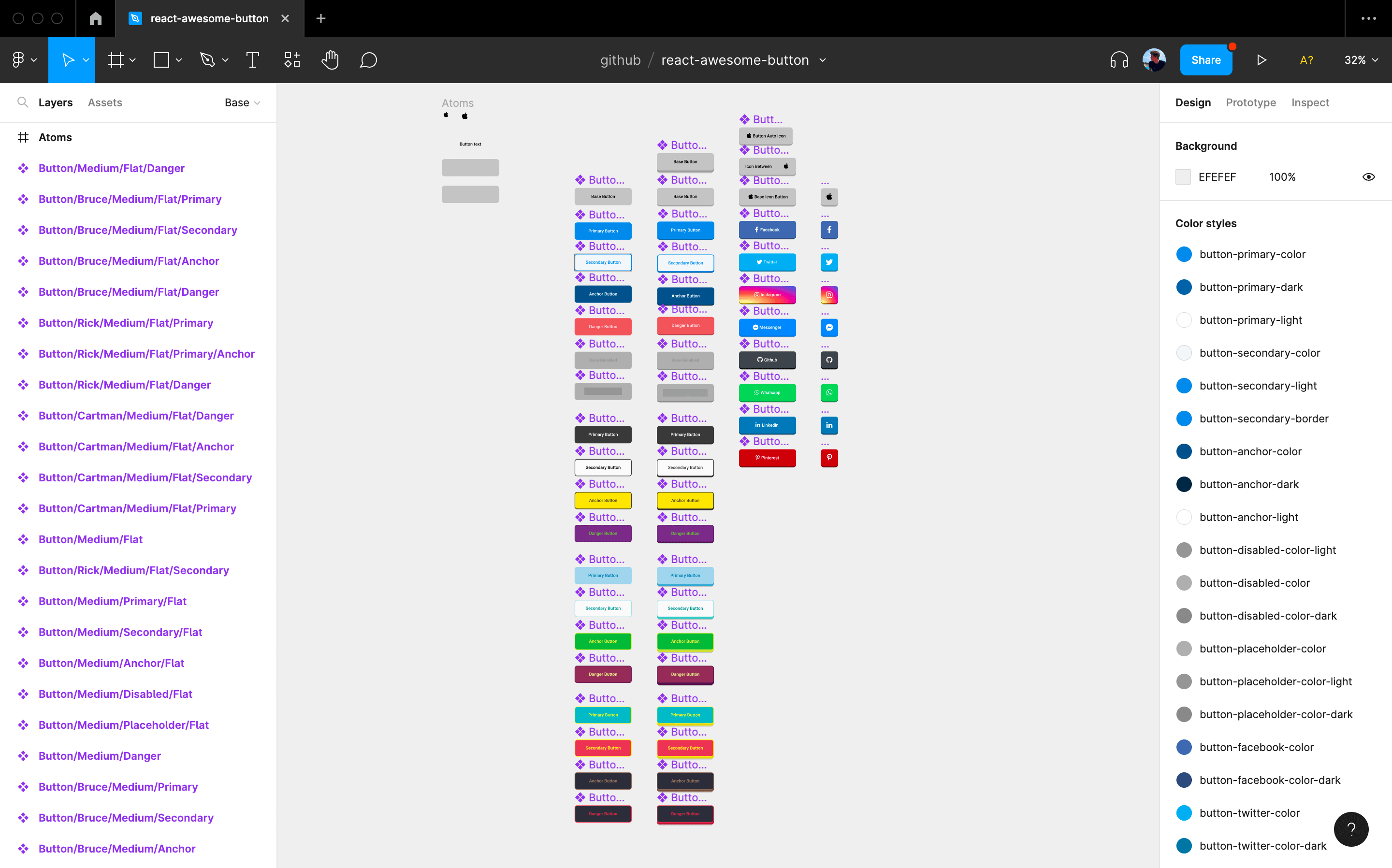
Import it directly into your Figma project.
npm install --save react-native-really-awesome-button import AwesomeButton from "react-native-really-awesome-button"; function Button() { return <AwesomeButton>Text</AwesomeButton>; }import AwesomeButton from "react-native-really-awesome-button"; function Button() { return ( <AwesomeButton progress onPress={async (next) => { /** await for something; then: **/ next(); }} > Text </AwesomeButton> ); } import { ThemedButton } from 'react-native-really-awesome-button'; function ButtonWithTheme() { return ( <> <ThemedButton name="rick" type="primary">Rick's Primary Button</ThemedButton> <ThemedButton name="rick" type="secondary">Rick's Secondary Button</ThemedButton> </> ); }import AwesomeButton from "react-native-really-awesome-button"; function ButtonWithCustomChildren() { return ( <AwesomeButton> <Image source="require('send-icon.png)" /> <Text>Send it</Text> </AwesomeButton> ); }Useful for handling icons or any other inlined content which animates together with the button text.
import { ThemedButton } from 'react-native-really-awesome-button'; import { FontAwesome } from "@expo/icons"; function ButtonWithIcon() { return ( <ThemedButton name="bruce" type="primary" before={<FontAwesome name="twitter" />}> Rick's Primary Button </ThemedButton> ); }You can use the extra prop to render a component inside the button content body; this should be useful to render an image or gradient background
import { StyleSheet } from "react-native"; import AwesomeButton from "react-native-really-awesome-button"; import LinearGradient from "react-native-linear-gradient"; function ButtonWithExtraContent() { return ( <AwesomeButton extra={ <LinearGradient colors={["#4C63D2", "#BC3081", "#F47133", "#FED576"]} style={{ ...StyleSheet.absoluteFillObject }} /> } > <Text>Instagram</Text> </AwesomeButton> ); }Added a set of controlling events on v2, giving control of every animation stage like onPressedIn and onPressedOut which are triggered on the Animated callback.
import { StyleSheet } from "react-native"; import AwesomeButton from "react-native-really-awesome-button"; import LinearGradient from "react-native-linear-gradient"; function ButtonWithExtraEvents() { return ( <> <AwesomeButton onPressIn={handlePressIn} onPressedIn={handlePressedIn} onPressOut={handlePressOut} onPressedOut={handlePressedOut} > Label </AwesomeButton> <AwesomeButton progress onProgressStart={handleOnProgressStart} onProgressEnd={handleOnProgressEnd} onPress={handleOnPress} > Label </AwesomeButton> </> ); }| Attributes | Type | Default | Description |
|---|---|---|---|
| activityColor | String | #FFFFFF | Button activity indicator color |
| activeOpacity | Number | 1 | Button active state opacity |
| animatedPlaceholder | Boolean | true | When set to false removes the placeholder animation loop |
| backgroundActive | String | #C0C0C0 | Button active state background-color |
| backgroundColor | String | #C0C0C0 | Button content background-color |
| backgroundDarker | String | #9F9F9F | Button bottom-front-face background-color |
| backgroundShadow | String | #C0C0C0 | Button bottom shadow background-color |
| backgroundPlaceholder | String | #C0C0C0 | Button placeholder background-color |
| backgroundProgress | String | #C0C0C0 | Button progress bar background-color |
| borderColor | String | null | Button border-color |
| borderRadius | Number | 4 | Button border-radius |
| borderWidth | Number | 0 | Button border-width |
| dangerouslySetPressableProps | PressableProps | null | Exposes the PressableProps of the Pressable wrapper; it can overwrite all props except onPressIn and onPressOut |
| debouncedPressTime | Number | 0 | Configure onPress function debounce time |
| disabled | Boolean | true | Button disabled state: cancels animation and onPress func |
| height | Number | 50 | Button height |
| width | Number | null | Setting width to null mirrors an auto behaviour |
| paddingHorizontal | Number | 12 | Sets the button horizontal padding |
| paddingTop | Number | 0 | Sets the button padding top |
| paddingBottom | Number | 0 | Sets the button padding bottom |
| stretch | Boolean | false | When set to true together with width set to null the button fills it's parent component width |
| raiseLevel | Number | 4 | Button 3D raise level |
| before | ReactNode | null | Renders a custom component before the button content Text |
| after | ReactNode | null | Renders a custom component after the button content Text |
| extra | ReactNode | null | Renders a custom component inside the button content body |
| springRelease | Boolean | true | Button uses elastic spring on the release animation |
| progress | Boolean | false | When set to true enables progress animation |
| progressLoadingTime | Number | 3000 | Number in ms for the maximum progress bar animation time |
| textColor | String | #FFFFFF | Button default label text color |
| textLineHeight | Number | 20 | Button default label text line height |
| textSize | Number | 16 | Button default label text font size |
| textFontFamily | String | null | Button default label text font family |
| style | Style | null | Button container custom styles |
| onPress | Function | null | Button onPress function. It receives a next argument when the progress prop is set to true |
| onPressIn | Function | null | Triggered with the onPressIn native event |
| onPressedIn | Function | null | Triggered once the press animation has finished |
| onPressOut | Function | null | Triggered with the onPressOut native event |
| onPressedOut | Function | null | Triggered once the release animation has finished |
| onProgressStart | Function | null | Triggered before the progress animation has started |
| onProgressEnd | Function | null | Triggered after the progress animation has finished |
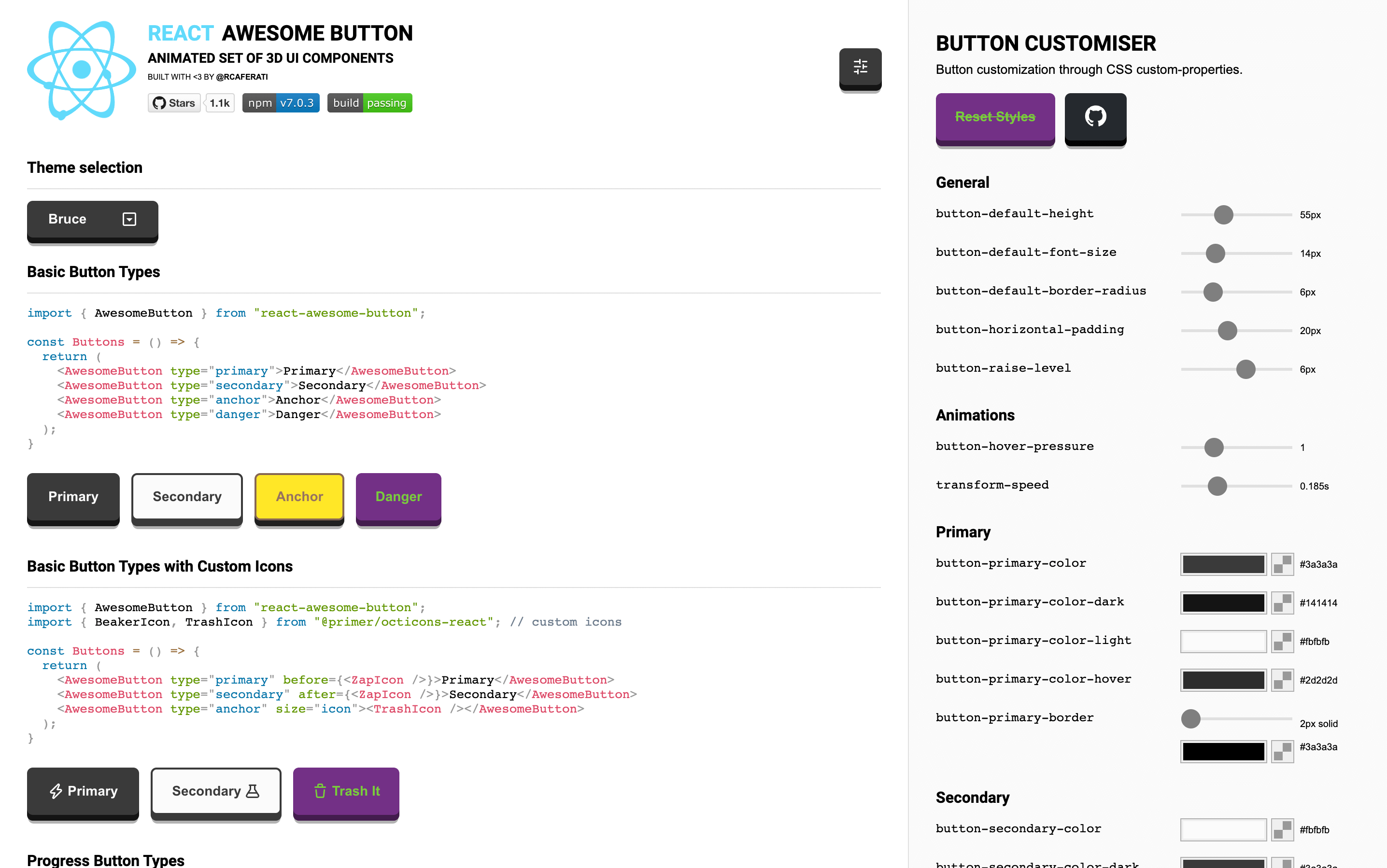
Checkout the web version of the Awesome Button UI Component at rcaferati/react-awesome-button
- Checkout my Portfolio Website
- Connect with me on
LinkedIn@rcaferati
MIT. Copyright (c) 2022 Rafael Caferati.


