Utilities included
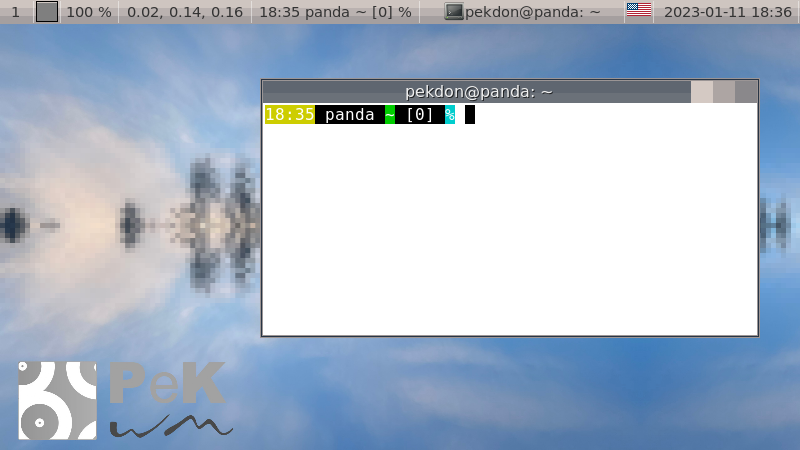
pekwm is not a desktop environment nor a pure minimalist window manager. It tries to go by the Swedish word "Lagom", not too much not too little.
In addition to the window manager, pekwm comes with:
- pekwm_bg: wallpaper setting application, integrated with the pekwm themes.
- pekwm_ctrl: control pekwm from the command line.
- pekwm_dialog: dialog, much like xdialog but themed from the pekwm theme and with image support.
- pekwm_panel: configurable panel application.
- pekwm_screenshot: screenshot utility.
- pekwm_theme: theme management utility.
Window Grouping
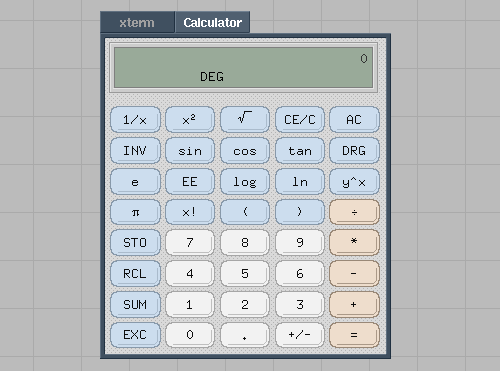
Window Grouping first seen in PWM brings tabbing to all applications. Most modern applications now have tabs in themselves but still does not allow grouping together different applications into one group.
In the illustration pekwm (with a PWM theme) shows an xterm window and a xcalc window grouped together.
Decor Rules
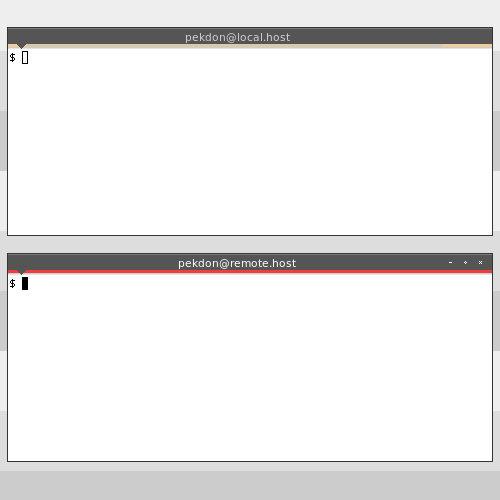
Part of the automatic properties, or autoprops for short, pekwm support setting the decoration of windows based on the properties of a window.
In the illustration pekwm shows the effect of the below decor rules setting a warning decoration on remote terminals.
DecorRules { Property = "term,^XTerm" { Title = "@$_HOSTNAME" Decor = "Default" } Property = "term,^XTerm" { Title = "@" Decor = "Warning" } }