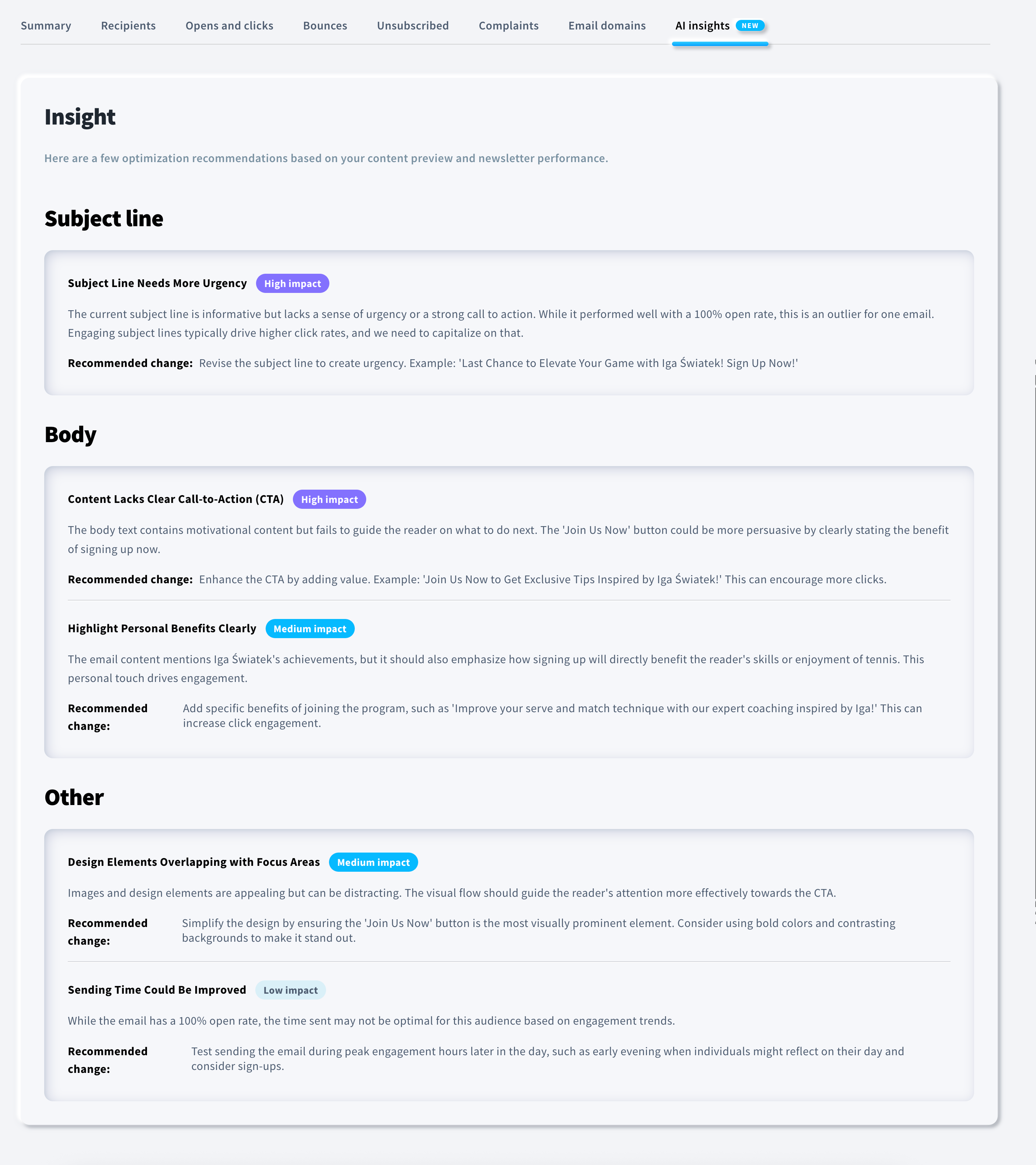
How to improve the performance of your messages with AI Insights?
AI Insights is a feature that analyzes your email campaign results and automatically generates actionable recommendations to help improve performance. Using AI, it highlights opportunities to boost metrics such as opens, clicks, and conversions. Such recommendations may involve optimizing subject lines, reinforcing calls-to-action, adjusting delivery times, or identifying irregularities in campaign performance.
Currently, AI Insights are available as part of a test on selected accounts.
Where to find AI Insights
You can find AI Insights in your email campaign report. It appears as a dedicated AI Insights section alongside the standard statistics such as Opens and clicks, Bounces, and Complaints.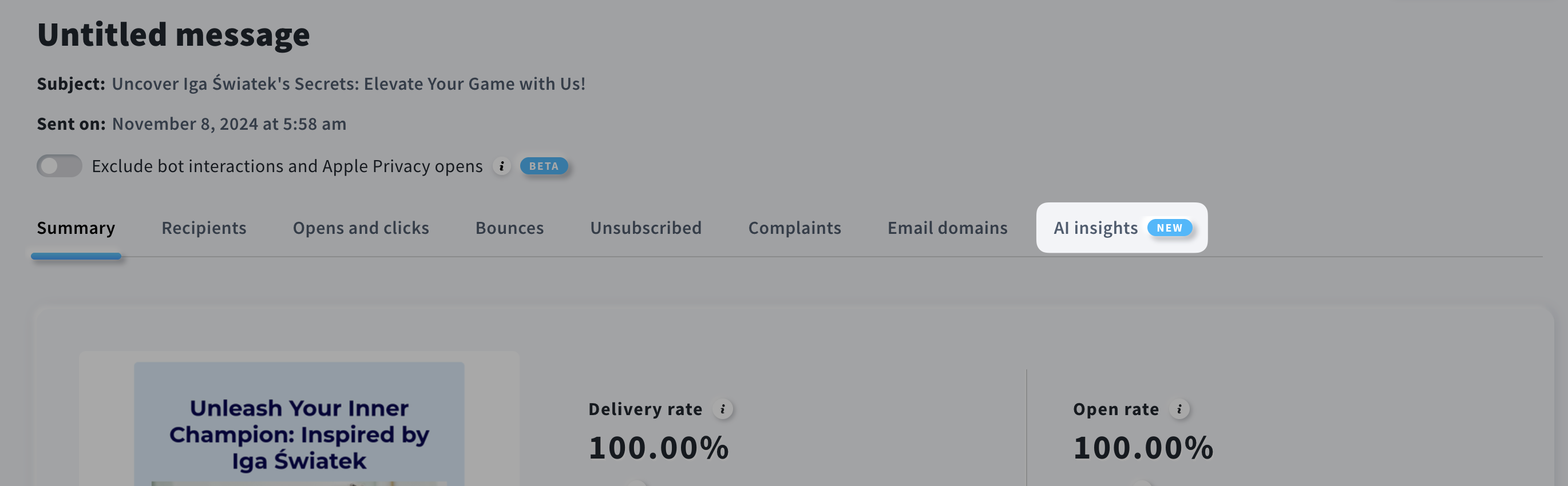
There are 3 ways to access the AI Insights tab for a specific message:
- Go to Tools > Email Marketing / Autoresponders / Automation > Automation messages > locate the message in question > open its report > open the AI Insights section.
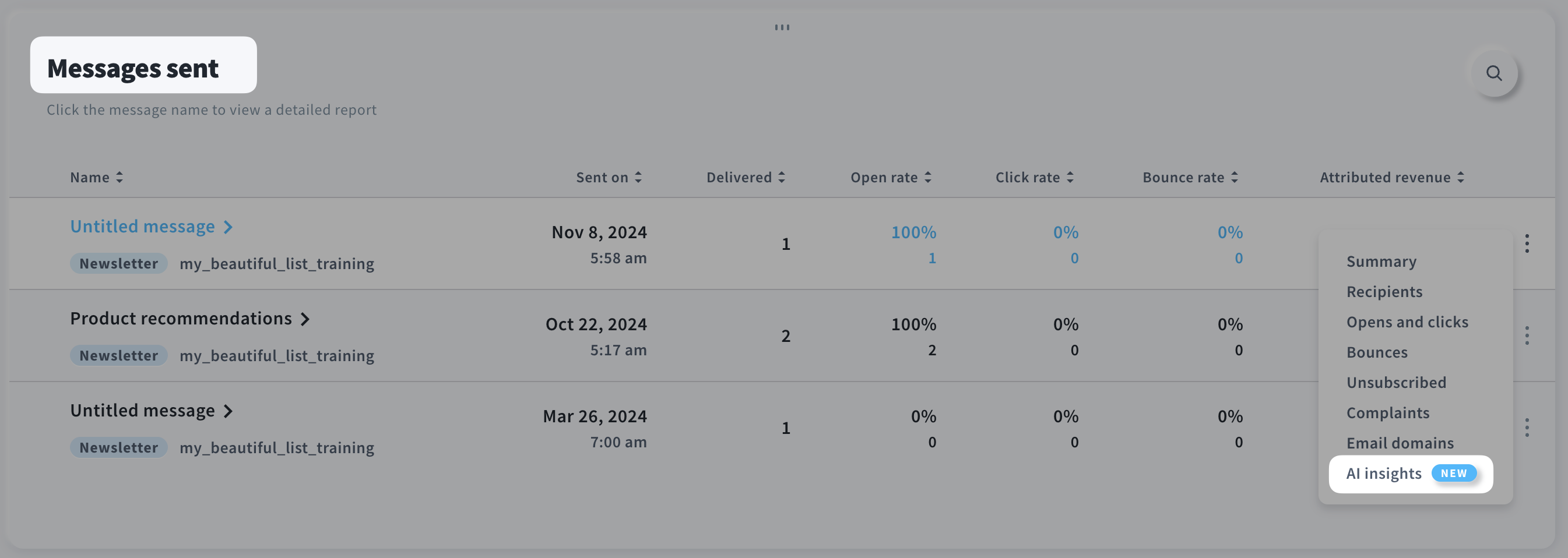
- From the dashboard, go to Reports > scroll down to the Messages sent section > click the three dots next to the message in question > select AI Insights.
- In the same Messages sent section, click the message name and then navigate to the AI Insights tab.
How do AI Insights work
The AI Insights feature evaluates your campaign metrics and content and uses an AI model to generate optimization suggestions. The analysis focuses on performance patterns, message structure, and engagement indicators. It provides clear, practical recommendations, such as:
- Improved subject lines (e.g., more engaging or urgent wording),
- Optimal sending times,
- Recommended segments that may achieve better performance,
- CTA improvements (e.g., clearer calls to action);
No personal data is processed, such as email addresses, names, or any other identifiable information. AI relies solely on the message content and its performance metrics.
Note: It’s worth remembering that any AI-generated insights may occasionally be imperfect. Treat these recommendations as helpful guidance rather than definitive conclusions, and use them alongside your own experience and campaign knowledge.
To generate the most accurate insights, you should wait at least 3 days after the send date. This is when the highest activity occurs in the message, providing enough data for meaningful analysis.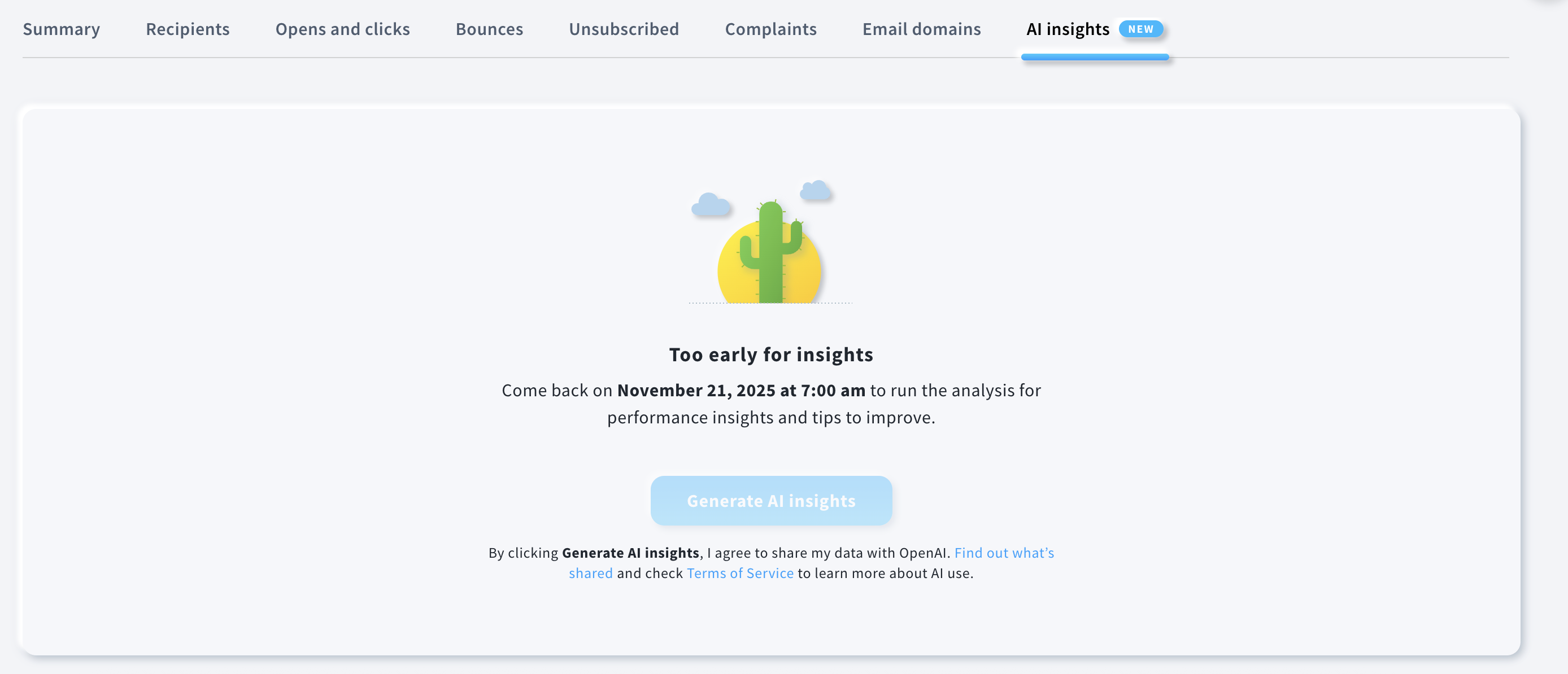
How to generate AI Insights
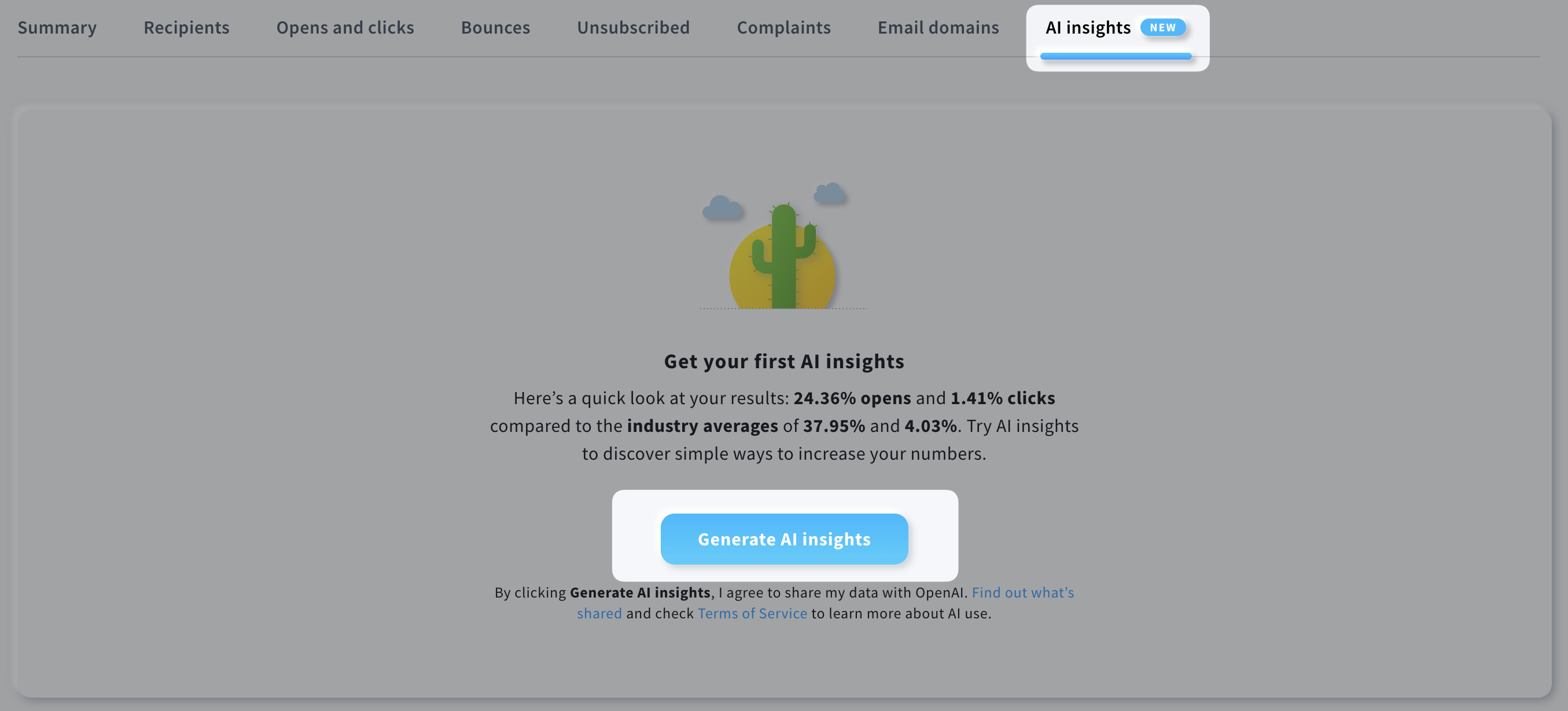
Once you are in the AI Insights tab within the message report, click Generate AI Insights.
After a moment, you will see a generated list of recommendations divided into three sections: Subject line, Body, and Other. Each recommendation also includes an assigned priority level: high, medium, or low.