AI app building is here in Figma Make
Go from great idea to full-blown app, just like that—no coding required.
Your idea to working app with AI
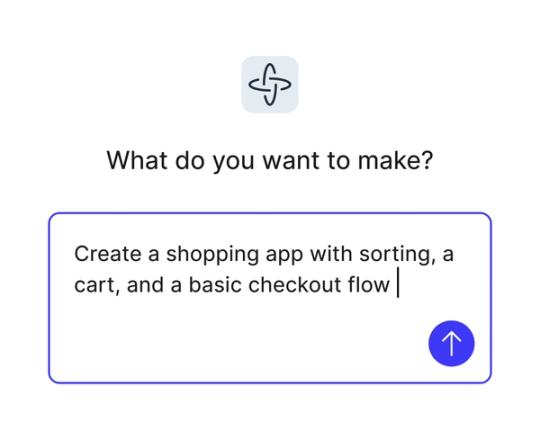
Turn ideas into reality
Skip the dev backlog and bring your concepts to life as interactive flows, dashboards, or complete apps, all from natural language prompts.
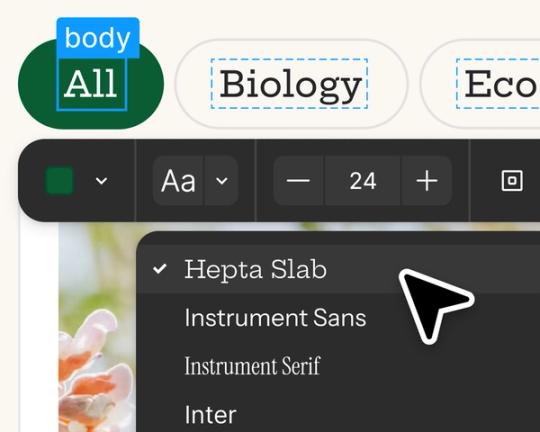
Edit and iterate with AI
Start with prompts, then refine in the visual editor, adjust the code for more control, or prompt again to explore new directions.
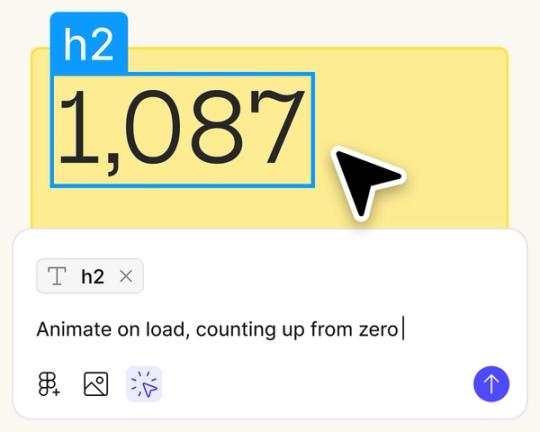
Design and build in one place
Stay in flow as you create, test, and refine in a single workspace, without switching between design and dev tools.
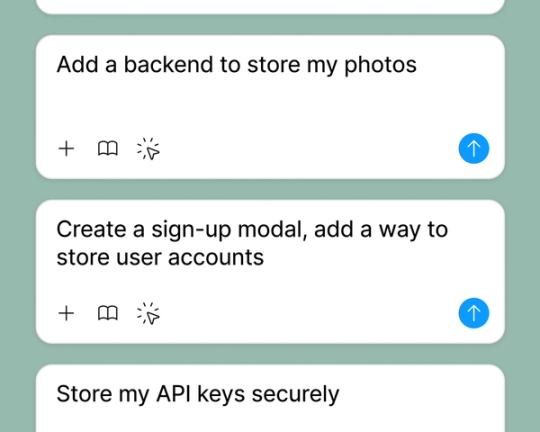
Test interactions with real data
Connect to a backend to preview exactly how your app will look and behave with live, user-driven data.
Built by real teams.
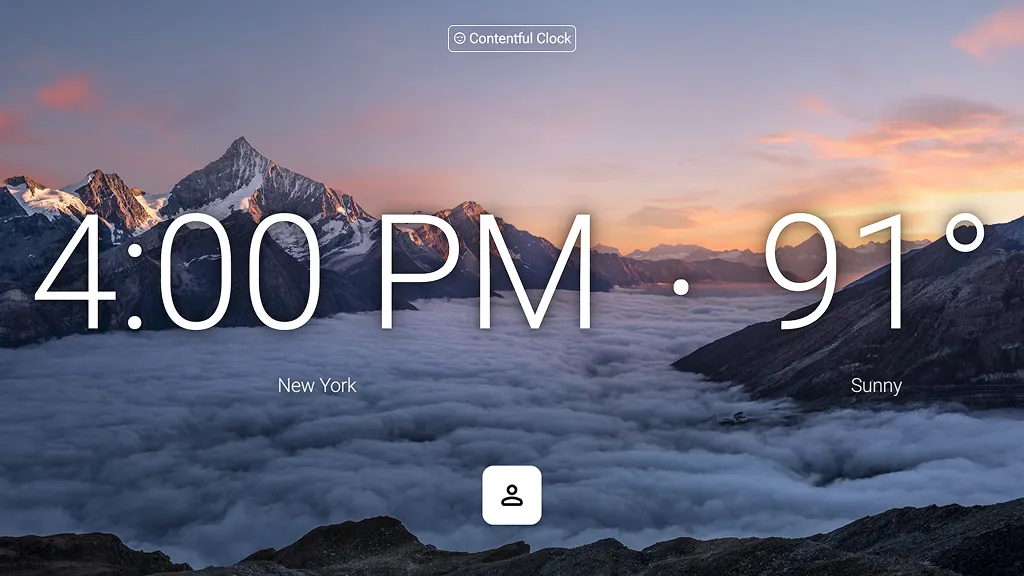
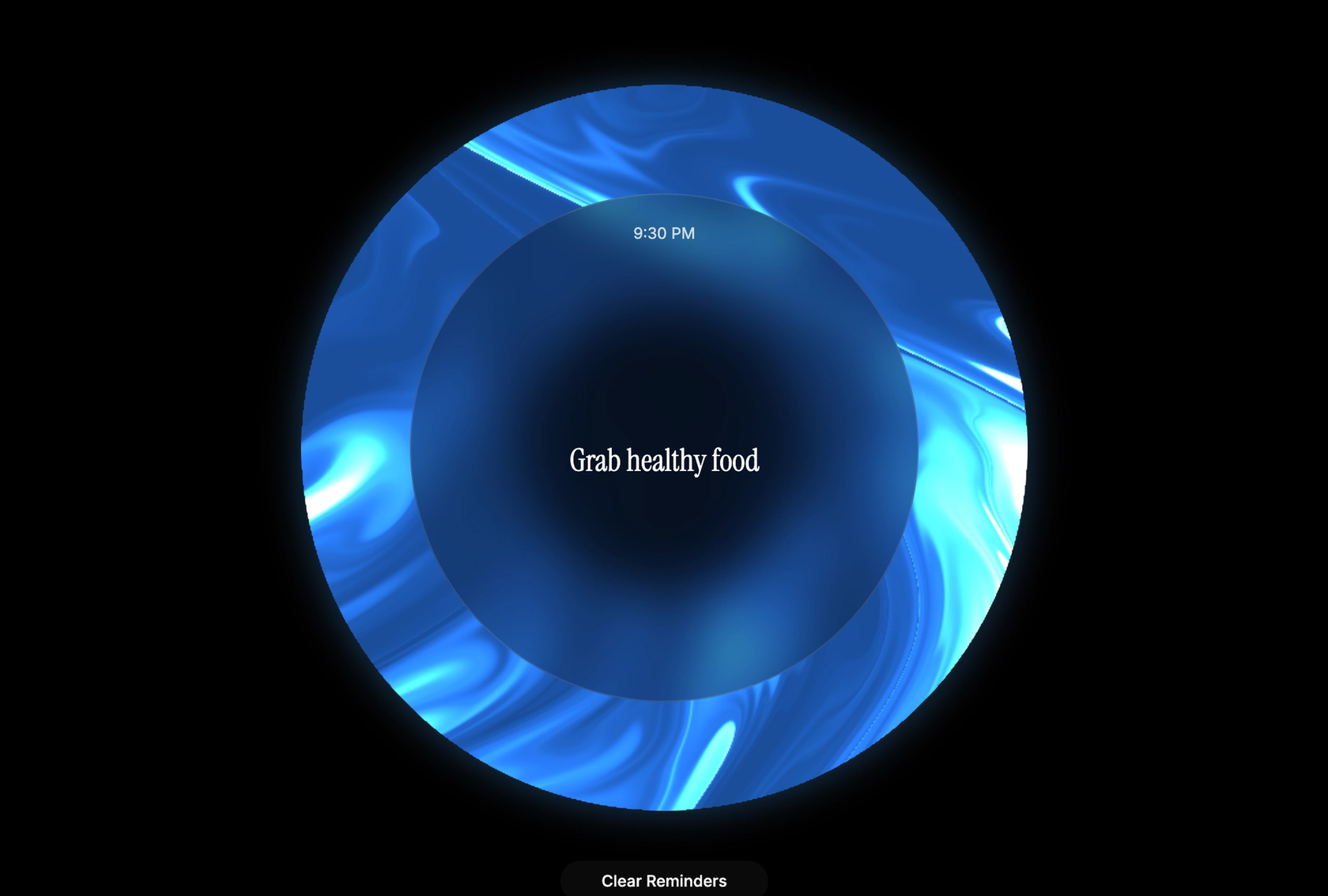
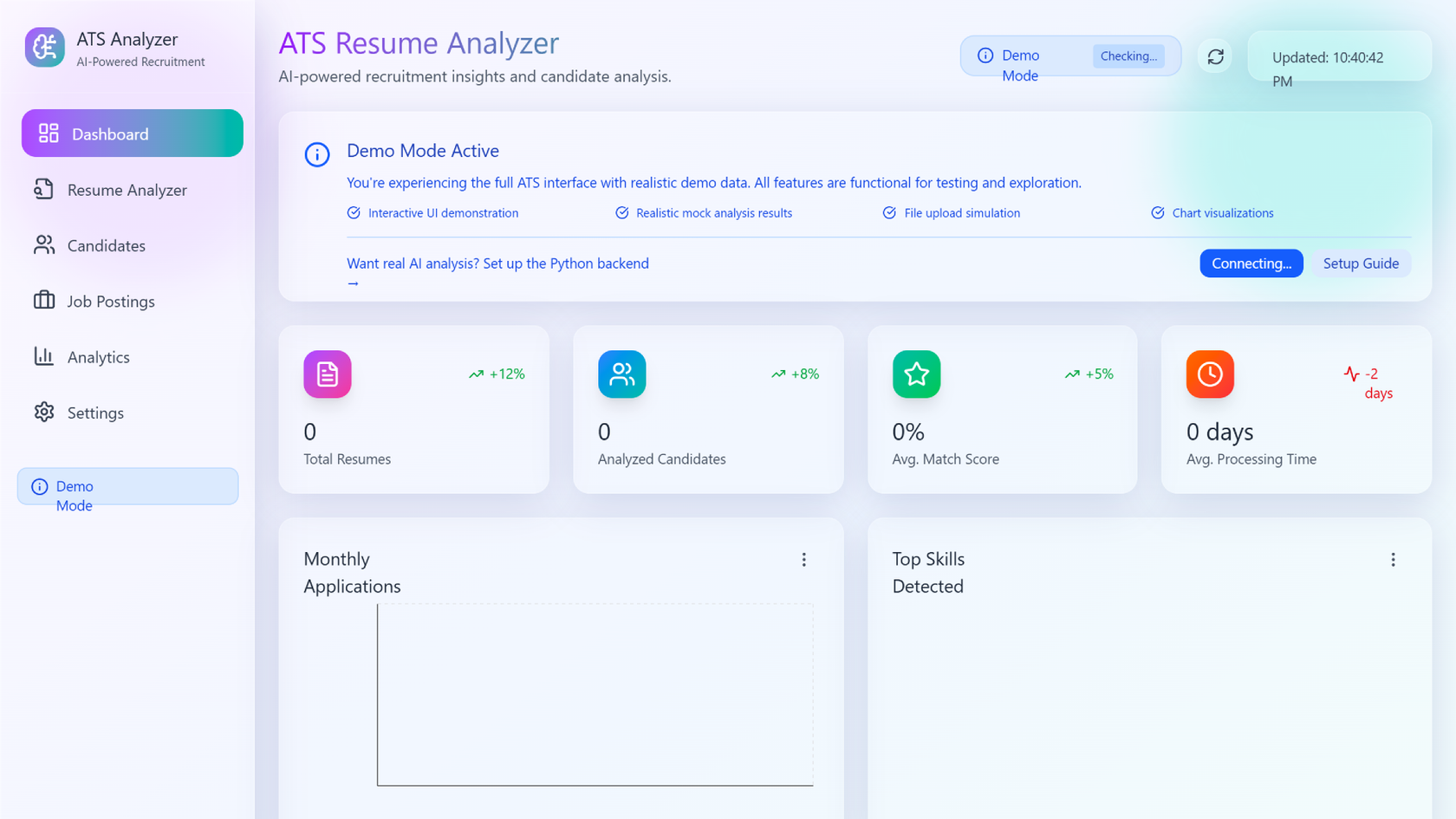
See how makers, designers, and PMs are using Figma Make to build no-code web apps—from internal tools to product MVPs.
- Jacques Debeuneure Jr.
- Daniela Muntyan
- kishoree04u
- Seungmee Lee



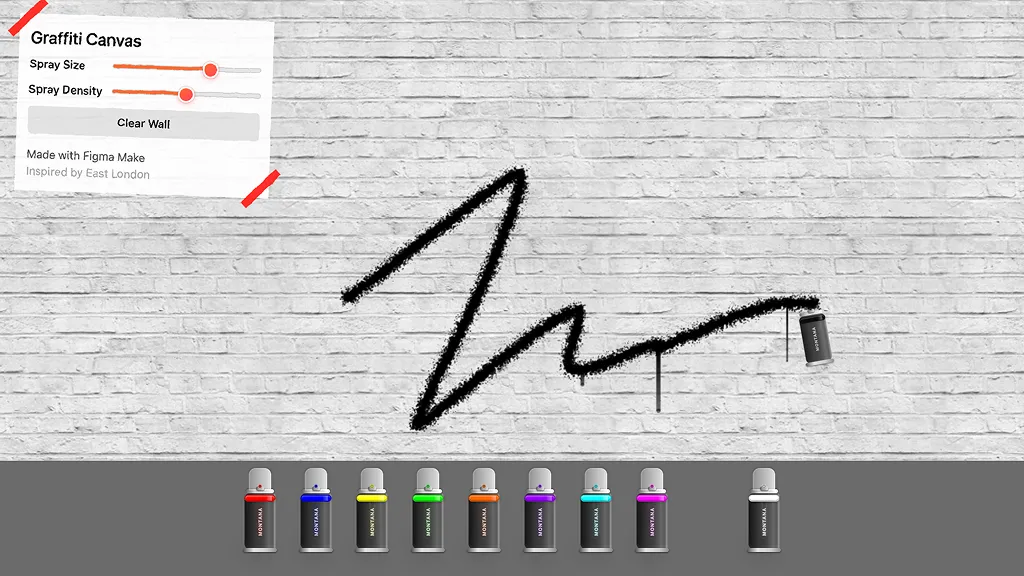

How to build an app with AI in Figma Make
FAQs
From the blog
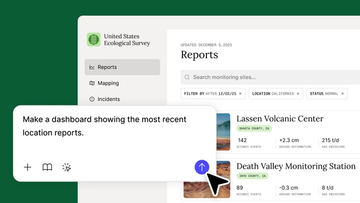
Figma Make is now available in Figma for Government
With Figma Make now available in Figma for Government, teams can prototype faster, collaborate securely, and accelerate progress on modernizing public services.

Version control: One founder’s mission to save local farms with Figma Make
Factory farms and rising costs are putting British Columbia’s small growers out of business at an alarming rate. To fight back, entrepreneur Aaron Veale used Figma Make to build a marketplace app that helps farmers sell their produce—all in a matter of weeks.
Creativity meets precision with Google's Nano Banana Pro
From quick style variations to precise edits, Nano Banana Pro helps teams stay creative without losing context or brand integrity.
Gemini 3 Pro is now available in Figma Make
We ran Gemini 3 Pro through a series of design exercises in Figma Make. Here’s what stood out.
4 ways for design teams to chart new territory with Figma Make
From redrawing product roadmaps to building starter templates, these Figma Make ideas from Maven Clinic, Pendo, ServiceNow, and LinkedIn show how designers can prompt a path forward.
6 winning Figma Makes—and what you can learn from them
Winners from our first global Make-a-thon offer insights on how to prototype smarter, structure products better, and push Figma Make further.
What is MCP?
Read articleLearn about Model Context Protocol (MCP), the open standard that simplifies AI integration like a USB-C for data.
What is Vibe coding?
Read articleVibe coding combines mood-driven design with seamless coding to create immersive digital experiences that connect emotionally and function flawlessly.

How to design an app in five steps
Read articleBuilding an app requires research and constant iteration to meet customer needs. Learn how to design an app and how Figma can help in this guide.