Welcome to the Cedar Design System. You can use Cedar’s components, tokens, and patterns to free yourself (and your backlog) to continue doing work that inspires you and enhances the user experience for our customers. Visit "About" to learn more about Cedar, design systems, and how you can benefit.

For Developers

# First steps
If you are just starting out developing with Cedar, you’ll first need to install Cedar. Once you have Cedar installed, here's a checklist of everything you need to get up and running.
# New to Vue?
Cedar components are built using Vue and can only be used in Vue projects. Get updated on Vue with the following resources.


# Understand Cedar’s Parts
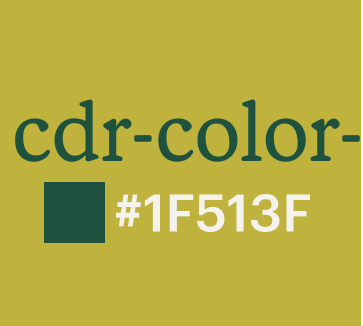
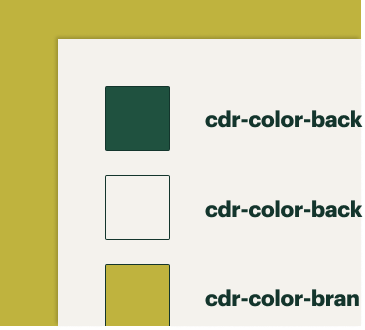
# Tokens
Tokens are an evergreen set of variables mapped to the style attributes that define the foundation of REI's visual language, including color, typography, and spacing. Tokens are maintained and distributed by Cedar—just fetch the latest version to stay in sync with the visual language of the co-op.

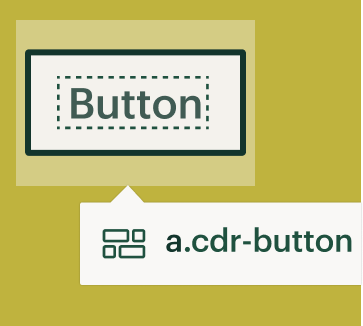
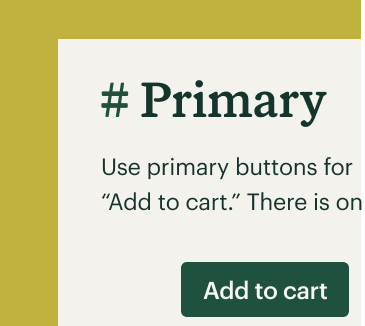
# Components
Components are Cedar’s reusable, functional parts such as more visual components like buttons and more functionally complex components like forms. Components are vue-based and use Cedar’s tokens to distribute code templates that encapsulate reusable code. Components are maintained and distributed by Cedar—when used in your application, you can stay in sync with the visual language of the co-op.
# Component variables
Component variables are a limited set of style mixins for web that can be used to make DOM elements appear to be a cedar component. Component variables should only be used when your team is unable to directly consume and use the Vue Cedar components. Find out if your team should use component variables and learn more about them or view component variables in Github (opens new window).
# Patterns
Patterns are the principled guidance to common design problems at REI. Patterns may be UI or a variety of other things, like a behavior, flow, or an application motif. For example, the alert pattern gives design and development guidance for scenarios where you alert a user while the form input types pattern offers common form types like street address. Access other patterns under the pattern header in the navigation.
# Troubleshooting
Feeling stuck? Check out some important articles that might help you in your troubleshooting efforts.


# Contribute to Cedar
Coding something that you think others can use? Learn about how you can contribute back to Cedar.


# Connect with us
The team is available for questions or one-on-one help. Connect with us on the Slack channel #cedar-user-support (opens new window), join office hours (reach out to the team for an invite), or sign up (opens new window) for 1:1 help.
Up next: Hand-off Process