eCommerce gallery
Vue Bootstrap 5 eCommerce gallery plugin
Responsive eCommerce gallery built with the latest Bootstrap 5 and Vue 3. Customize with zoom effect, carousels, different positions, and much more.
Note: Read the API tab to find all available options and advanced customization
Basic example
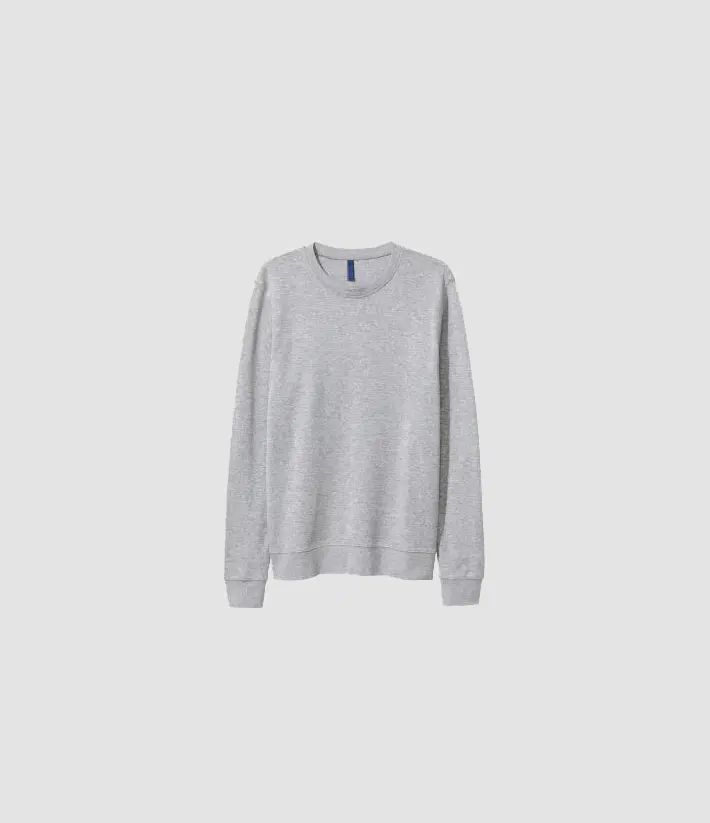
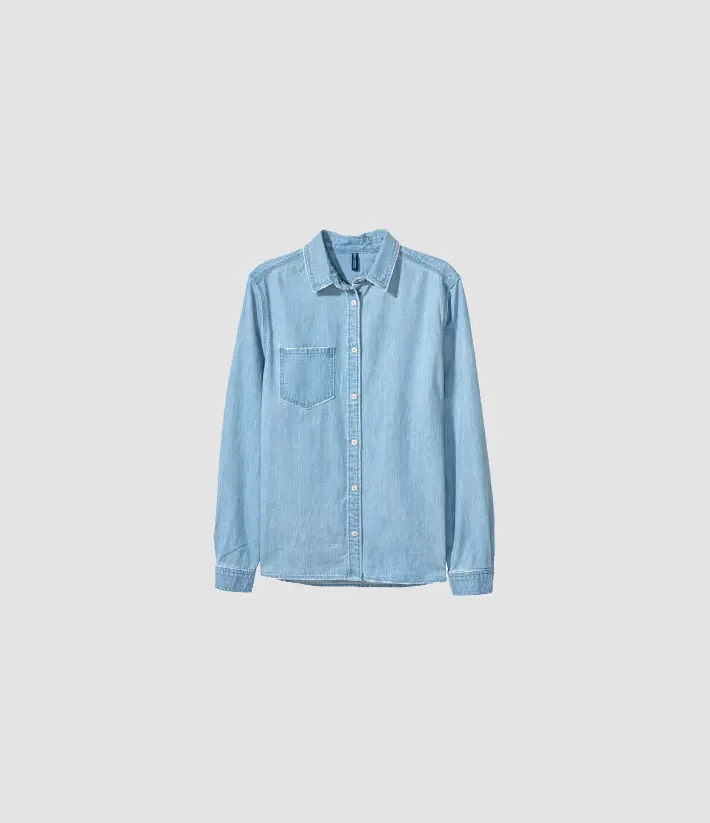
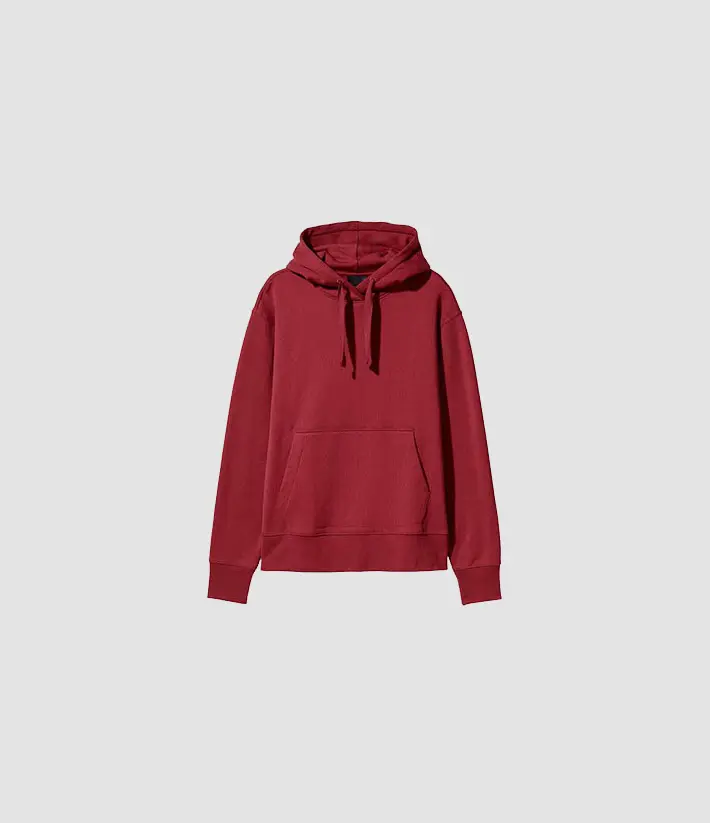
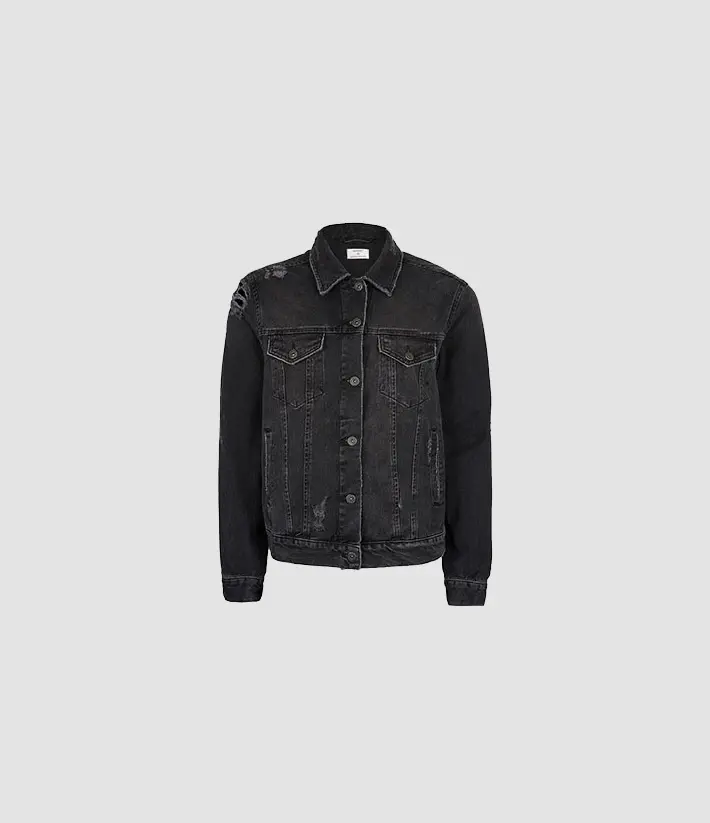
A basic example of a gallery with the most common use case with the bootstrap grid.
Pass MDBLightbox component's ref to integrate it with the MDBECommerceGallery component. To ensure the proper performance of the page, it is recommended to include thumbnails of images in the src attribute. Then in the data-fullscreen-src attribute add the path to the image with higher resolution. If the data-fullscreen-src attribute is omitted, the lightbox will display the same image as in the reduced size.




Activate on mouseenter
Activation on mouseenter can be enabled by adding a activation="mouseenter" property.
Zoom effect
Add zoomEffect property to enable enlarging the main image on hover.
Carousel example
Thumbnails can also be displayed as a multi carousel.
It is required to add the Multiple item carousel plugin and pass it's ref to the MDBECommerceGallery for the following examples to work.

Vertical carousel
By adding the vertical property to the gallery and carousel you can achieve the following effect:
Different positions
Thumnails at the top
Easily add a carousel before the main image to view thumbnails above it.
Thumnails on the right
Add the carousel in the second column to display thumbnails on the right.
Different thumbnails number
2 thumbnails
Set :items="2" on the carousel to make two thumbnails visible.
4 thumbnails
Set :items="4" on the carousel to make four thumbnails visible.
Different image sizes
Horizontal carousel
Image sizes are automatically adjusted to the view.
Vertical carousel
In a vertical carousel, it works too.
Equal image sizes
A basic example of a gallery with images of equal sizes where autoHeight property is added.