前言
在 macOS 下使用 homebrew 安装软件时,默认情况下安装了最新的版本。有时候我们需要老版本的时候,homebrew 并没有提供较为便捷的方式。
本文以 protobuf 为例讲解 brew install 如何安装指定版本软件。
安装
查找 rb 文件地址
1 2 3 4 5 6 7 8 9 10 11 12 13 14 15 16 17 18 19 20 21 22
❯ brew info protobuf ==> protobuf: stable 21.5 (bottled), HEAD Protocol buffers (Google's data interchange format) https://github.com/protocolbuffers/protobuf/ /usr/local/Cellar/protobuf/3.17.3_1 (263 files, 19.3MB) * Poured from bottle on 2022-09-07 at 10:01:17 /usr/local/Cellar/protobuf/21.5 (279 files, 19MB) Poured from bottle on 2022-09-07 at 09:40:56 From: https://github.com/Homebrew/homebrew-core/blob/HEAD/Formula/protobuf.rb License: BSD-3-Clause ==> Dependencies Build: python@3.10 ✘, python@3.9 ✘ ==> Options --HEAD Install HEAD version ==> Caveats Emacs Lisp files have been installed to: /usr/local/share/emacs/site-lisp/protobuf ==> Analytics install: 191,131 (30 days), 490,097 (90 days), 1,535,759 (365 days) install-on-request: 46,962 (30 days), 111,247 (90 days), 316,495 (365 days) build-error: 157 (30 days
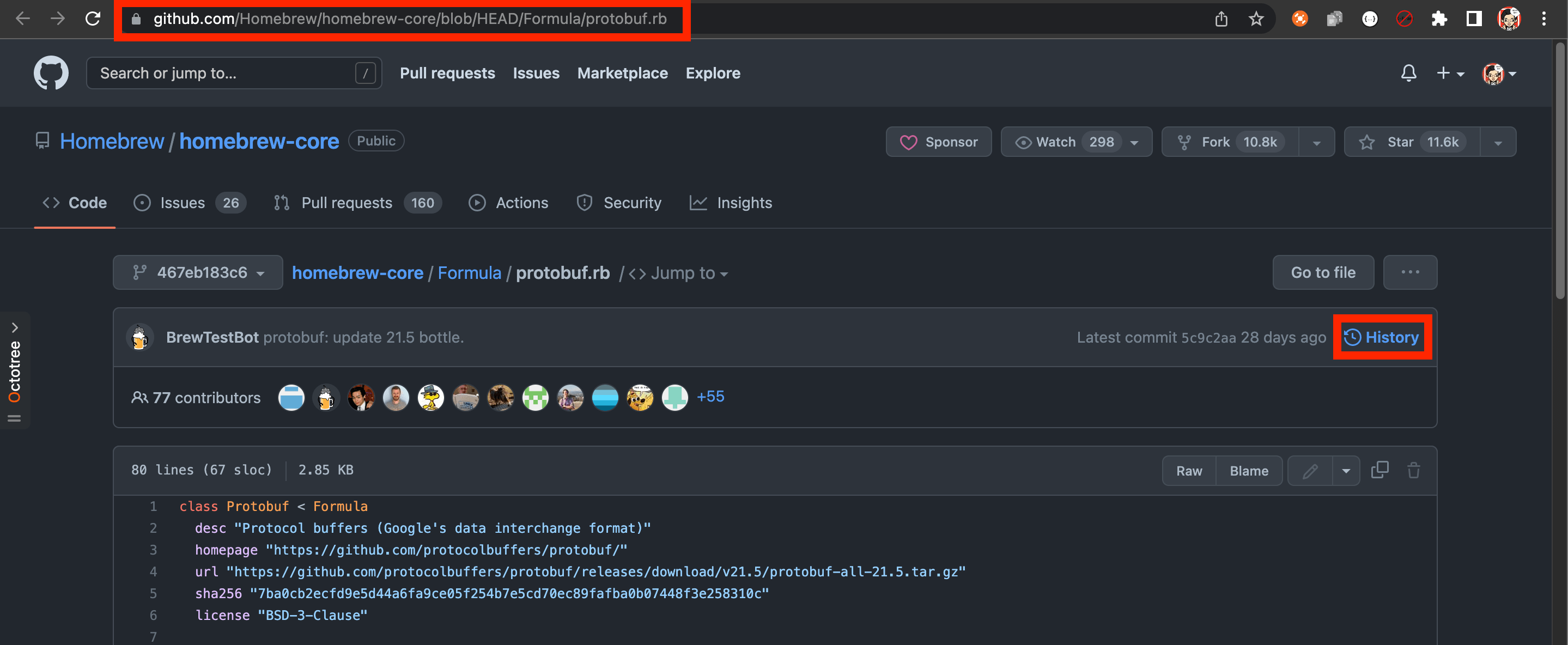
使用 brew info 获取到 protobuf.rb 的地址为 https://github.com/Homebrew/homebrew-core/blob/HEAD/Formula/protobuf.rb
查找指定版本 rb 文件
浏览器打开 protobuf.rb 的地址,并点击 History。
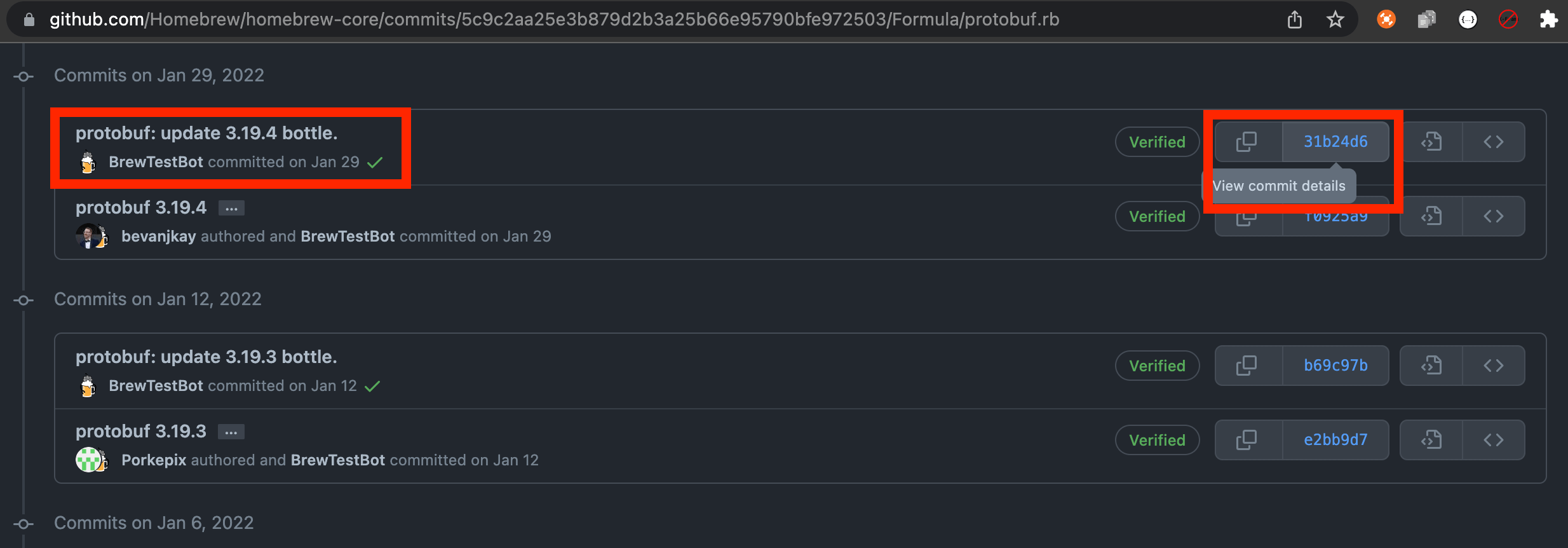
找到指定版本的 commit (这里以 3.19.4 版本为例),并点击 commit 号查看文件。
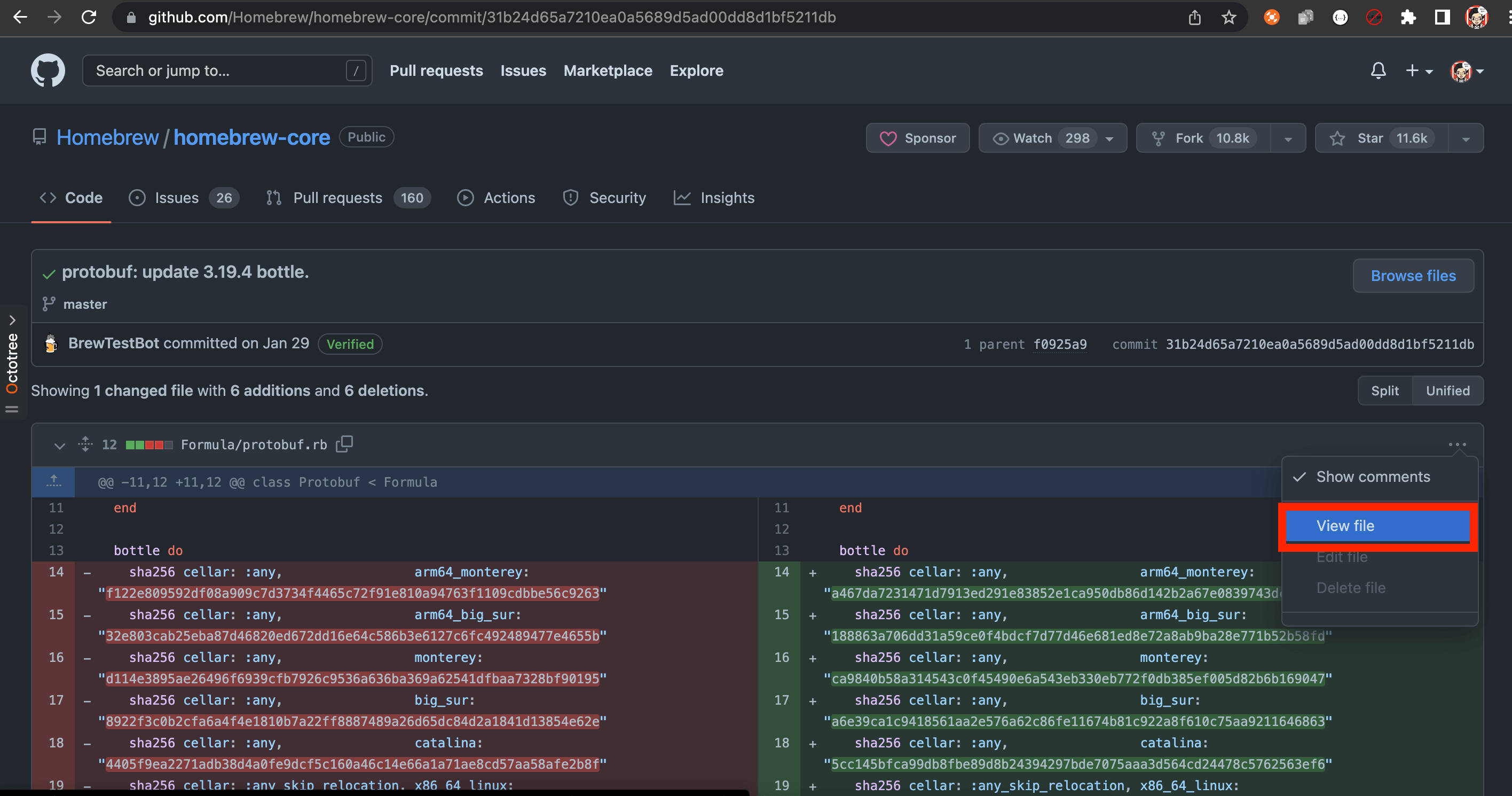
点击 View file 查看文件内容。
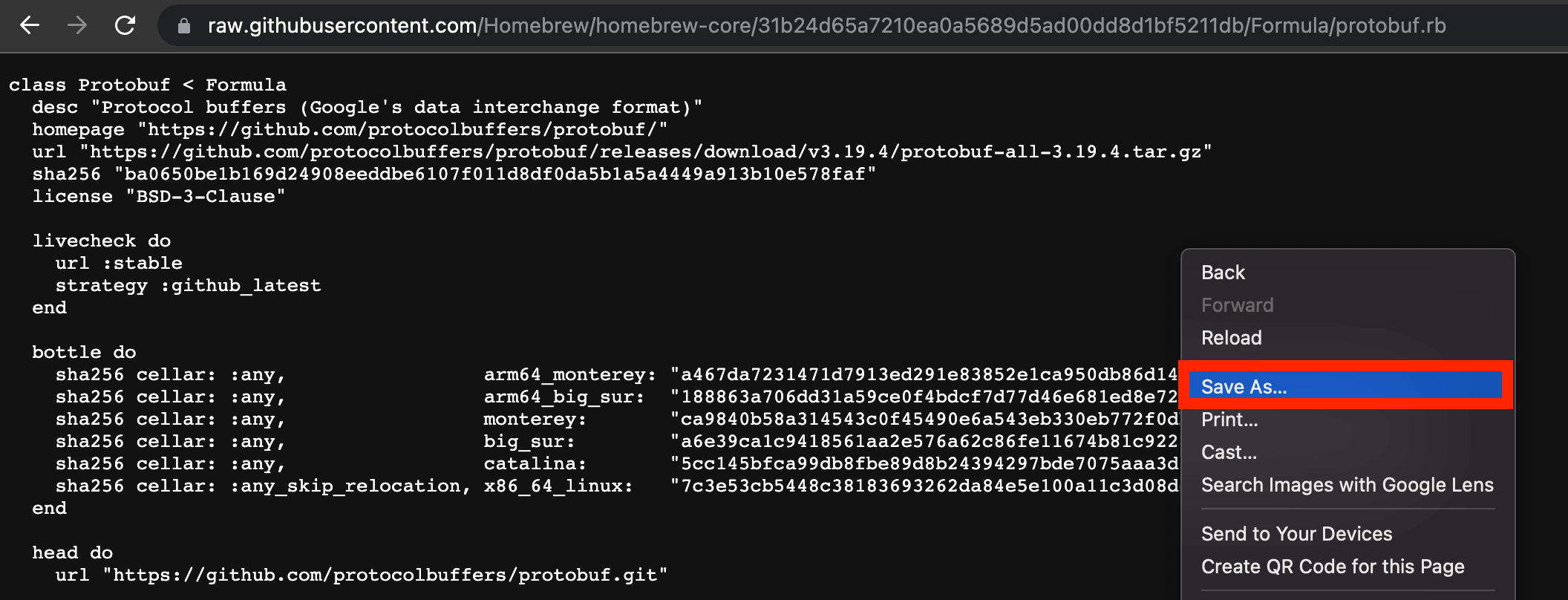
点击 Raw。
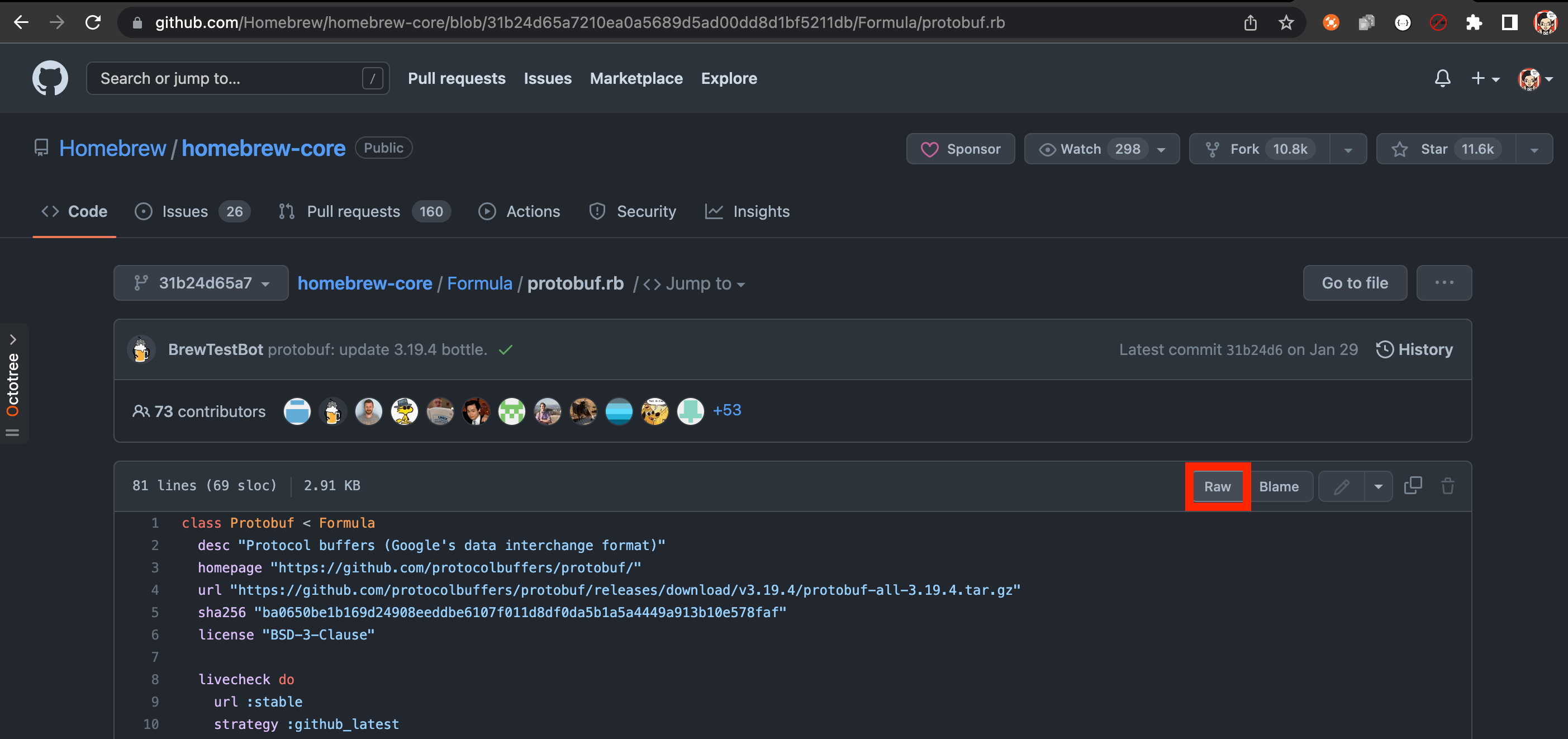
保存 rb 文件
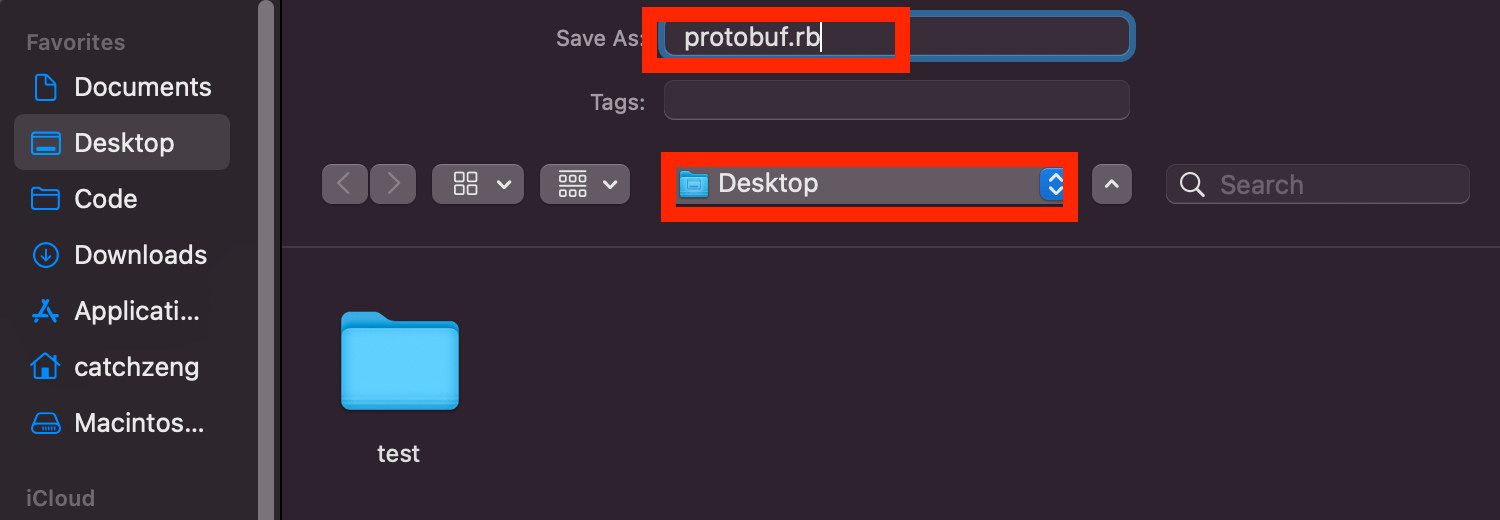
保存文件,并命名为 protobuf.rb。
这里以保存到桌面为例。
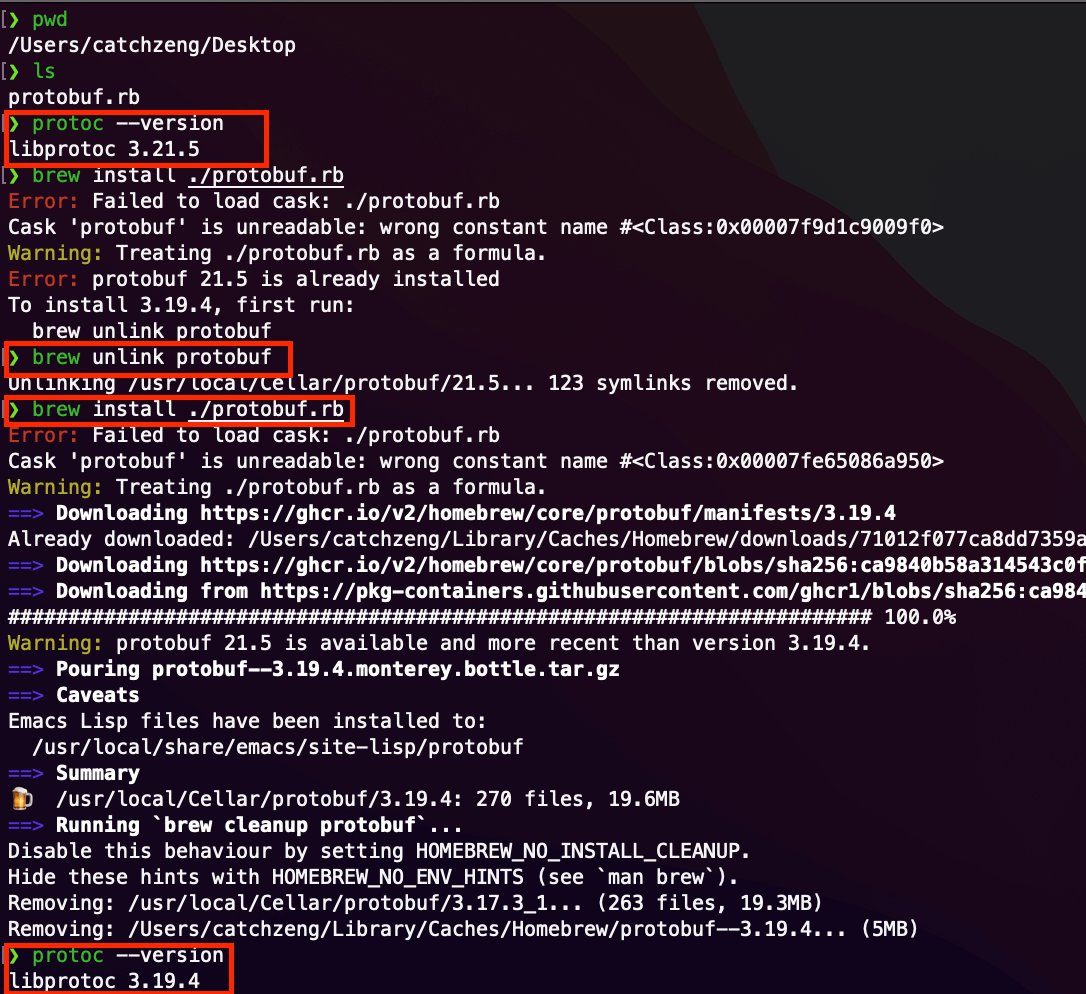
安装指定版本 protobuf
1 2 3 4 5 6 7
❯ protoc --version libprotoc 3.21.5 ❯ cd ~/Desktop ❯ brew unlink protobuf ❯ brew install ./protobuf.rb ❯ protoc --version libprotoc 3.19.4
小结
使用 homebrew 安装指定版本的其他软件也是类似的操作,希望能帮助到大家。

 Tools - brew install the specific version of software (protobuf as an example)