Prompt Management
Prompt management is a systematic approach to storing, versioning, and retrieving prompts for your LLM application. Instead of hardcoding prompts in your application code, you manage them centrally in Langfuse.
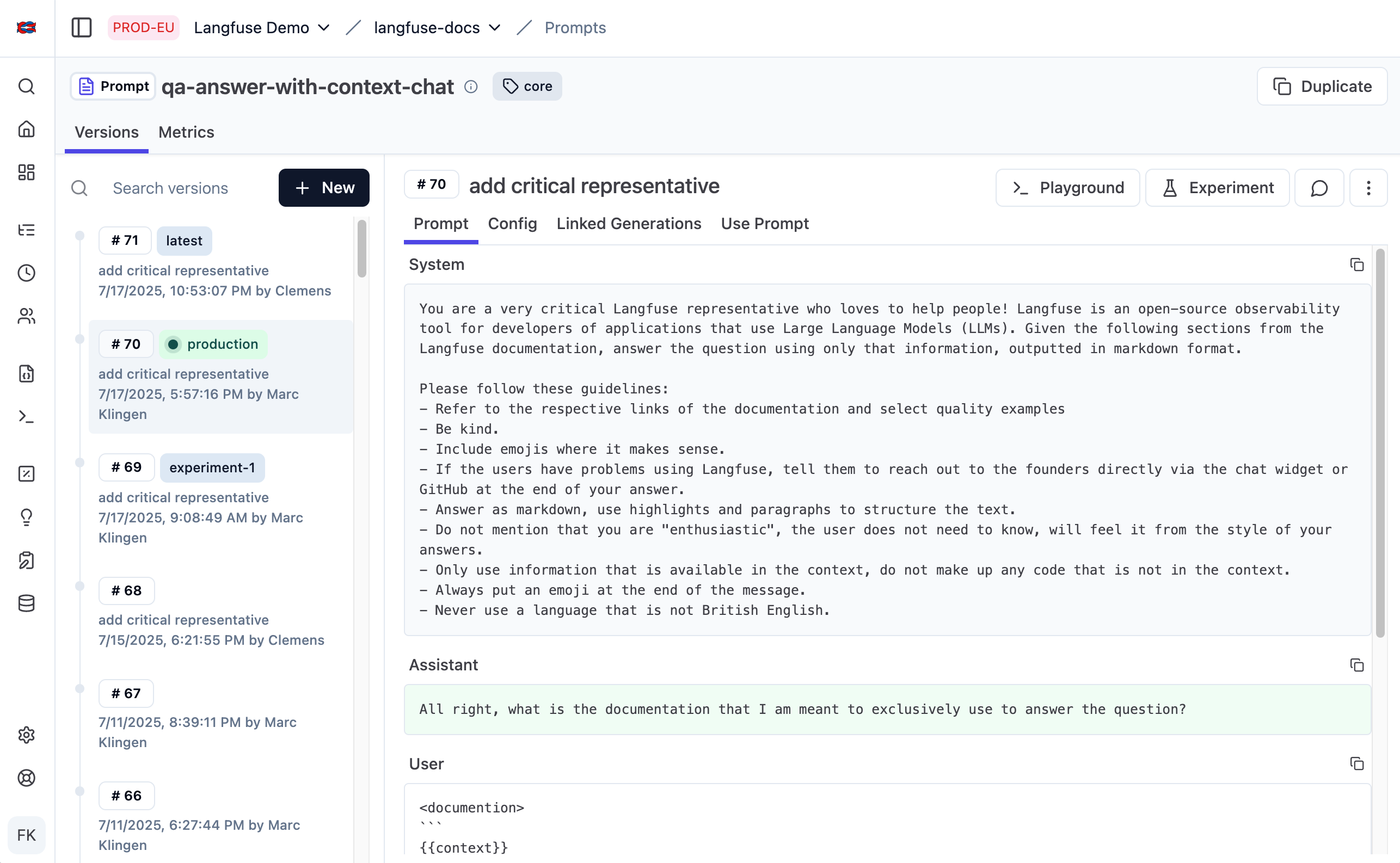
Watch this walkthrough of Langfuse Prompt Management and how to integrate it with your application.
Decouple Prompt Updates from Code Deployment
In most LLM applications, prompt iteration and code deployment are managed by different people. Product managers and domain experts iterate on prompts, while engineers manage deployments.
With prompts in code, a simple text change requires engineering involvement, code review, and a full deployment cycle, turning a 2-minute update into hours or days of waiting.
When prompts live in Langfuse, non-technical team members update them directly in the UI while your application automatically fetches the latest version. This separation of concerns means prompt updates deploy instantly, without needing to involve engineering or triggering a deployment.
No latency, no availability risk
Langfuse Prompt Management adds no latency to your application. Prompts are cached client-side by the SDK, so retrieving them is as fast as reading from memory. See the caching docs page for more details.
Getting started
Start by adding your first prompt to Langfuse, and connecting it to your application. You can either create a prompt from scratch in the UI or import existing prompts from your application.
Take a moment to understand the core concepts: prompt types, versioning, labels, and configuration.
Once you have prompts in Langfuse and are using them in your application, there are a few things you can do to get the most out of Langfuse Prompt Management:
- Link prompts to traces to analyze performance by prompt version
- Use version control and labels to manage deployments across environments
Looking for something specific? Take a look under Features for guides on specific topics.