What are specs?
Specs or specifications are structured artifacts that formalize the development process for complex features in your application. They provide a systematic approach to transform high-level ideas into detailed implementation plans with clear tracking and accountability.
With Kiro's specs, you can:
- Break down requirements into user stories with acceptance criteria
- Build design docs with sequence diagrams and architecture plans
- Track implementation progress across discrete tasks
- Collaborate effectively between product and engineering teams
Quickstart
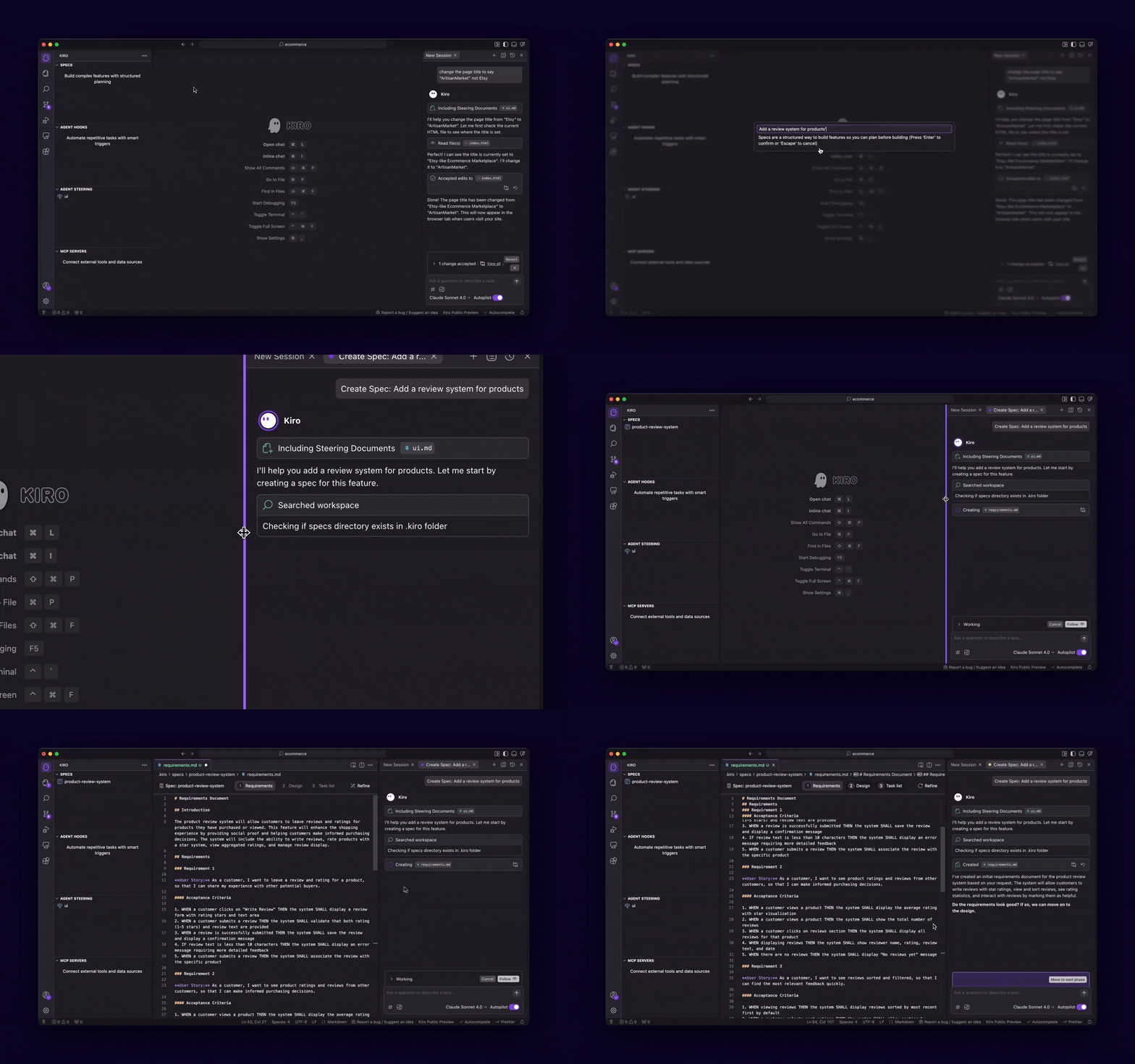
Ready to create your first specification? Here's how to get started:
- From the Kiro pane, click the
+button under Specs. Alternatively, choose Spec from the chat pane. - Describe your project idea.
- Follow the three phase workflow through Requirements → Design → Implementation.
Learn more
Dive deeper into Kiro's specification system with these guides:
Page updated: November 15, 2025
Specs