Close
0%
0%

Keyboard Development Module (QMK-VIA)

RP2040 Modules Board for QMK and VIA Keyboard Software Development

Similar projects worth following
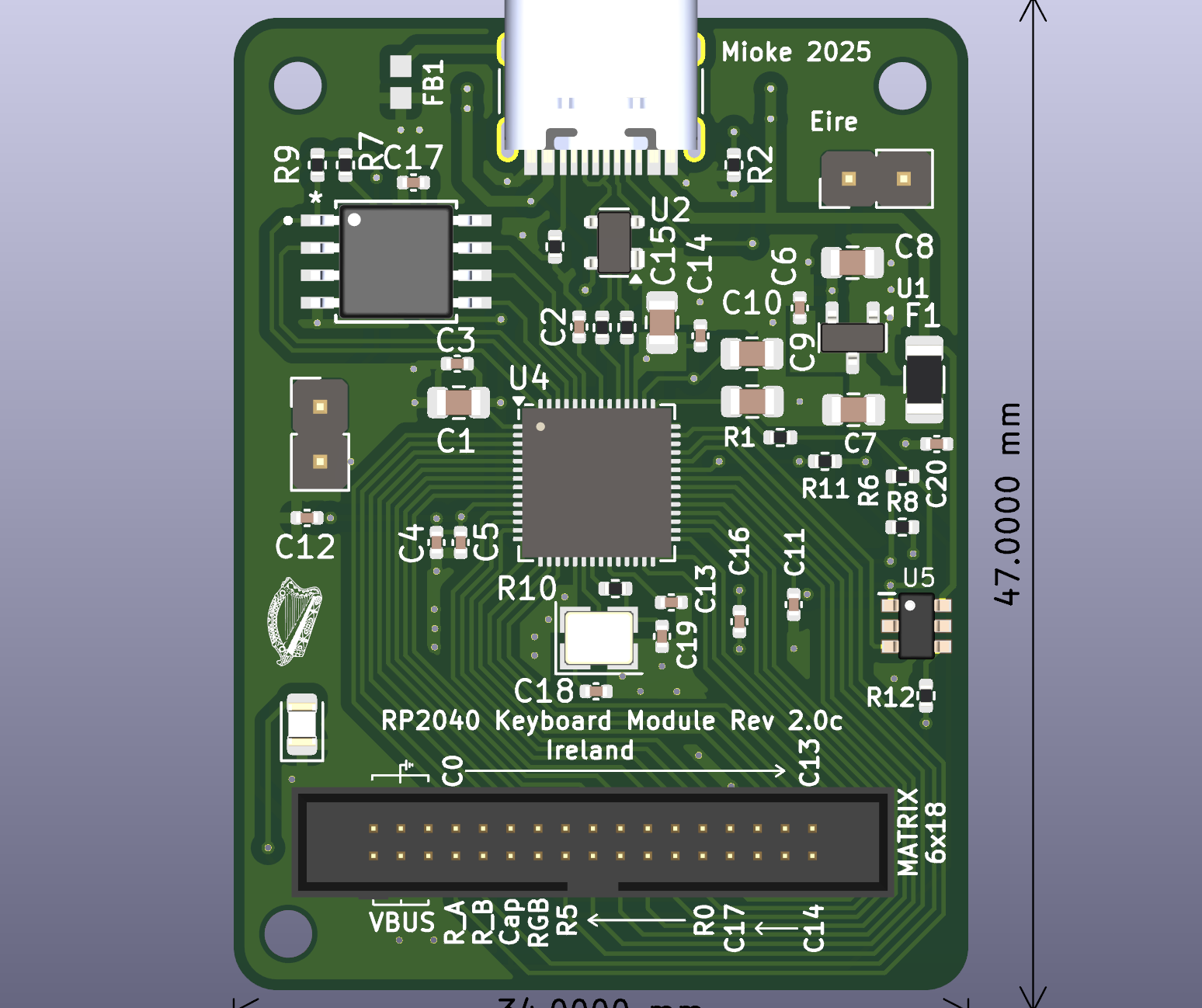
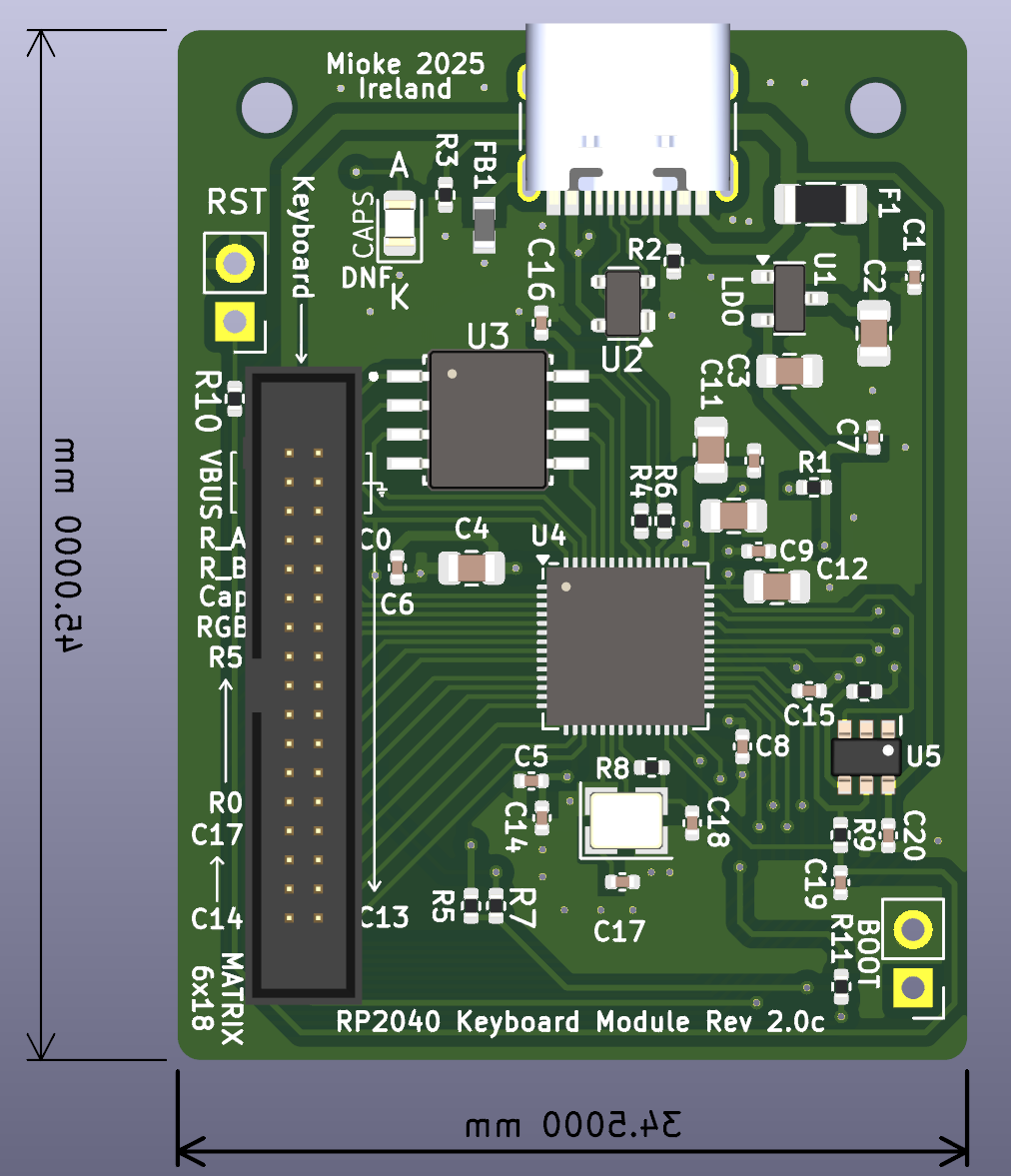
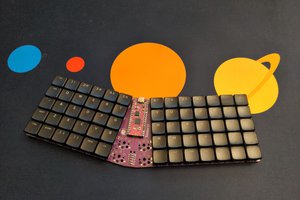
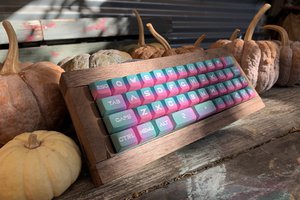
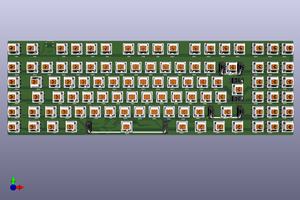
Designed specifically for QMK/VIA keyboard development and based on the the RP2040, this module supports up to 6x17 key Matrix, Rotary Encoder, RGB Leds and Macros.

Current Versions: 17 Dec 2025

Module:  Module34D  Keyboard: EN014

Hardware: Micro, Keys, etc...

Micros: RP2040  (note, STM32F411RETx code for RGB is not complete, use RP2040)

Software Support: QMK/VIA

Switches: MX type hot-swappable

Keys: Up to 119 Keys (including Macro Keys) + Encoder Switch

Rotary Encoder: Volume / RGB.

Code: see my Git Repo.

Prototype  PCB's by: PCBWay

Current Version: D (please use latest version only).

Essential Tools:

  • Kicad version 9, release build...
  • Plugins: Keyboard Layout Editor Placer (saves so much time with layout, a must have).
  • QMK Configurator
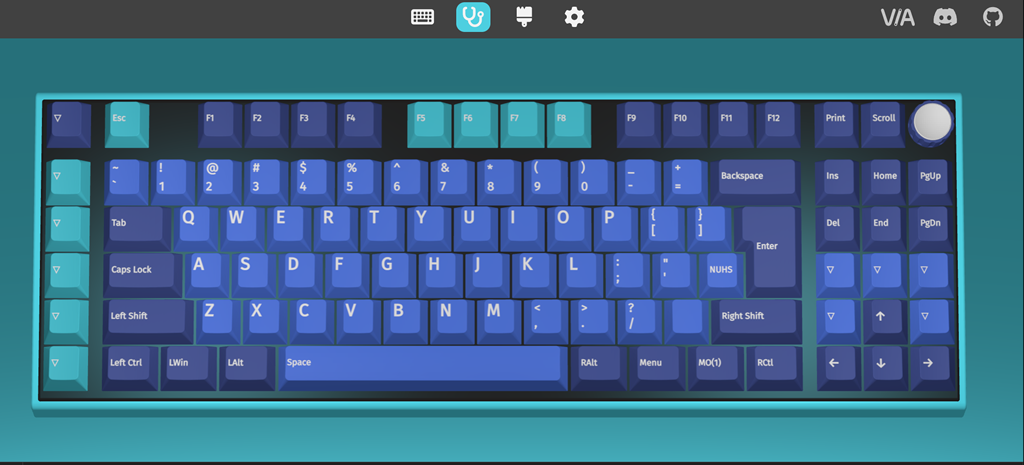
  • usevia.app (Chrome) Web tool to test & edit your keyboard (keys/macros etc.), a must have...
  • Keyboat-Layout-Editor.com (Web tool to design/edit/save your Keyboard Layout)...

Other references:

See GitHub Kicad files and Code...

Added a 3d printed case (in two parts), tweaking before uploading. It has a section to hold the module board secure and should be the most economical solution. Files for a FR4 plate are also available, they should cost about €5 but you can also print the plate as I did for the first prototype.

Please check the plate file in Kicad as I may have mixed these up, make sure the switch cut out and rotary encoder are for the appropriate PCB.

PCBWay produced five fully assembled (minus the 34 pin connector) PCB's, each costing under $20 (price includes the missing connector but you have to solder it yourself). At 1.27mm pitch, soldering requires a steady hand ;)

I should have a few to give away to anyone interested in building their own keyboard, keypad or macro key project and if there is interest, I might build a few more, otherwise you are free to use this material and build your own as this project is fully opensource...

Mike
stm32_64pin_dev_board.kicad_pcb_bom.csv

Current BOM (may change)...

Comma-Separated Values - 2.54 kB - 12/26/2024 at 14:39

Download

  • Version D

    Michael O'Toolea day ago 0 comments

    In version C, the IDC connector had to be mounted to bottom of PCB (I screwed up the orientation)...It work perfectly but I would prefer all components on the same side (aesthetic/logical), so to Version D...

    The new board is in production over at PCBWay, once complete I will run some tests and if everything goes well, I will have three to give away...

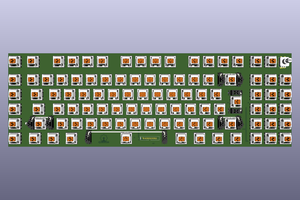
    As to a keyboard, you can use my Basic Keyboard design (hand assembled, just need PCB and parts), or you can design your own, be it a keypad, macro pad or full sized keyboard... 

    The important point is you don't have to design the logic, just use the Keyboard Module and you are QMK/VIA ready.

    See my git for example code here: EN14

    Mike

  • Keyboad (EN014) Test Results

    Michael O'Toole06/24/2025 at 13:13 0 comments

    Just completed tests with latest (and last) basic Keyboard (EN014) using my Keyboard Development Module version 2.0 and everything worked perfectly including the RGB.  

    The EN014 Keyboard differs only in the 1) position of rotary encoder moved to left of the Print key allowing for 2) better spacing of function keys and 3) moving of the Caps Lock Led to top side of PCB (beside the caps lock key).

    The EN014 board was tested with version 2.0 of the keyboard development module (34 pin connector), basically both boards and the code were validates, as was the new keyboard plate...

    Mike

  • Adapter Board

    Michael O'Toole03/21/2025 at 08:33 0 comments

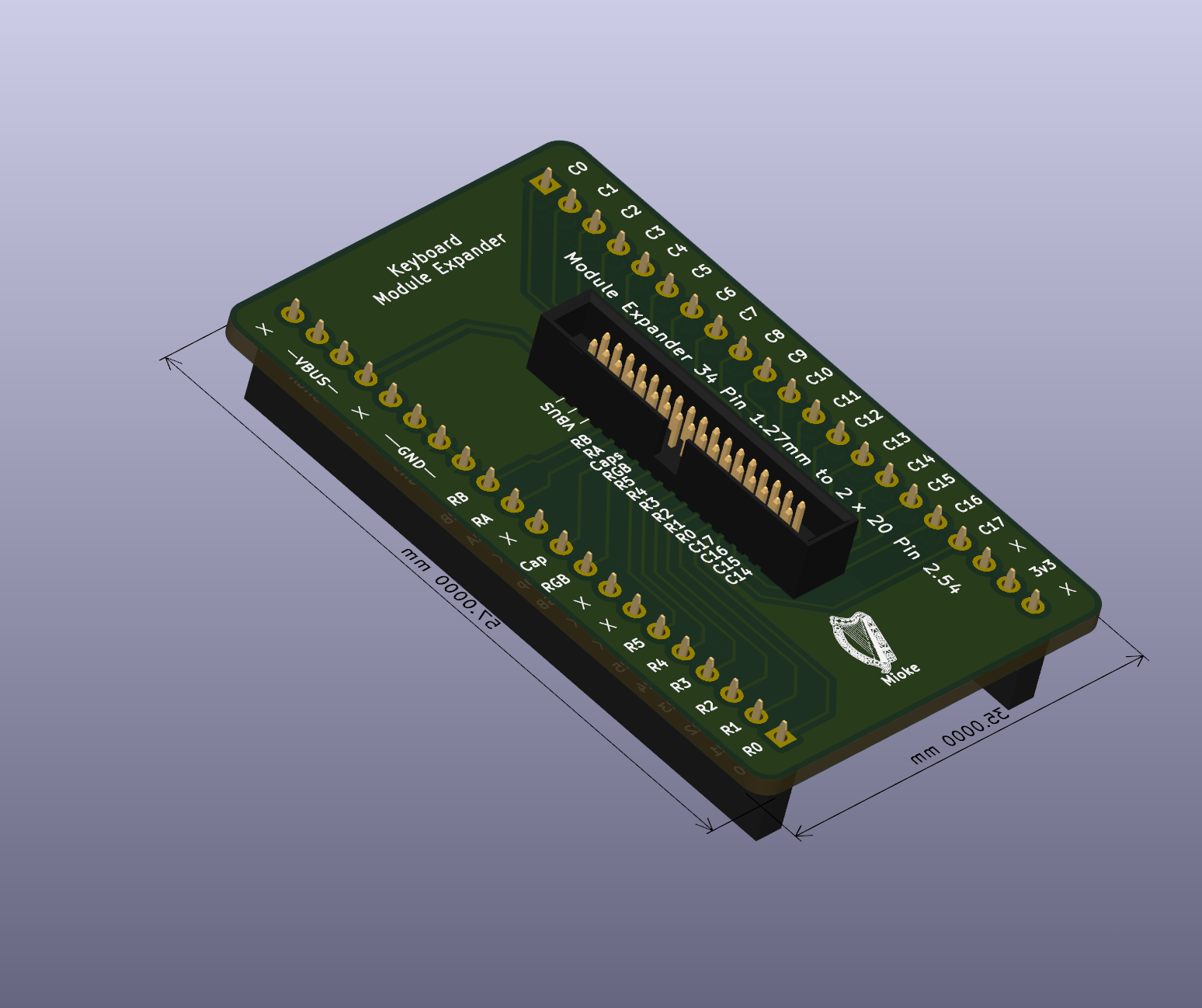
    Testing the Module with the 34 pins 1.27mm connector is almost impossible so I added an adapter board.

    This board is breadboard friendly if you use pin headers, with pin sockets you can use common 2.54mm jumpers. Note, this adapter is for modules with the 34 pin connector...

    The development board is fine for testing code and now you can check button action with the extender. Once your happy, you can plug it into one of the basic keyboard with the 34 pin socket in the project and you have a QMK/VIA keyboard with macros and RGB...

    Gerber Files

  • Status

    Michael O'Toole03/20/2025 at 22:20 0 comments

    To date I have designed three version of the Keyboard Development Module, each having slight updates.

    The first provided four test RGB leds and used a 30 pin connector and a three pin connector for the RGB, the second removed the RGB leds, simplified the Boot, Reset switches and changed to a single 34 pin 1.27mm connector.

    The third and last version, is identical to the second but changes the position of the connector making connection to the basic keyboard easier and more natural.

    All three modules work perfectly for developing and testing QMK/VIA code but once you are finished your code development, I want to be able to use them on the actual keyboard. To this end I provide several basis keyboards containing all the necessary parts allowing connection to one of the modules.

    Note, I've only tested the first two modules as the final design has not yet arrived but as it only relocates the connector I don't see any problems.

    The final version pictured below.

    It appears to be more cost effective to use a module as opposed to building a keyboard including the full electronics from the beginning. 

    You can hand assemble the keyboard as all components are pretty easy to hand solder and getting the modules fully assembled is cost effective, less than €20 and the keyboard is about €10. The FR4 Plate cost about €5 (all prices are less shipping).

    Note, I used both JLCPCB (Keyboard & Plate) and PCB Way (Assembled Modules) as they offer better prices depending on size, assembled etc...

    With a full 3d printed case, the full cost for a keyboard should be less than €45, mind you, you have to purchase a minimum of five boards and pay for shipping... ideally you could get five friends to join in.

  • Schematic

    Michael O'Toole02/24/2025 at 17:43 0 comments

    Preliminary, quick reference schematic image (Kicad files can be found on my github ).

    Same for all versions, more or less...

  • Final Design Module PCB (Module34C)

    Michael O'Toole02/21/2025 at 14:34 0 comments

    The original module with the built in RGB test Leds is perfect for developing code but the two different connectors aren't really necessary if after the development you then use it to control/make an actual keyboard.

    I have upgraded the module to use a single 34 pin connector and replaced the two switches with pin headers. The extra pins also allow adequate current for the RGB Leds, considering your PC's USB supplies 2 Amps Max @ 5V.

    In tests at full brightness, the keyboard draws just under 1.2 Amps from the USB. Each pin on the connector is rated at about 1 Amp (we now use 3 pins for supply and ground). 

    There are two major advantage to using a Module and Basic (bare-bones) Keyboard as apposed to getting a fully assembled keyboard...

    1. Reduced Costs as Keyboard can be assembled by hand (parts are easy enough to solder)...
    2. The fully assembled Module is relatively inexpensive, hand assembly would be very difficult...

  • RP2040 Keyboard Development Module and Basic Keyboard Test Results

    Michael O'Toole02/13/2025 at 15:32 0 comments

    As the new Basic Keyboard PCB arrived I set about testing it with the Keyboard Development Module (RP2040version), and I can report a complete success, both worked perfectly...

    1. Tested current Software ✓
    2. The new "Basic Keyboard PCB" ✓ (change code to reverse volume up/down)...
    3. RP2040 Development Module ✓
    4. Keyboard Functionality ✓
    5. Macros ✓
    6. RGB ✓ (need to edit code to change RGB position)...

    I tested the basic keyboard functionality with various programs and VIA support on the usevia web site...

  • Another Dev Module

    Michael O'Toole02/11/2025 at 00:09 0 comments

    Base on Minimal Design Example REV2 on raspberrypi.com

    I added USB-C and 30 pin keyboard to attach to my basic keyboard PCB.

    What can I say, I like tinkering ... :)

  • New ISO Layout

    Michael O'Toole01/27/2025 at 15:23 0 comments

    Testing the new RP2040 Module in usevia.app

    Note, encoder in now on the  right, it replaces the pause keyboard button as it is never used...

  • RP2040 Keyboard Development Module

    Michael O'Toole01/25/2025 at 17:52 0 comments

    Assembled boards arrived today (from PCBWay). A quick test reveals I didn't screw up as they worked perfectly, including the RGB.

    The 2040 having more available GPIO's simplifies the design process and with the driver:vendor option RGB is a breeze and the flashing is easy with drag and drop, definitely the way to go for your first keyboard project.

    One thing for certain, without a microscope or camera with zoom, hand soldering these tiny devices would be a major challenge for anyone and not recommended for your average hobbyist or old engineers like me.

    The cost of 5 boards (3 completely assembled and 2 empty), including courier amounted to $87.34. That's about $22 per assembled board which is as good as it gets... I should have got all the boards assembled, I will in future.

    Next Step:

    It would be tempting to just add the electronics from the dev board to the main keyboard PCB and call it a day, but as I now have 3 perfectly good RP2040 Keyboard Modules, I think I go with a basic keyboard PCB, that is a board with only the switches, diodes, RGB leds and the 30 pin connector. This also has the advantage of being able to repurpose it for use with other modules.

    There is no difficulty in hand assembling the bare-bones board as the diodes, hot-swappable connectors and RGB are easy enough to hand solder, thereby reducing the overall cost.

View all 17 project logs

Enjoy this project?

Share

Discussions

Similar Projects

Does this project spark your interest?

Become a member to follow this project and never miss any updates