Semantic JSX layout components for react-native
This library contains multiple easy-to-use react-native layout components which brings more semantic into your JSX code.
- It contains really simple flex-based layout modules like
npm install react-native-layout --save Developing apps with react-native is great. But sometimes the JSX markup loses its simplicity with a growing number of components and view elements. Especially when you extracts and imports the stylesheets from an external file.
Load any of the layout components you would like.
var NativeLayout = require('react-native-layout'); var { BorderLayout, Center, Footer, Header, Fill, LinearLayout, HorizontalLinearLayout, VerticalLinearLayout, } = NativeLayout; var { FillLayout, Top, Left, Right, Bottom } = BorderLayout;Or using ES6 modules and destructuring..
import NativeLayout, { BorderLayout, Center, Footer, Header, Fill, LinearLayout, HorizontalLinearLayout, VerticalLinearLayout } from 'react-native-layout'; const { FillLayout, Top, Left, Right, Bottom } = BorderLayout;Then use them as shown below...
Checkout the examples folder!
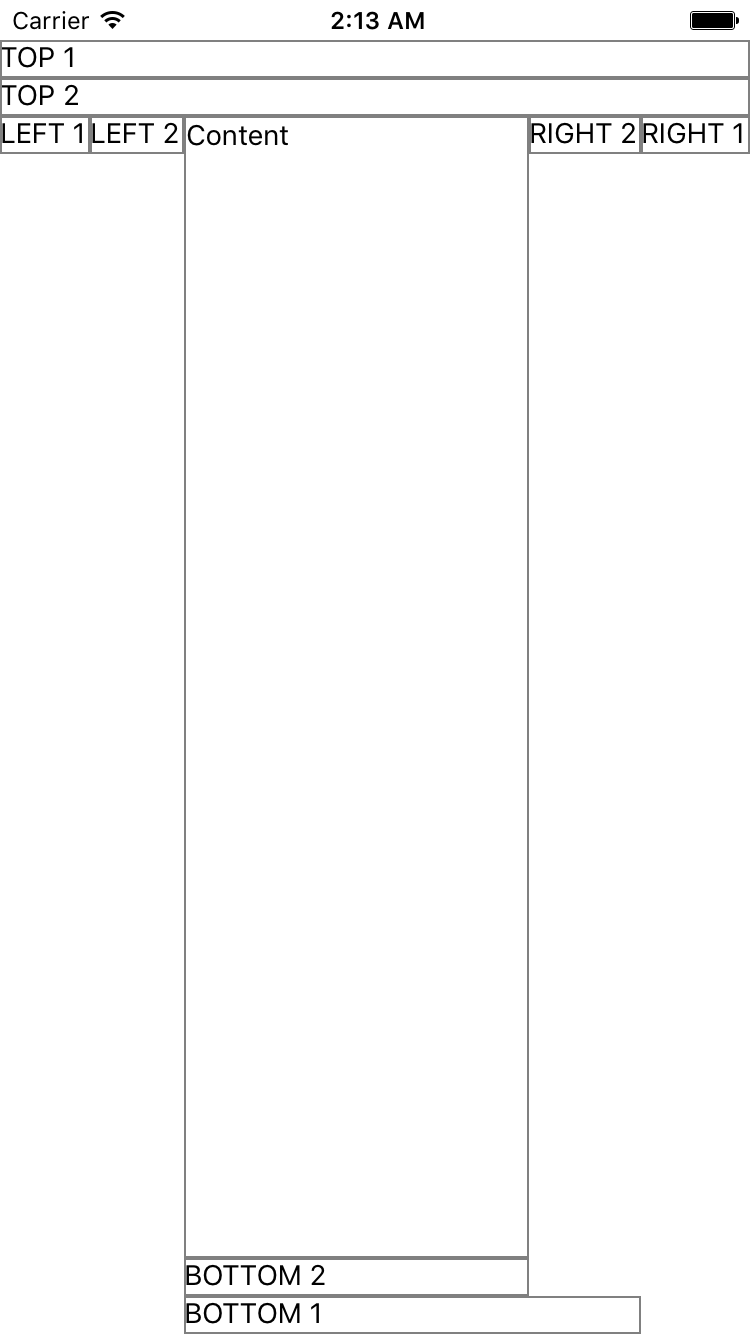
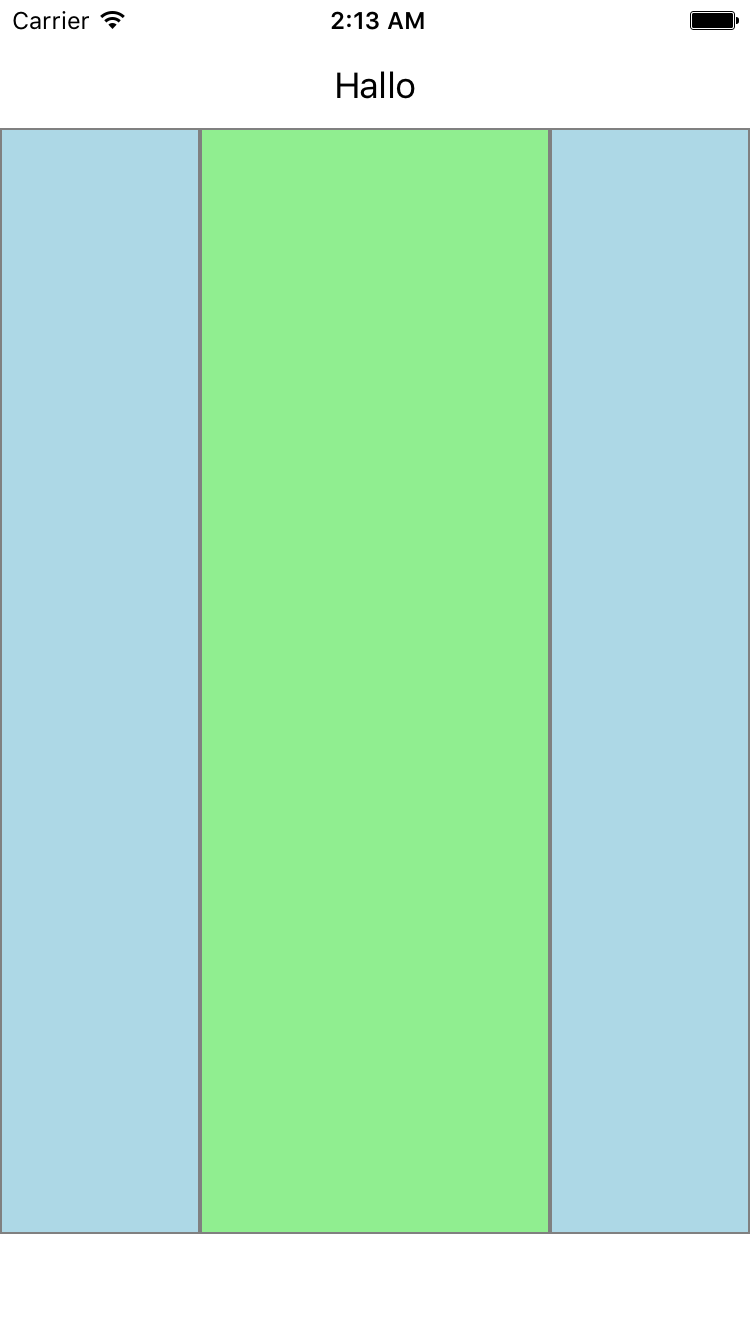
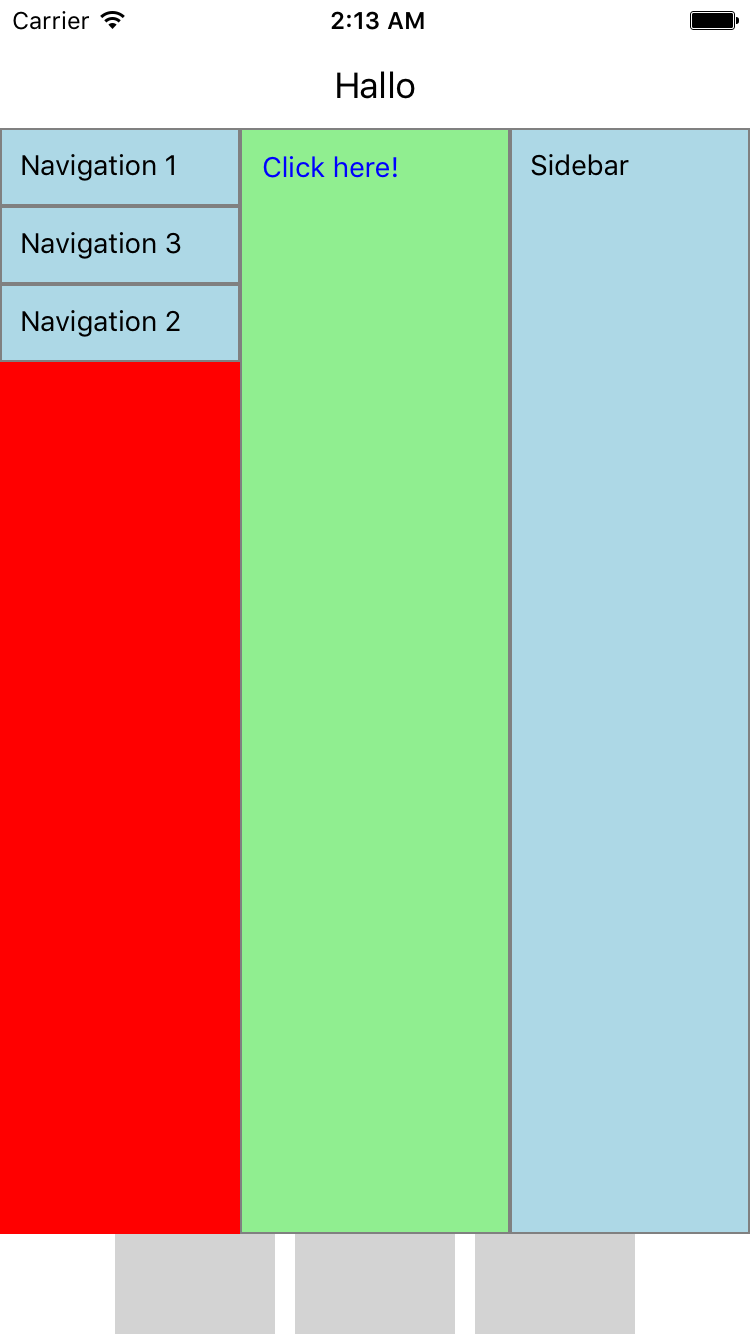
Instead of:
<View style={{ flex: 1, alignItems: 'center', justifyContent: 'center' }}> <Text>Center Content</Text> </View>Write:
<Center> <Text>Center Content</Text> </Center>Instead of:
<View style={{ flex: 1 }}> <View><Text>Header</Text></View> <View style={{ flex: 1 }}><Text>Content</Text></View> <View><Text>Footer</Text></View> </View>You could write:
<FillLayout> <Top><Text>Header</Text></Top> <Bottom><TextFooter</Text></Bottom> <View><Text>Content</Text></View> </FillLayout>